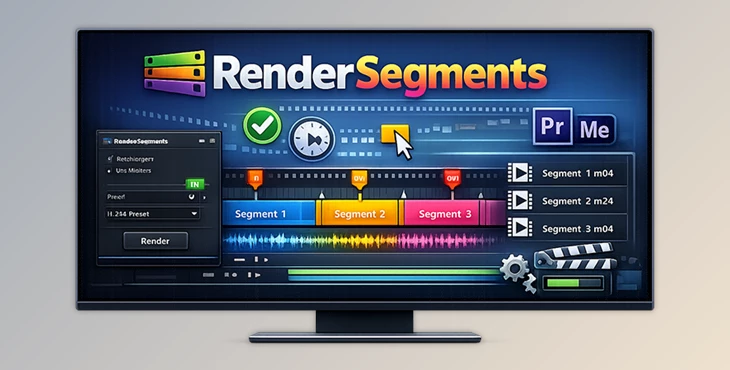
Downloadable Files
You can download RenderSegments for free from the end of this product page and try it before purchasing.
Faster Exports Without the Headache
If you’ve ever worked on a project with dozens of short clips, highlights, or social media cuts, you know how painful exporting them one by one can be. RenderSegments was built to solve exactly that problem.
Instead of manually setting in and out points for every export, this tool lets you use markers to define what should be rendered. Simple, smart, and incredibly time-saving — it’s one of those tools you didn’t know you needed until you try it.
What Is RenderSegments and What Can You Do With It?
RenderSegments is a Premiere Pro extension that automates batch exporting by using timeline markers as render regions.
How It Works
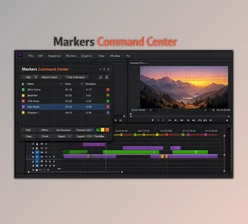
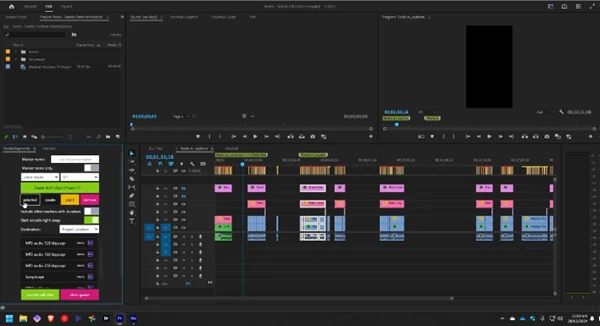
You place markers at specific points in your timeline — or use markers you already have — and RenderSegments turns those marker ranges into individual export jobs. Each segment is rendered automatically through Adobe Media Encoder using your own presets.
Real-World Use Cases
Exporting multiple social media clips from one long video
Rendering interview answers as separate files
Creating highlight reels from long recordings
Delivering multiple versions of a project in one go
By removing repetitive manual steps, RenderSegments helps you focus more on editing and storytelling — not clicking export buttons all day.
Meet RenderSegments – A Professional Workflow Booster
RenderSegments is designed for editors who value speed, accuracy, and flexibility. It works seamlessly with Premiere Pro and Adobe Media Encoder, fitting naturally into existing workflows.
Features
Unlimited Batch Renders
Create as many export segments as you want using marker in-points and out-points.Marker Utilities
Create, remove, and adjust markers directly inside the extension for precise control.Use Your Own Media Encoder Presets
Apply your favorite export settings instantly — no need to rebuild presets.Works With Existing Markers
Use markers from other tools or Frame.io — not limited to RenderSegments-only markers.Multiple Workflow Modes
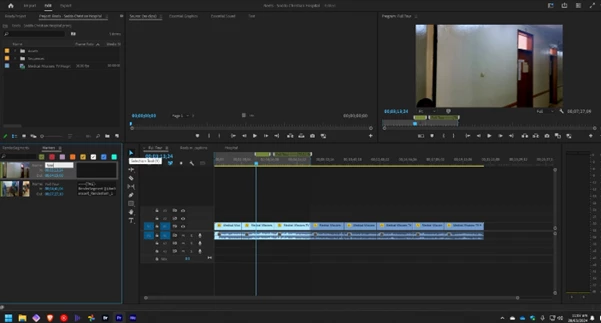
Generate markers from selections, detected cuts, or targeted tracks with ease.
Real Project Impact
Editors working on fast-turnaround content like YouTube, Instagram Reels, or client previews can reduce export time from hours to minutes — without sacrificing consistency or quality.
Pro Tips & Smart Techniques
Name Your Markers Clearly
Marker names can help you stay organized when exporting many clips at once.Reuse Encoder Presets
Save different presets for social, broadcast, or client delivery to stay consistent.Combine With Cut Detection
Use detected cuts to instantly create markers for rapid batch exports.Test With the Free Trial
The 10-day free trial is perfect for integrating RenderSegments into your workflow before committing.
These small habits can make your exports cleaner, faster, and more professional — even if you’re not a power user.
Small Tool, Big Time Saver
RenderSegments isn’t about flashy effects or complicated setups. It’s about working smarter, reducing repetitive tasks, and giving editors back their time.
If your projects involve multiple deliverables, short clips, or segmented exports, this tool can quietly become one of the most valuable parts of your Premiere Pro setup. Try it, experiment with markers, and see how much smoother exporting can be.
Sometimes, the best tools are the ones that simply get out of your way — and RenderSegments does exactly that.

Files Password : gfxplugin.com OR 123456