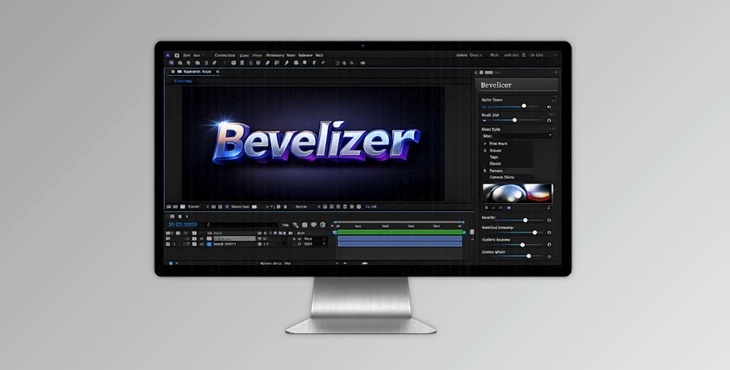
Downloadable Files
You can download Bevelizer for free from the bottom of this page.
A Friendly First Look at Bevelizer
Have you ever looked at flat text or simple vector shapes in After Effects and felt they were missing something? A bit of depth, maybe a touch of realism? Bevelizer is designed exactly for that moment.
It turns ordinary 2D shapes into stunning 3D-style beveled surfaces — in real time, directly inside After Effects, and powered by your GPU. The result feels instant, smooth, and surprisingly fun to explore.
What Is Bevelizer and Why Does It Matter?
At its core, Bevelizer is a chamfer (bevel) creation plugin. In simple terms, it detects the edges of your text, shapes, or logos and gives them depth, highlights, and shadows — just like real 3D objects.
Where It Shines in Real Projects
- Text animations: Instantly turn flat typography into bold, dimensional titles.
- Logos and icons: Add premium depth without leaving After Effects.
- Motion graphics: Animate bevel height and lighting for eye-catching transitions.
These features improve your results because they remove the need for external 3D software while still delivering professional lighting and material quality.
A Professional Plugin That Feels Effortless
Bevelizer is available on aescripts + aeplugins and works with After Effects CC 2015.3 and newer. It focuses on speed, quality, and creative control — without slowing down your workflow.
Features
CUDA and Metal acceleration deliver up to 60fps at Full HD, keeping everything responsive while you experiment. Advanced Edge Detection
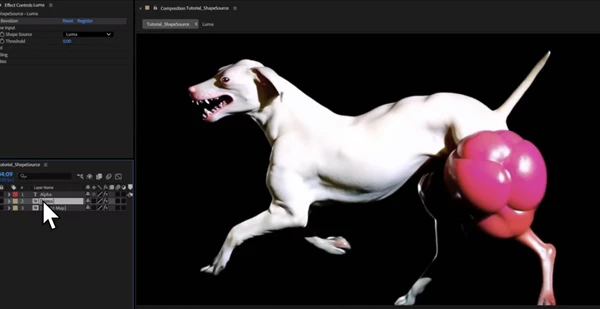
- Luma: Perfect for video footage and brightness-based shapes.
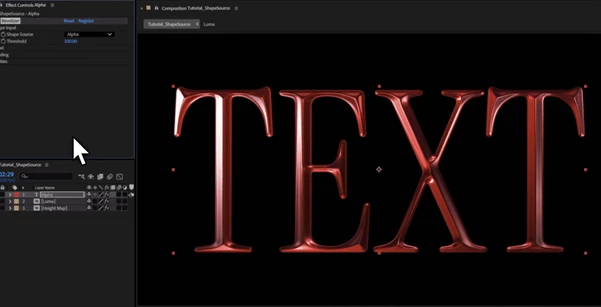
- Alpha: Ideal for text, vectors, and logos with clean transparency.
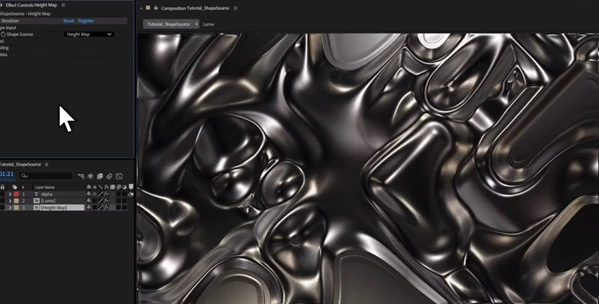
- Height Map: Uses luminance as depth data for displacement-style effects.
Custom Bevel Control
- Adjustable bevel size and smoothness.
- Bevel height from -100 to +100 for inset or raised looks.
- A built-in Bezier curve editor with up to 16 control points for precise profiles.
82 Professional Matcaps
Organized into categories like Metallic, Plastic, Matte, Crystals, and Stylized — instantly changing the material feel of your design. Fully Animatable
Every parameter can be keyframed, making it perfect for dynamic motion graphics.
Pro Tips for Better Results
- Use Alpha mode for text and logos to keep edges clean and sharp.
- Apply subtle bevel heights — realism often comes from restraint.
- Slightly rotate the environment map to add natural light variation.
- Combine Custom Bevel Curves with animation for organic motion.
- Try Randomize (Smart Jitter) when you’re stuck — it’s a great creativity booster.
These tips are easy to apply and make your work feel more polished and intentional.
Final Thoughts: Depth That Feels Natural, Not Forced
Bevelizer isn't exactly flashy or transformative; it adds depth and quality to your design work. If you have fun experimenting with motion graphics, text animation, and logo reveals, Bevelizer is worth the time. Adding some depth might just be what your work needs!

Files Password : gfxplugin.com OR 123456