Downloadable Files
You can download Bone & Weight Splitter for free at the bottom of this page.
Faster Rigging, Cleaner Weights, Better Deformations
The process of working with Blender, especially when utilizing character models, can be technical and time-consuming. Often, the more technical phase is rigging and weight painting. To make rigging easier, Bone & Weight Splitter was created to enable artists to rig their character models in a cleaner, faster, and more enjoyable manner.
What Is Bone & Weight Splitter and What Does It Do?
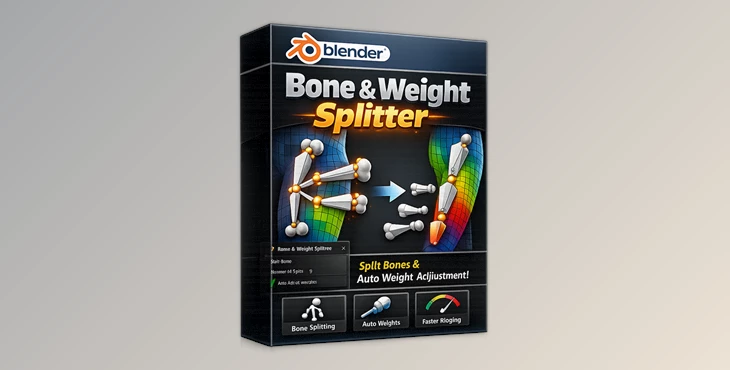
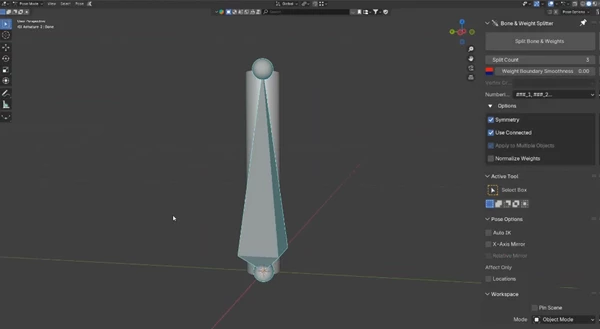
This addon splits a bone into multiple, smaller bones and combines the weights so that the subdivision of the bone does not impact the mesh’s deformation.
Why This Improves Your Workflow
- Smoother deformation of rigged objects
- Less manual work for the rigger
- More precision in controlling the segmentation
Practical Use Cases
- Rigging flexible character spines and tails
- Rigging joints in elbows and knees
- Rigging joints in the shoulders and wrists
- Smooth, natural motion for facial
- Secondary motion on characters
Higher-quality animation – more believable character movement!
Meet Bone & Weight Splitter – A Professional Blender Addon
Bone & Weight Splitter integrates seamlessly into Blender and adapts to your existing workflows!
Features
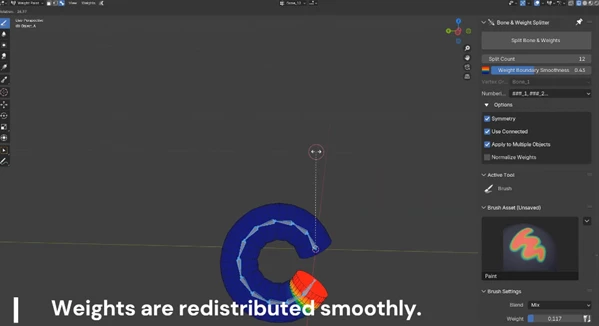
- Automatic Bone and Weight Splitting: Split selected bones into any number of segments while automatically redistributing vertex weights.
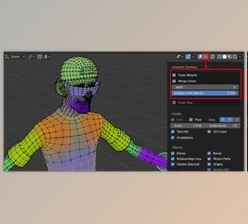
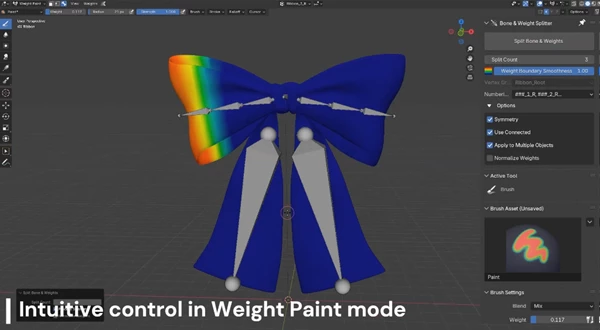
- Smooth Weight Transitions with Preview: Adjust the smoothness of weight boundaries and preview gradient transitions before applying them.
- Smart Armature Detection: Select a mesh and vertex group—the addon automatically detects the correct armature and aligns weights accurately.
- Flexible Numbering & Symmetry Support: Automatically detects mirrored bones and keeps naming and numbering consistent across both sides.
- Intuitive Workflow in Weight Paint Mode: Split bones and adjust weights directly while weight painting, without switching modes.
- Multi-Object Processing: Apply bone splitting and weight changes across multiple meshes at the same time for unified results.
- Compatible Across All Major Blender Modes: Works smoothly in Object Mode, Edit Mode, Pose Mode, and Weight Paint Mode.
Real-World Impact
Artists use Bone & Weight Splitter to speed up character setup, refine deformation quality, and maintain clean, organized rigs—even in complex projects.
Pro Tips for Better Results
- Use more segments on areas that bend frequently, like spines or tails.
- Preview weight gradients before applying changes to avoid over-smoothing.
- Combine the addon with Blender’s symmetry tools for perfectly mirrored rigs.
- Start with clean vertex groups for the best automatic results.
Final Thoughts
Another addon that can get rid of a lot of those repetitive tasks is Bone & Weight Splitter, which automates a lot of the bone splitting and weight redistribution tasks that artists would otherwise be performing manually. If you’re keen on improving your rigging process, give Bone & Weight Splitter a shot. A few minutes with this addon will dramatically improve your Blender experience.

Files Password : gfxplugin.com OR 123456