Downloadable Files
You can download Attachify Pro for free from the bottom of this page and start exploring its powerful features right away.
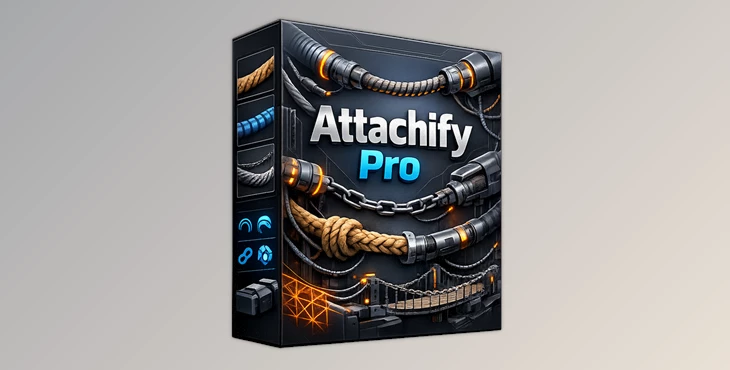
Blender – Attachify Pro | Turning Connections into Creative Power
When it comes to creating dynamic connections between objects in Blender, it is not always the easiest thing to do. However, with the right add-on and tools, it's possible to foster curiosity and make the process fun, allowing you to become instantly immersed.
A Tool for Creating Dynamic Connections Between Objects
Attachify Pro is an add-on that allows for the creation of dynamic curves and physical connections between objects using simple hotkeys and geometric nodes. However, what does this all mean, and why is it important for those who use Blender? Here’s a guide to introducing you to this intriguing new tool. Instead of manually modeling or struggling with modifiers, you can:
- Press J to generate dynamic curves that smoothly connect objects.
- Press Y to draw wrapping lines directly over your meshes.
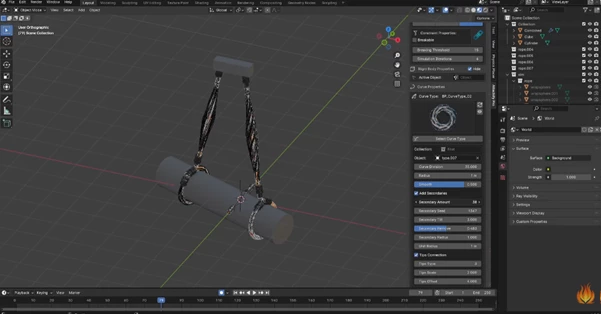
- Instantly assign advanced curve profiles like ropes, chains, plants, or sci-fi cables.
These features improve results because they:
- Keep curves responsive and editable.
- Reduce manual modeling errors.
- Make scenes feel more alive and physically believable.
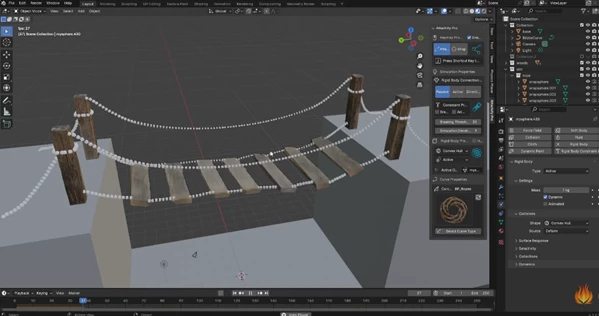
Think of building cables in a sci-fi corridor, vines growing over ruins, or suspension lines on a bridge—this makes these scenarios visual, fast, and controllable.
Meet the Tool: Attachify Pro in Action
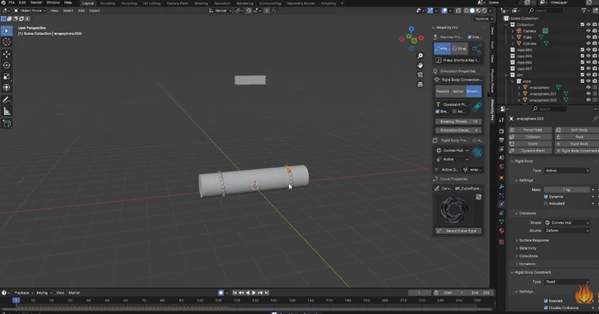
Attachify Pro is an artist plugin designed for creating complex connections and simulations inside a digital environment. This tool allows for designing complex simulations with passive or active rigid bodies connected by curves that simulate various physical or abstract interactions.
Features
- The ability to create dynamic curves by pressing J over an object
- The ability to draw lines that wrap around objects using the Y key
- 25+ different curve types, including ropes, plants, chains, and sci-fi curve designs, with options to customize the curves
- A wide range of applications, with features to hide or reveal simulations or build bridges and structures
This is perfect for artists working on environments, graphics, and visual art.
Pro Tips for Better Results
- Mix Different Curves
- Randomize Some of the Curves
- Hide Simulations While Adjusting Curve Attachments
- This Works Well with Geometry Nodes Materials
Final Thoughts: A Tool That Connects More Than Objects
Attachify Pro is much more than a curve attachment tool. It is a powerful speed booster that makes your scenes look better and lets you get on with creative work instead of feeling stuck on technical obstacles. If you like intuitive, powerful, artist-friendly tools, Attachify Pro is worth exploring. Play with the features and see how it makes your scenes even more expressive.

Files Password : gfxplugin.com OR 123456