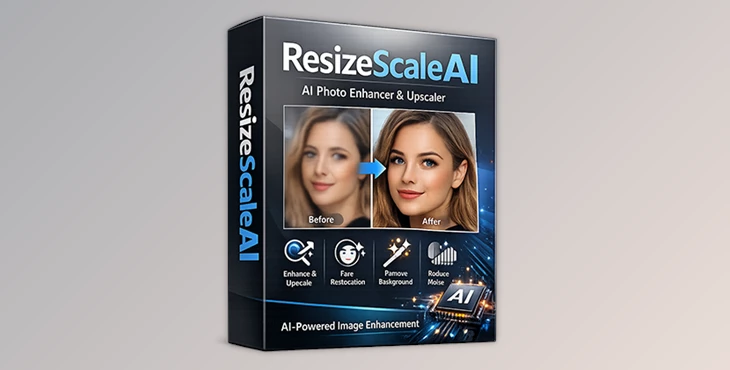
Downloadable Files
You can download CodePro AP ResizeScaleAI for free from the end of this page
A Smart Way to Enhance Photos Without Risk
Have you ever looked at a photo and wished you could see it more clearly? Maybe it’s an old image that’s blurry or of low quality? Then, CodePro AP ResizeScaleAI is for you!
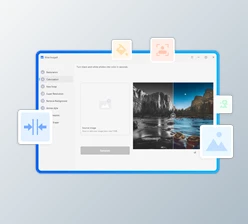
This AI-based image upscaling and enhancement tool can increase the quality of your photos. How? It utilizes AI technology to upscale the resolution of your images and improve the quality. This smart tool enhances your photos while still protecting your data privacy.
What Is ResizeScaleAI and Why Does It Matter?
At its core, CodePro AP ResizeScaleAI is an offline AI image enhancement application that intelligently increases image resolution and restores lost details.
Real-World Applications You Can Visualize
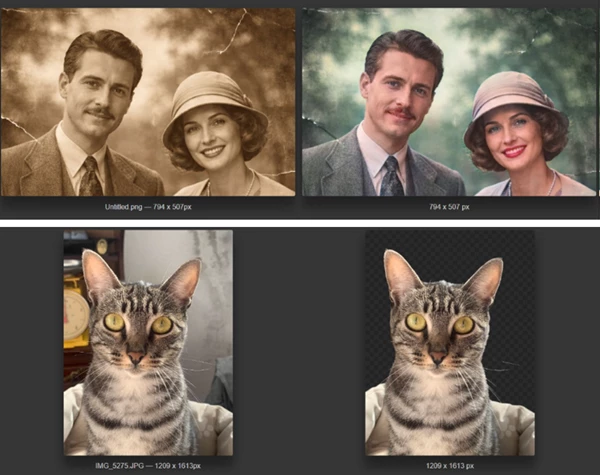
Restoring old family photos: Bring back facial details that time has erased.
Enhancing professional images: Improve sharpness for marketing, design, or presentations.
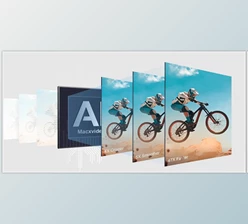
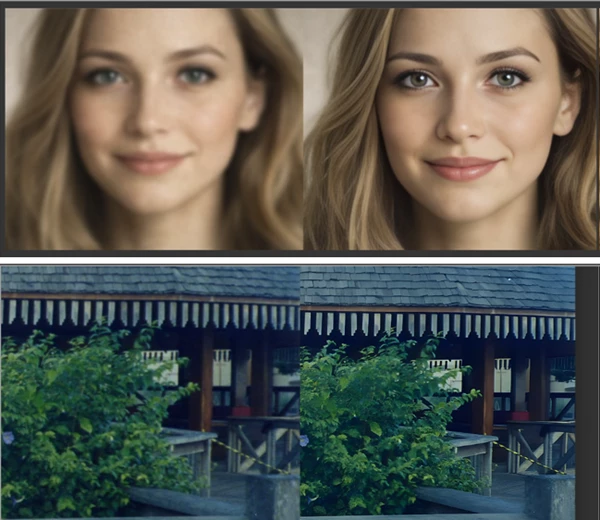
Fixing low-resolution images: Upscale photos to 4K or even 8K while preserving texture.
Preparing images for print: Clean, sharp visuals always look more professional.
These features work because the AI models analyze textures, edges, and facial structures instead of simply stretching pixels — resulting in images that look natural and realistic.
Meet the Professional Tool: CodePro AP ResizeScaleAI
CodePro AP ResizeScaleAI is available exclusively through the Microsoft Store, ensuring system security and software integrity. Everything runs locally on your PC, meaning no cloud uploads and no hidden risks.
🔹 Features
AI Upscaling to 4K & 8K
Increase resolution with advanced AI algorithms while preserving fine details.Old Photo Colorization & Restoration
Revive faded, damaged, or black-and-white photos.Automatic Background Removal
Accurately separate subjects from backgrounds in both close-up and distant shots.Add or Replace Backgrounds
Easily customize visuals for creative or professional use.AI Color Correction
Automatically balance colors and contrast for better visual impact.Facial Restoration (GFPGAN)
Rebuild facial features naturally while keeping identity and realism intact.Offline Processing
No internet needed after installation — fast, secure, and private.Multi-Format Support
PNG, JPEG, BMP, WEBP, and ICO.Fast Performance
Results in seconds, depending on your hardware.
These features are especially useful for photographers, designers, content creators, and everyday users who want reliable results without complexity.
Get the Best Results Every Time
- Start with moderate enhancement levels for natural results.
- Use facial restoration only for portraits, not landscapes.
- Combine background removal with background blur for a professional look.
- Upscale first, then apply sharpness.
- Check hardware recommendations for optimal performance.
With these tips in mind, you’ll always get polished results without needing advanced editing skills.
A Tool That Respects Your Images and Your Data
CodePro AP ResizeScaleAI offers a great way to enhance your images by using cutting-edge technology in a simple package. It’s available right now through the Microsoft Store for Windows 10 and 11 users alike. No internet connection needed after installation!
Don’t Miss Out On Improving Your Images Today!
Please give this fantastic tool a try and explore its amazing features. You can find it in the Microsoft Store!