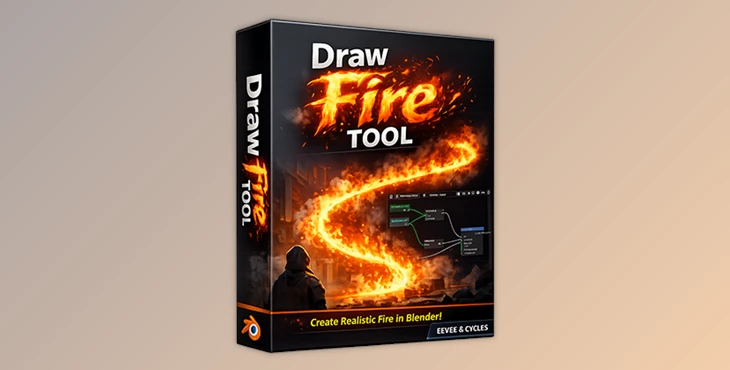
Downloadable Files
You can download the Draw Fire Tool for free at the end of this page.
🔥 Light Up Your Scene Instantly
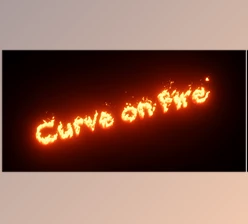
Imagine painting fire along a curve and it comes alive! Looks amazing? Well, it is! The Draw Fire Tool for Blender gives you instant real-time fire along your curves without requiring simulation. This is for the artist in a hurry and one who loves control.
💡 What is Draw Fire Tool?
The Draw Fire Tool is a real-time fire tool for Blender that lets you instance fire along a curve in no time.
- Easy to understand: You draw a curve, set a few parameters, and play with a curve with fire.
- Where you can use this:
- To make it look like something like an Epic Sword is flying through the air, as fire follows it, trailing behind.
- You can create torches, spells, or other sci-fi devices with epic-looking fire.
- You can visualize fire in your scenes or animation without digging deep into simulation.
This all provides you with a nice touch when doing a project without wasting time simulating the fire.
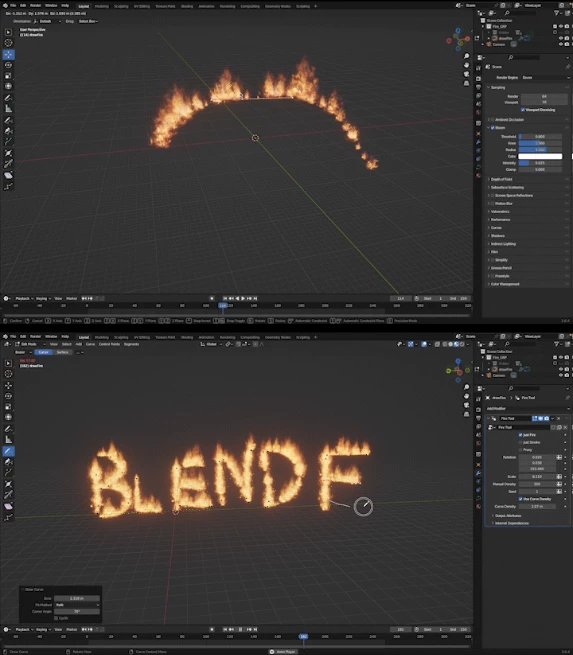
🎨 Features That Make It Awesome
The Draw Fire Tool isn’t just a fire generator—it’s a full art-directable experience. Here’s what makes it stand out:
Real-time Fire on Curves: Draw and edit curves, and the fire updates instantly.
Customizable Fire Settings: Tweak size, speed, color, and intensity for different moods.
Lightweight Instancing: Uses lo-poly objects with fire and smoke materials—no simulation needed.
Optimized for EEVEE and Works in CYCLES: Faster preview in EEVEE; adjust light path settings for CYCLES transparency.
Art-directable Control: You can shape the fire exactly as you want, giving your projects a polished, professional look.
Example: Picture a fantasy sword slicing through the air with flames trailing perfectly along its curve. Or a magical spell weaving fiery patterns in mid-air—this tool makes it easy.
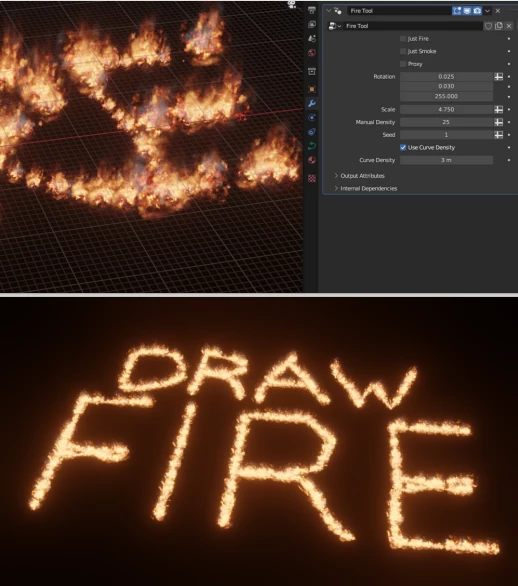
✨ Pro Tips for Stunning Fire
Want your fire to feel alive and natural? Here’s how:
Use subtle curve adjustments: Small bends and twists make the fire more dynamic.
Experiment with color and intensity: Warmer or cooler flames change the scene mood instantly.
Layer multiple curves: Combine small and large flames for depth.
Preview in EEVEE first: It’s much faster and lets you tweak settings before rendering in CYCLES.
These little tricks make your fire look more realistic and cinematic without slowing down your workflow.
🚀Why You’ll Love It
The Draw Fire Tool is not just for fun, nor is it designed to fill your life with games, although you will have lots of fun as you play! This increases productivity for many projects you may be working on, allowing you to add finishing touches in no time. With this tool, you have instant usable fire along a curve that is editable in no time, unlike long render times. This is also great for visual effects concepts in games or animations. More so, it is perfect for artists who are tired of rendering fire and smoke trails.
Fire up your imagination!

Files Password : gfxplugin.com OR 123456