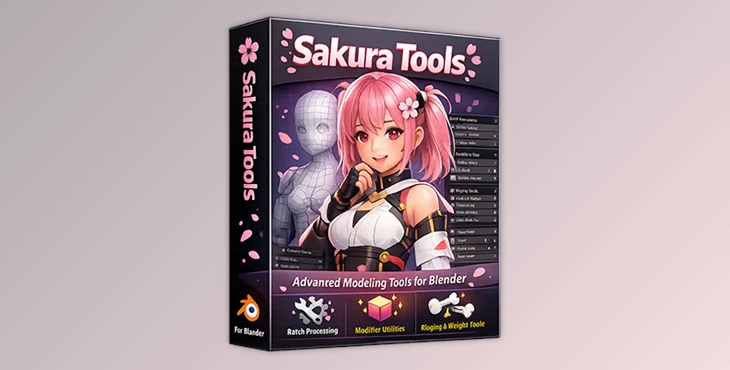
Downloadable Files
You can download Sakura Tools for free at the bottom of this page.
🌟 Meet Your New 3D Workflow Buddy
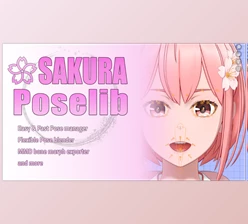
If you’ve ever spent an age fixing models, applying modifiers, or fighting with shape keys, then meet your new 3D workflow companion— Sakura Tools! This addon allows you to automate a ton of tasks freeing up your time for model rather than model cleaning. From posing and weight transfer to rigging, it can all be done in mere seconds with Sakura Tools.
With the power of batch operations and an intuitive UI, even the most complex of workflows become a joy (dare I say fun!) to execute.
🛠 What Sakura Tools Does
At its core, Sakura Tools is a professional add-on designed to streamline character modeling in Blender. Here’s what it brings to your 3D toolkit:
Features
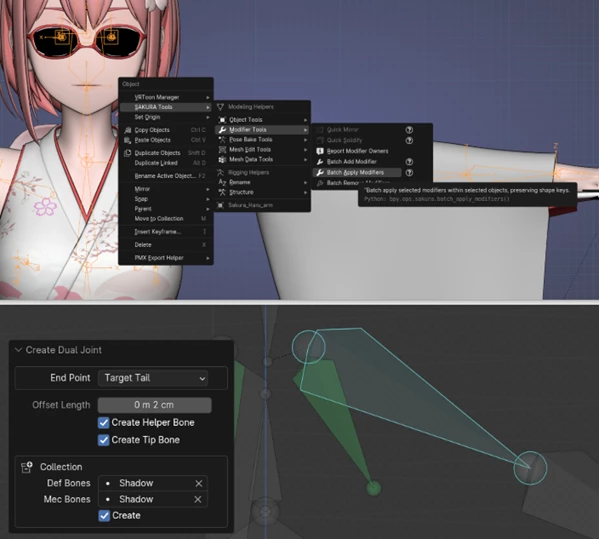
Batch Operations: Apply modifiers, bake poses, or transfer shape keys across multiple objects or your entire model at once.
Shape Key Friendly: All operations preserve your shape keys, so your facial expressions and morph targets stay intact.
Weight & Normal Transfer: Transfer bone weights and normals efficiently, even to selected vertices, ensuring flawless deformation and smooth shading.
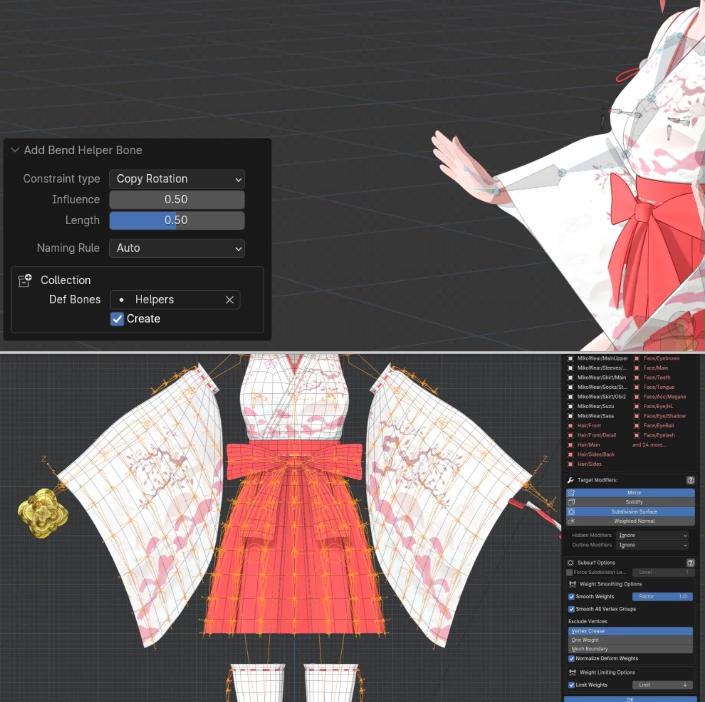
Rigging Helpers: Quickly create dual joints, eyelid rigs, or twist rigs without manually setting up helper bones.
Decal & Material Management: Easily create, rearrange, and synchronize decals. Check and manage materials with built-in lists.
Model Checker: Scan your model for issues—like isolated vertices, zero-length edges, invalid shape keys, and more—and highlight problem areas for quick fixes.
Multi-Language & Help System: Full English and Japanese support, with contextual help built into each operator.
Real-World Impact
Imagine you’re adjusting a character’s outfit with tight clothes. Instead of painstakingly copying shape keys and weights, Sakura Tools transfers them automatically, saving hours of manual work. Or, picture a scene with multiple props: you can apply a full modifier stack to all objects at once, instantly unifying your workflow.
🎯 Pro Tips for Maximum Efficiency
- Check Your Batch Operations: Always ensure you’ve selected the correct mesh before performing batch operations. This goes for modifiers, shape keys, and the like!
- Transfer Weights For Clothing: Use “Selected Vertices Only” when transferring weights and shape keys to clothing.
- Use Weight Meshes: Skin objects with weight meshes created from bone chains. It increases skinning quality tenfold.
- Shrinkwrap Your Meshes: Quick Shrinkwrap to protect mirror-merged vertices so you can keep symmetry on your models while using Mirror Modifiers.
- Check Your Model: Use the Model Checker to keep your model free of stray geometry from trial errors.
Even small transformations can add a professional flair to your models instead of tinkering with trial-and-error workarounds.
🚀 Wrap-Up: Why You’ll Love Sakura Tools
Let's be honest, you want this tool. Sakura Tools makes it so much simpler to maintain healthy models with a multitude of automated tasks. Even as a hobbyist using Blender, you’ll find it easier to create the characters and props you’ve always wanted.
Regardless of whether you’re a pro or more of a casual user of Blender, this addon is a fantastic tool for automated tasks, batch operations, and so much more with rigging.
Get the Sakura Tools addon now! Explore its various features as you enjoy a new and enhanced experience in Blender.

![Blender - Download Lazy Shapekeys [Shape Keys Folder & Utility] v1.072](https://dls4.gfxplugin.ir/Download_Files/27522/SearchSmall/banner.jpg)