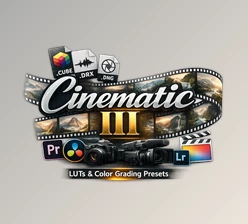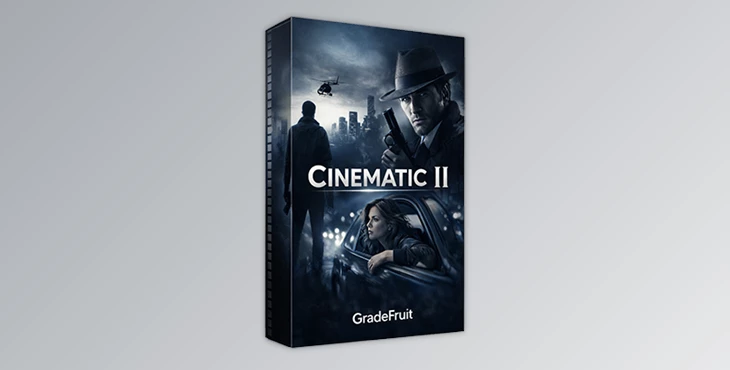
Downloadable Files
You can download Cinematic V2 for free from the bottom of this very page.
🎬 A Cinematic Look in Just a Few Clicks
Color Grading doesn’t have to be tricky. Cinematic V2 makes it easy, allowing you to spend less time in the color grading editor and more time focusing on the story and emotion of your photos and videos.🎨 What Is Cinematic V2 and Why It Matters
Cinematic V2 is a professional pack of LUTs & Lightroom Presets that gives your footage a cinematic look.How it’s used in real projects:
Short films & YouTube videos: Add contrast and emotional depth in seconds
Photography: Create consistent, film-inspired tones across a full photoshoot
Social media content: Make visuals stand out without heavy editing
Mobile workflows: Apply the same cinematic looks on phone or tablet
These tools improve your results because they:
Preserve dynamic range
Enhance contrast in a controlled, cinematic way
Use refined color palettes that feel intentional, not over-processed
The result? Cleaner images, stronger emotions, and faster workflows.
🚀 Meet the Tool: Cinematic V2 by GradeFruit
Cinematic V2 is a professional color grading pack that makes advanced color work accessible to everyone — from beginners to experienced filmmakers and photographers.
It includes 19 different and versatile cinematic looks, carefully balanced to work across multiple platforms and devices.
Features
19 Cinematic Looks
A diverse set of moods, from dramatic and moody to clean and emotional.Multiple Formats Included
.cube,.drx, and.dngfor maximum compatibility.LUTs + Lightroom Presets
Use them in both photo and video workflows seamlessly.Works on Desktop & Mobile
Compatible with Mac, Windows, iOS, and Android.Wide Software Compatibility
Lightroom (Desktop & Mobile), Photoshop, DaVinci Resolve, Premiere Pro, Final Cut Pro X, CapCut, After Effects, VEGAS Pro, Avid Media Composer, LumaFusion, and more.
Real-World Impact
Creators often describe these looks as “different moods you can put on footage.” During editing, you can quickly cycle through styles until one instantly clicks with your story — and there’s almost always a perfect match.
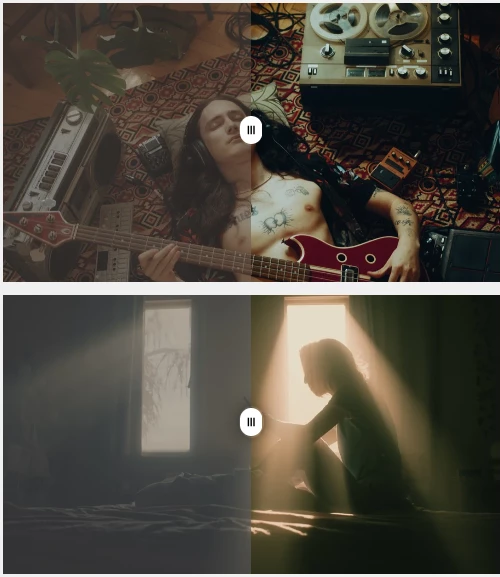
🧠 Pro Tips for Better Results
To get the most out of Cinematic V2, keep these practical tips in mind:
Start subtle: Reduce LUT intensity if needed for a more natural result
Expose correctly first: Good exposure makes cinematic color shine
Match your camera profile: Especially important for Log footage (S-Log, V-Log, C-Log)
Use consistency: Apply the same look across a project for a cohesive feel
Combine with light adjustments: Small tweaks in contrast or temperature can elevate the final look
These small steps help your edits feel professional rather than over-stylized.
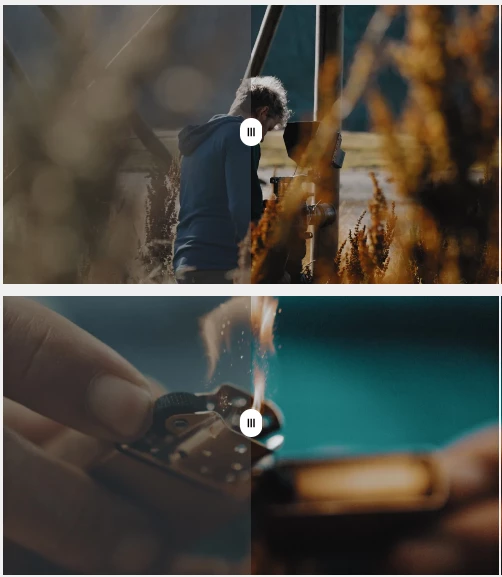
✨ Final Thoughts
Cinematic V2 isn’t here to take away your creativity; it’s here to enhance it. This pack features versatile looks, is widely compatible, and takes the strain from editing with an effortless look application workflow.
If you love playing with different moods for your footage but need a trustworthy cinematic look that doesn’t take too long to render, this pack is for you! Sometimes a look is just a click away! 🎥🎨

Files Password : gfxplugin.com OR 123456