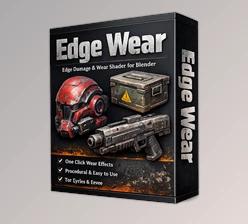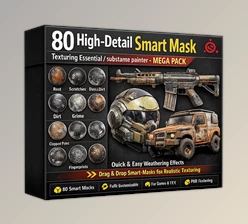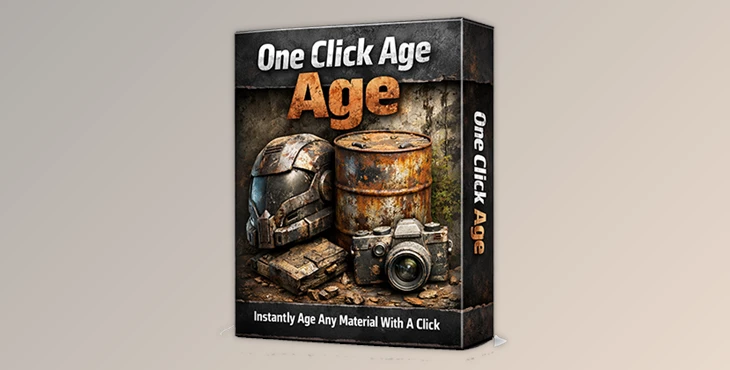
Downloadable Files
You can download One Click Age for free from the end of this page.
Effortless Material Aging in One Click
Aging your materials in Blender is one of those quick tasks that can take a render from okay to epic. Unfortunately, the process is tedious and repetitive, so few people bother with it. One Click Age Changes all that. One click can age your pristine materials with realistic dirt and wear, saving you hours and reigniting the creative spark.
What Is One Click Age and Why It Matters
One Click Age is a blender add-on that realistically ages any material. It adds procedural wear, dust and grit and loads them so you don’t have to stack them in the node editor.
Picture a clean, pristine metal prop that has aged ever so slightly with some rust, or perhaps a clean, pristine wall that has aged to develop atmospheric fingerprints. These small age effects make all the difference in realism to your props, renders, animations, and game assets.
Meet the Professional Tool: One Click Age
Developed by CG GALAXY, One Click Age is built to simplify material aging while keeping results flexible and customizable. It works directly inside Blender and supports versions 3.5 up to 5.0, making it future-proof for modern workflows.
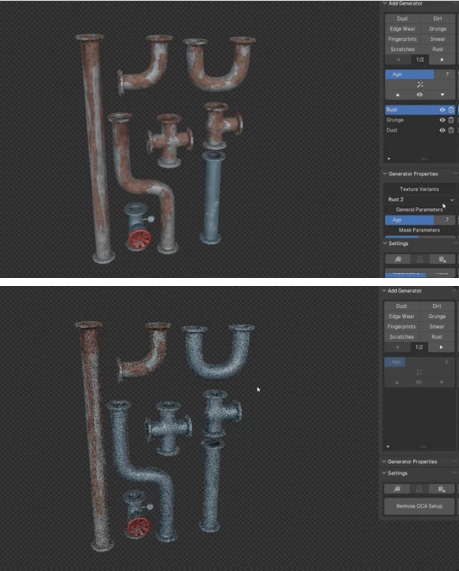
Features
One-Click Aging Button – Instantly generate aged materials with infinite variations.
Procedural Generators – Add dirt, dust, scratches, edge wear, fingerprints, rust, and damage.
User-Friendly Interface – Adjust intensity, scale, and randomness without node chaos.
Infinite Variations – Every click creates a unique result, perfect for asset libraries.
Free Updates – New generators, features, and improvements over time.
Cycles & Partial Eevee Support – Some generators are limited in Eevee due to engine constraints.
These features are ideal for product renders, environment assets, cinematic scenes, and game-ready props where realism matters.
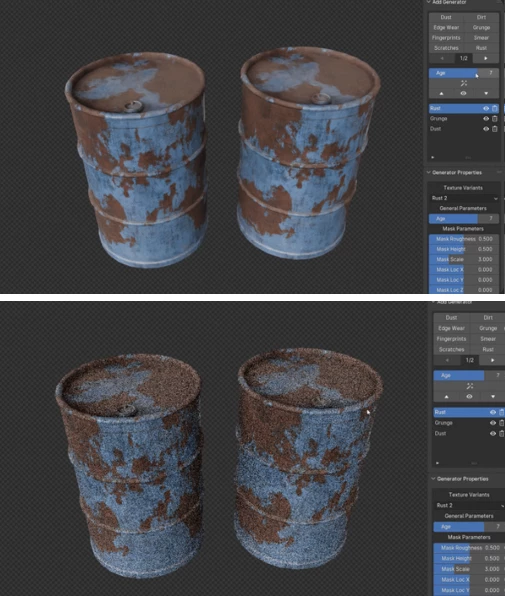
Pro Tips for Better Results
Always apply scale and rotation before adding any generators.
UV Unwrap your objects! Most generators work on UVs
Less wear is more! Not all objects should look beat up
Lighting! Aged objects look amazing under good lighting, so keep your lighting in mind.
Use different aging generators for different but similar objects – same look gets boring.
These simple habits will take your work from good to a professional level.
Final Thoughts
One Click Age is one of those indispensable add-ons that you rely on without even noticing it. It offloads the repetitive work that drains your creative energy. If you create a lot of realistic props, environments, or even product renders in Blender, aged materials are one of those tiny details that can elevate your renders.
If speed, realism, and flexibility is important in your environment workflow in Blender, One Click Age is an Add-on you can’t do without.

Files Password : gfxplugin.com OR 123456