Downloadable Files
You can Download Claude Scripter for free at the end of this page.
Bring Automation to Life
What if After Effects could automate all the repetitive, boring tasks for you? You know, the layer renaming, keyframe offsetting, and even expressions—all without breaking a sweat? Meet Claude Scripter, the friendly, intuitive, and AI-driven tool that converts your natural language requests into ExtendScript code and saves you a ton of time and effort.
What Claude Scripter Is and Why It Matters
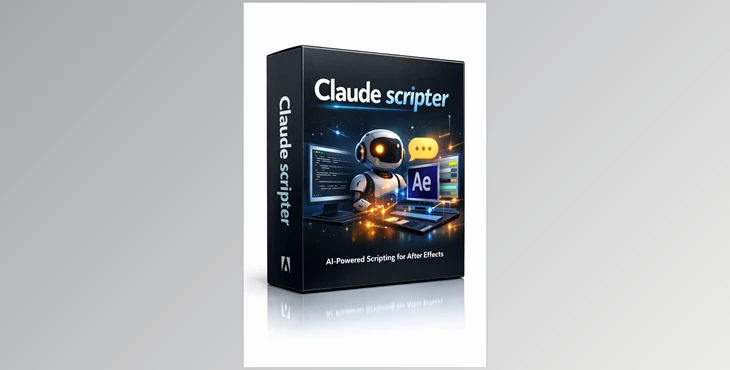
Claude Scripter is an AI-based scripting assistant for After Effects. You make requests in English, and it provides you with a script that you can run natively in the After Effects app.
Real-world applications include:
Batch operations: Rename all layers containing “Shape” to “Element_01” and turn them blue.
Project organization: Remove unused solids and neatly categorize your compositions into folders.
Layout & alignment: Evenly distribute selected layers across the screen.
Quick expressions: Apply loopOut() or other expressions without typing a single line.
Simple animations: Create a square layer that rotates faster and faster, all with one prompt.
These features help streamline workflow, reduce errors, and allow you to focus on creativity instead of repetitive housekeeping.
Features That Make It a Game-Changer
💬 Natural Language Control
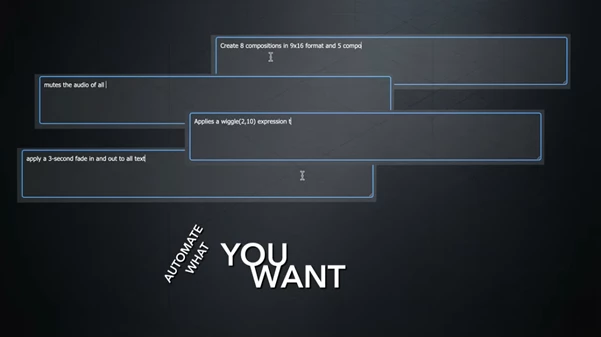
No ExtendScript knowledge needed. Just tell Claude Scripter what you want, and it instantly understands your request and generates the code.
📚 Built-in Library
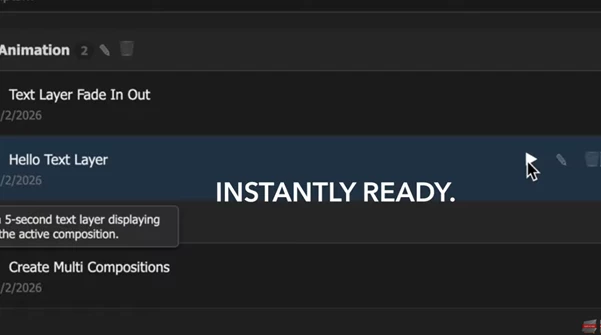
Save your scripts for future use. Names and descriptions get saved!
⚡ Native Execution
Scripts run directly in After Effects. No more waiting to copy and paste in the browser.
🧠 Powered by Claude 4.5
The Opus model is tailored for code logic, providing accurate scripts to interact with the After Effects API.
Tips and Tricks for Professionals
Use templates: Save repetitive tasks as library buttons for one-click automation.
Combine commands: Chain layer renaming, keyframe adjustments, and expressions in a single prompt for maximum efficiency.
Keep it simple: Start with small tasks like color changes or alignment to build confidence, then scale to complex multi-step automations.
Experiment: Don’t hesitate to try creative prompts—Claude Scripter can generate unexpected, time-saving solutions.
Even casual users will find themselves creating professional-grade workflows effortlessly.
Why You Should Try Claude Scripter
Have you had enough of wasting hours on menial tasks in After Effects? Need a scripting solution to make your project work smarter not harder? Then you need to try Claude Scripter, the premier tool for alleviating scripting woes and providing project organization and animation workflow solutions that are supercharged. No more disorganized projects, now you can focus on creating!
Try it today to see how AI can revolutionize your After Effects experience without the need for scripting!
 Claude Scripter scripting assistant for AE by aescripts (v1.2.3).rar (Size: 1.9 MB - Date: 5/16/2026 1:40:58 PM)
- Claude Scripter scripting assistant for AE by aescripts (v1.2.2).rar (Size: 32.1 MB - Date: 4/6/2026 11:56:07 AM)
- Claude Scripter scripting assistant for AE by aescripts (v1.2.1).rar (Size: 32.1 MB - Date: 3/7/2026 2:11:50 PM)
- Claude Scripter scripting assistant for AE by aescripts (v1.2.0).rar (Size: 32.3 MB - Date: 2/21/2026 10:55:28 AM)
- Aescripts - Claude Scripter v1.0.rar (Size: 1.8 MB - Date: 1/24/2026 2:09:42 PM)
Files Password : gfxplugin.com OR 123456