Downloadable Files
You can download Control Groups for free at the bottom of this page
A Quicker Way to Manage After Effects
When it comes to layers in Adobe After Effects, is your creative process suffering? You’re not alone. Motion designers reselect layers, change comps, and scrub through timelines hundreds of times each day.
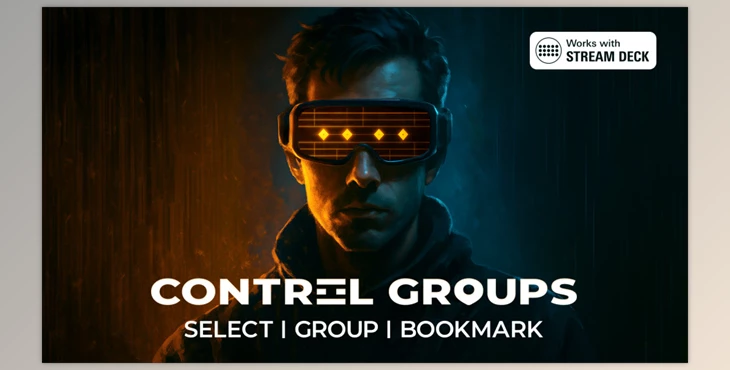
Control Groups was built to solve this problem. It draws on game design from real-time strategy games for a keyboard-first UI that lets you quickly group, recall, and navigate layers or timeline bookmarks to continue your design.
What are Control Groups and Why Do They Matter
Control Groups let you assign layers/timelines to numbers and recall them with a key (and modifiers, if you like).
Uses you will actually do
- Instantly reselect that complex character rig you were animating on earlier
- Jump to an animation moment/timing mark in a lengthy timeline
- Move between comps without having to sift through the panels or project browser
Control Groups improve accuracy and reduce fatigue by eliminating repetitive tasks, keeping you in the creative “zone”.
Introducing Control Groups: A Professional Workflow Tool
This is a professional After Effects extension designed to make essential workflows faster, cleaner, and far more enjoyable.
Features
Control Groups & Spaces
- Create up to 10 Control Groups per Space, with a total of up to 10 Spaces.
- Switch Spaces instantly using custom shortcuts.
- Easily manage up to 100 groups using the same familiar base keys.
- Ideal for separating shots, animation stages, characters, or FX passes.
Layer & Location Management
- Group layers even when they exist in different compositions.
- Save exact timeline positions as true composition bookmarks.
- Double-tap shortcuts to jump directly to grouped layers or saved locations.
Dynamic UI & Feedback
- Minimalist, animated interface with a resizable slide-out panel.
- Visual highlights and optional sound effects help build strong muscle memory.
Event-Driven Undo / Redo
- A custom undo system separate from After Effects’ native undo.
- Instantly rewind selections, navigation, and group edits.
- Optionally jump back to the exact composition and timeline position where an action occurred.
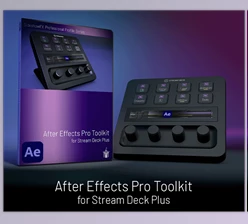
Stream Deck Integration
- Native, real-time integration with Elgato Stream Deck hardware.
- Buttons dynamically display icons, colors, slot numbers, and custom names.
- Fully supported profiles for Stream Deck Classic, Mini, XL, and Plus.
Deep Customization
- Rename Control Groups and Spaces.
- Assign custom icons and visual indicators.
- Fully configurable shortcuts, modifier keys, sound effects, and UI behavior.
In real production scenarios, this means faster revisions, smoother client feedback sessions, and far less time wasted searching for layers or moments in a timeline.
Professional Techniques and Tips
To get the most out of Control Groups, you can:
- Keep it simple: 2 or 3 Control Groups are plenty to turbocharge your workflow
- Space it out: One Space per shot, scene, or workflow
- Layer it up: Groups for Layers and groups for Locations
- Modifiers, Modifiers, Modifiers**: Overwrite, Add, Subtract and Exclusive Trim shortcuts for instant resculpting of groups
- Compstronaut: When Control Groups are paired with Compstronau, you get forward and back workflow in a browser-style navigation system.
These techniques are easy to learn and become second nature even for the simplest of workflow artists.
Final Thoughts: Why Control Groups Change Everything
Control Groups is not about flashy visuals—it is about respecting your time and focus. By transforming repetitive layer selection and navigation into instant actions, it quietly but profoundly reshapes how you work in After Effects.
Once you experience keyboard-driven grouping, real timeline bookmarks, and seamless hardware integration, it becomes difficult to imagine working without it. Whether you are creating short social animations or managing complex motion design systems, Control Groups helps you spend less time fighting the interface—and more time designing and animating.