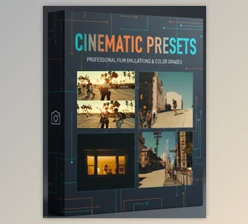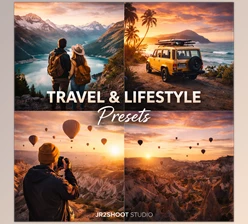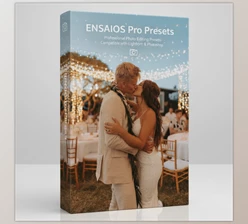
Downloadable Files
You can download Minimalist Presets for free from the bottom of this page and start transforming your photos today.
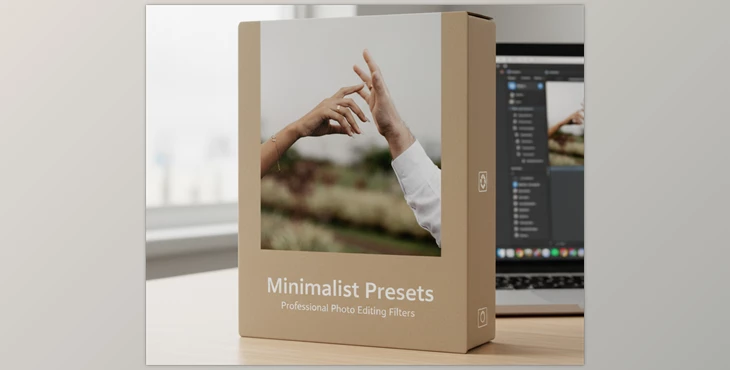
Minimalist Presets: Soft Tone Photo Editing by jr2shoot Studio
Welcome to the Beauty of Less
If you’re looking for something unsaturated, quiet, and unlike everyone else’s work, you’ve found it. Minimalist Presets are for creators who believe less is more. With soft tones, gentle pops of color, and an elevated mood, this preset pack gives your images an airy and peaceful feel.
Instead of trendy looks, Minimalist Presets are a look that never goes out of style.
What Are Minimalist Presets and Why Do They Matter?
Minimalist Presets do not try to overdo the image's ugliness.
They do try to keep it beautiful.
Instead of adding a ton of saturation or contrast, we focus on:
- Nonchalant neutral tones
- Gentle contrast and crispy highlights
- Laid-back shadows and organic depth
Why are we able to achieve better results?
Because it makes the image look more professional
- Portraits are more sentimental.
- Lifestyle shots are more calming and feel more luxurious.
- Product shots are cleaner and dependable.
We aim for images that look manufactured as opposed to edited.
Meet the Minimalist Pack by jr2shoot Studio
The Minimalist Pack by jr2shoot Studio is a professional preset collection built for creators who value subtlety and consistency. It removes harsh colors and replaces them with soft, cinematic tones that work beautifully across different photography styles.
Designed for flexibility, these presets are compatible with both mobile and desktop using the Adobe Lightroom app—and they never expire.
Features
- Soft tone color grading for a clean, minimalist look
- Balanced whites and natural skin tones
- Designed for both Mobile + Desktop workflows
- One-click editing with fully adjustable settings
- Non-destructive presets that preserve image quality.
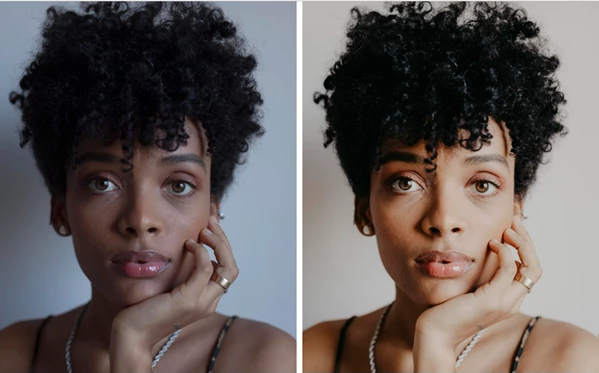
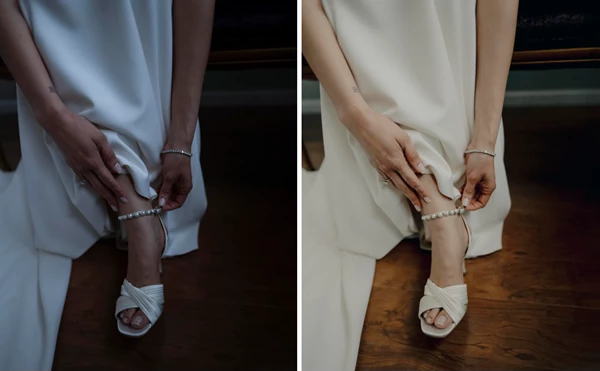
Real-world results
Whether you’re editing Instagram content, personal travel photos, or professional portfolios, the Minimalist Pack helps maintain a consistent and elegant visual identity across all your images.
Pro Techniques for Better Minimalist Edits
To get the most out of Minimalist Presets, keep these practical tips in mind:
- Start with well-lit photos—natural light works best.
- Avoid stacking too many presets; simplicity is key.
- Fine-tune exposure and white balance after applying a preset
- Reduce clarity slightly for a softer, more organic feel.
These small adjustments can elevate your photos from “good” to genuinely refined—without needing advanced editing skills.
Final Thoughts: Why Minimalism Wins
Minimalist Presets aren’t about doing less work—they’re about making smarter creative choices. This pack helps your photos feel calm, modern, and uniquely yours, without shouting for attention.
If you want images that feel elegant, timeless, and effortlessly professional, the Minimalist Pack is a tool worth exploring. Give it a try, experiment with its features, and let simplicity redefine your visual style.

Files Password : gfxplugin.com OR 123456