Downloadable Files
You can download Gaussian Splatting for DaVinci Resolve for free from the end of this page and start bringing your 3D splat models to life instantly.
Turn Your 3D Scans into Stunning Real-Time Visuals
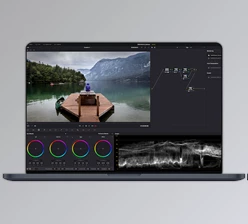
Imagine manipulating your 3D scans right within DaVinci Resolve, in real-time, with full GPU acceleration. Gaussian Splatting for DaVinci Resolve makes it possible. Friendly, fast, and surprisingly easy to use, it invites you to bring your 3D assets and gives them an eye-catching, cinematic edge without complex workflows through various other applications.
What is Gaussian Splatting & Why It Matters
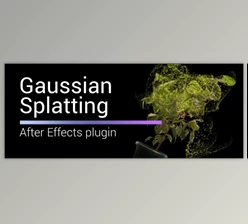
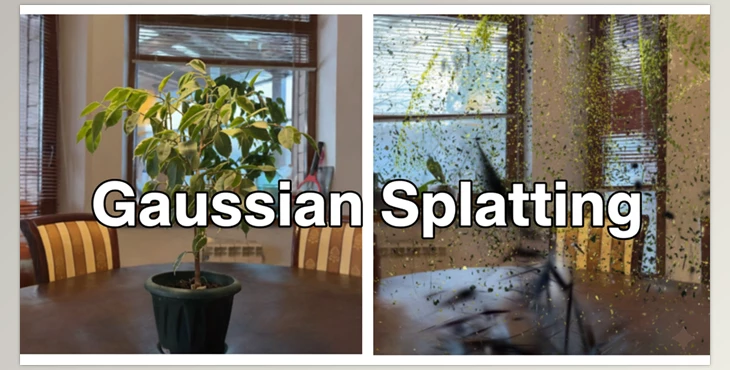
In one sentence, Gaussian Splatting is the ability to render 3D point cloud data (ply files) as soft splats instead of using a traditional mesh structure for rendering and animation.
Soft splats provide a glowing, cinematic effect that meshes well with contemporary motion graphics and cinema renders.
Real-world use includes:
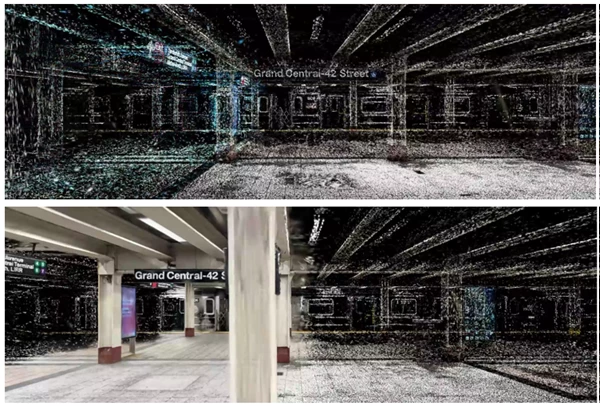
- Converting Lidar or photogrammetry scans into animated 3D video assets.
- Revealing models with opacity or scale changes.
- Combining different 3D models into one harmonious scene.
Such value adds to visual efficiency and effective narrative communication because you can play with color, scale, and distance without thinking about cleanup.
Meet the Tool: Gaussian Splatting for DaVinci Resolve
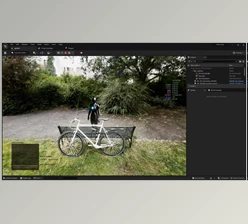
This plugin makes importing, editing, and rendering 3D Gaussian splats inside DaVinci Resolve straightforward and fun. It’s designed for both beginners and experienced editors who want to enhance their 3D video projects.
Features
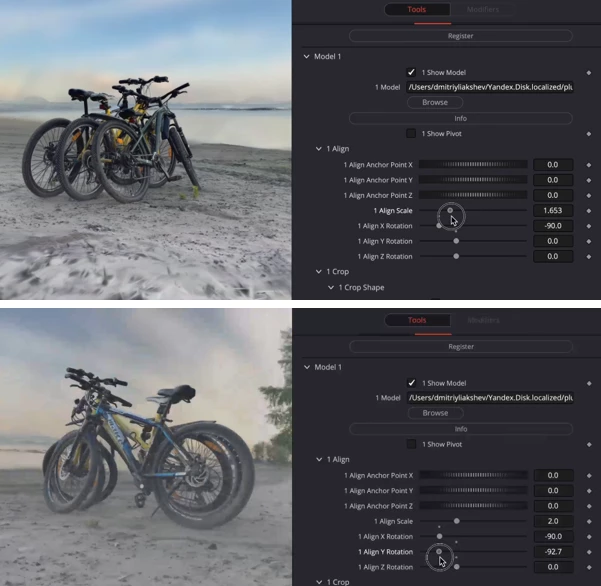
Import & Align Models
- Import .ply files trained in any software.
- Align models to the scene center and orient them horizontally.
Crop & Shape
- Crop with Spherical or Box shapes.
- Crop along the Y Plane for precise control.
Noise & Distortion
- Add realistic noise to distort splats dynamically.
- Reveal models with creative, cinematic effects.
Animate Splats
- Animate scale and opacity using ramps with spherical or box mapping.
- Achieve spectacular reveals with smooth transitions.
Colorize & Grade
- Apply color ramps to individual models or groups.
- Fine-tune brightness and color temperature to match your project.
Multiple Models in One Scene
- Combine up to 10 .ply models seamlessly.
- Maintain real-time GPU rendering for fluid interaction.
Depth Pass & Export
- Render depth passes for 3D compositing.
- Export the entire scene for further editing or sharing.
Example in Action:
This plugin was used to bring intricate Luma AI scans into dynamic DaVinci Resolve timelines, where artists animated scale, opacity, and color in real-time for cinematic storytelling.
Pro Tips to Maximize Your Workflow
- Layer Multiple Models: Combine 3–5 scans for complex scenes, but keep your GPU load in mind.
- Use Spherical Maps for Animations: Spherical ramps create natural reveals and scaling effects.
- Experiment with Noise: Subtle noise distortion adds realism, while extreme noise creates stylized effects.
- Color Grading Inside the Tool: Adjust each model individually to save time in post-production.
- Depth Passes for Compositing: Always render a depth pass if you plan to integrate splats with live-action footage.
Wrap-Up: Why You’ll Love It
Gaussian Splatting for DaVinci Resolve allows you to take your 3D scans and transform them into cinematic scenes in real-time. Ease of use through GPU acceleration, logical workflows, and animation all come together to provide editors, VFX artists, and motion designers with another creative tool to help get the job done.
In short: you can import, animate, colorize, and combine multiple 3D splats all in DaVinci Resolve—making your projects pop without complex pipelines.
Dive in, explore the ramps, scales, and noise, and see how your 3D assets come alive. It’s hands-on, fun, and incredibly satisfying.