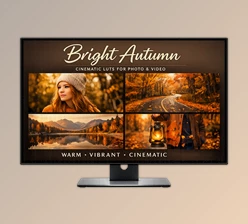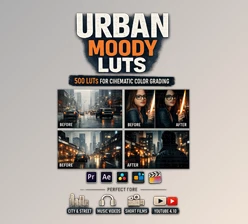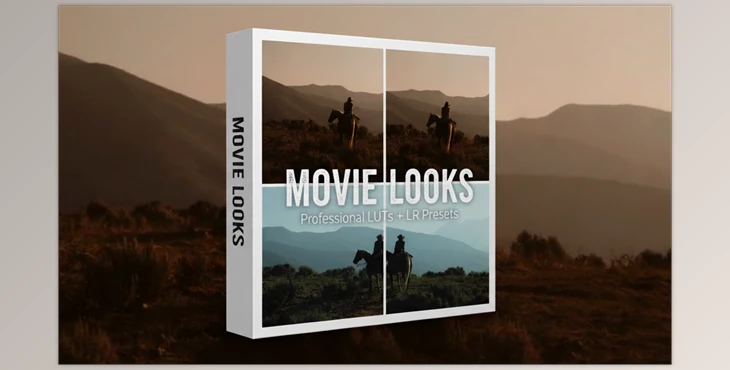
The Magic of Color in Seconds
Have you tried the Movie Looks at any point? Do you know that feeling when you have a video or a photo that you want to look cinematic, but you’ve spent hours on color and lighting, and in the end, it doesn’t look like what you imagined?
We’ve all been there! If only there were a way to quickly, easily, and effortlessly give our project a professional touch.
What Did We Do Without Ready-Made Tools?
Before LUTs or presets, it was all manual work, step by step:
- We had to manually tweak every single color, every single light, and contrast in a video or picture. We had to see if the shadows were well-lit, if the skin tone was correct… one little thing could mess up the entire atmosphere of the image.
- Sometimes we applied some built-in software filters to it, like those that come with Photoshop or Premiere Pro as default effects. But the issue was that they were very limited, looked synthetic, and often didn’t match our project at all.
- And then the trial and error began! We tried different colors and lighting combinations, looked, tweaked, and tried again… sometimes it took hours to get a decent look.
In short, it was time-consuming and never perfect. Even if we finally found a decent look, we’d have to do everything from scratch for the next project, because each video/photo had its own lighting and conditions.
If we could sum things up, it could be described as a guessing game: you usually won… after a lot of stress and wasted time!
Movie Looks: Now There’s an Easy Way!
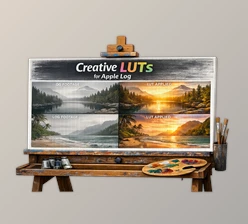
The truth is, LUTs and presets are like little wizards for your photos and videos. With tools like Movie Looks, color grading, and adding a professional feel to your images becomes just a few clicks. Let’s see exactly what they offer:
Quick Application of Color and a Professional Feel
In just a few seconds and with a few clicks, you can turn your photo or video into a cinematic, commercial, or any style you want.
No more spending hours manually adjusting light and color. Just select, apply, and see the results instantly.
15 Ready-to-Use Color Looks
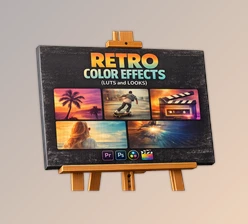
This pack includes 15 different styles, from warm and cozy tones to cool and serious colors, even bright and commercial styles.
That means for every project or mood you want, there’s an option, and you can easily switch between them to find the perfect vibe.
Compatibility with All Software and Devices
Whether it’s desktop, mobile, laptop, or tablet, it supports all popular professional software: Lightroom, Premiere Pro, Final Cut Pro, DaVinci Resolve, Photoshop, CapCut, LumaFusion, and even Vegas or Avid.
This means it doesn’t matter where or how you work—you can always use it.
Preserves Details and Dynamic Range
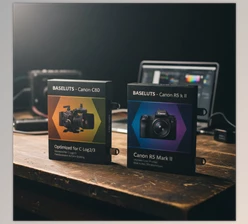
If you shot with professional cameras like S-Log, V-Log, or C-Log, the LUTs are designed to preserve all subtle shadows and highlights, keeping the colors natural.
This ensures your images look professional while staying realistic.
Ability to Combine and Adjust Intensity
You can combine multiple LUTs or adjust the intensity of each LUT to get exactly the mood you want.
This flexibility makes your projects unique and captivating without spending too much time.
Real-Life Example
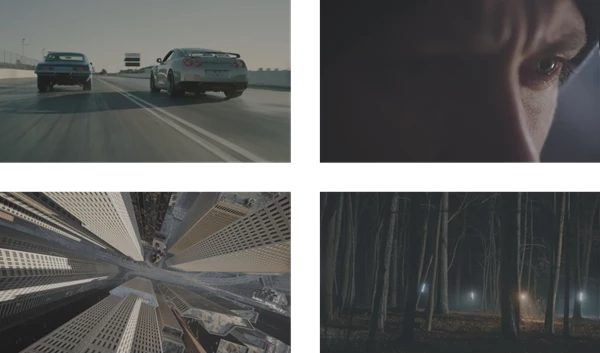
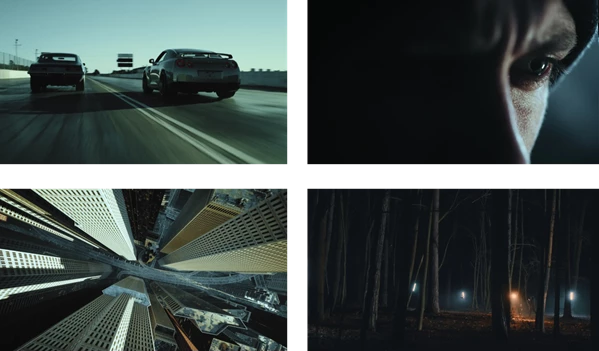
Imagine you have a simple video shot on your phone or a plain photo. With a simple LUT, you can turn it into a short cinematic clip. It looks like a professional color grading team worked on it—but you only spent a few seconds.
💡 In short, Movie Looks is a complete package for fast, professional, and captivating color grading. You no longer need hours of manual color and light adjustments—you can focus on your story, animation, or creativity, not on time-consuming technical work.
Before:
After:
Pro Tips for Better Results
To make LUTs and presets really magical and give your project a professional look, follow these tips:
- Reset the image to its natural state: Before applying a LUT, turn off any previous color and light corrections to see the real effect.
- Adjust LUT intensity: Increase or decrease intensity to achieve exactly the mood you want.
- Combine multiple LUTs: Mix two or more LUTs to create a unique and creative look.
- Match the project’s theme: Keep the colors in harmony with your story, style, or brand.
- Check details and lighting: After applying a LUT, review shadows, highlights, and skin tones to maintain naturalness.
- Practice and experiment: Try several LUTs to find the best one for your project.
By following these tips, you not only get professional color grading but also ensure your images convey the exact vibe you want, making each project unique and special.
The Final Magic: Make Your Projects Professional!
Movie Looks are like little magic wands for your photos and videos. You can quickly make them look so professional and cinematic without having to fiddle around for hours making them look that way.
You can save time and focus less on the technical elements and more on story, concept, and creativity. Even the most mundane video or photo can change its whole vibe just by adding a few LUTs and getting them just right.
If you want something quick yet professional for color grading, this tool is for you. It allows your projects to become more dynamic, vibrant, and professional while making it fun to work with colors, all while maintaining that perfect, presentable look.

Files Password : gfxplugin.com OR 123456