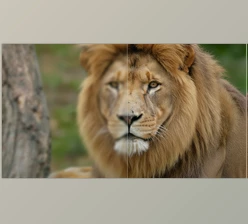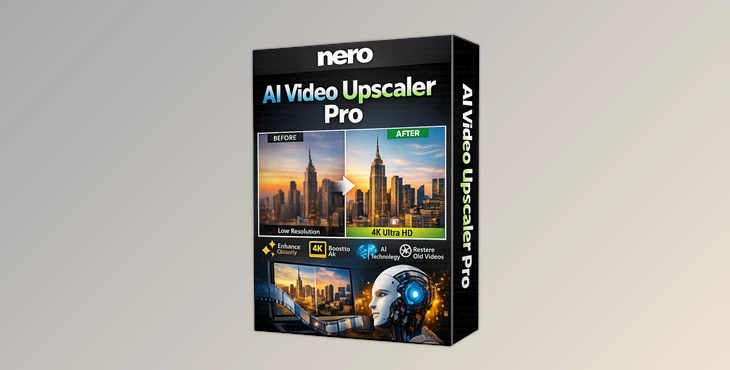
Bring Your Old Videos Back to Life!
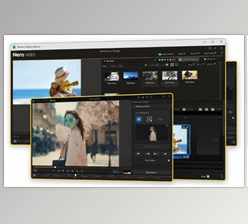
Are you familiar with the Nero AI Video Upscaler Pro at all? Have you ever watched an old or low-quality video and thought, "I wish this were clearer!"? Or maybe you have a new project and want everything to look crisp and sharp on a big screen or projector. The truth is, low resolution and blurry footage are always a huge headache—especially for designers and motion graphics artists who want their work to look professional and eye-catching.
Imagine showing an old family film or a promotional clip, but the details are blurry, the colors are faded, and the image is noisy. All your efforts might seem less impactful. Anyone working with video, animation, or motion graphics is looking for a simple, fast way to bring videos back to life with better details and vibrant colors.
Take Your Videos to the Next Level!
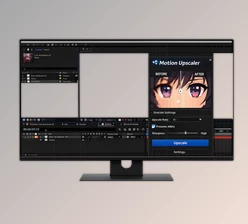
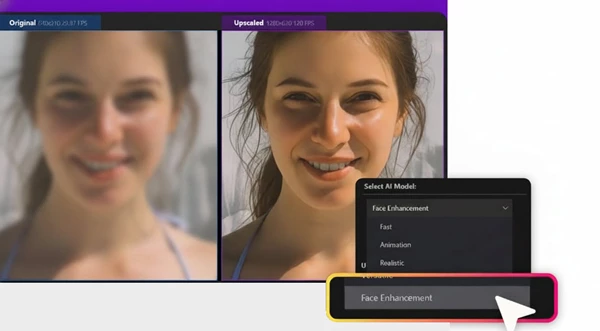
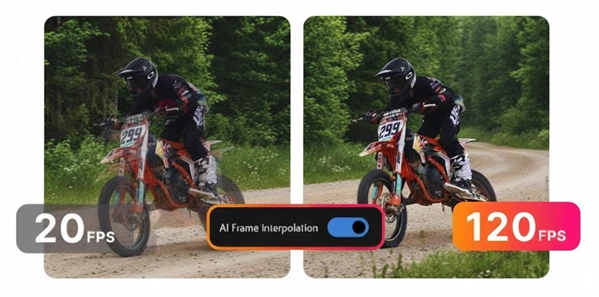
AI-powered video enhancement tools act like professional assistants; they analyze your video frame by frame, reconstruct details, and upscale the image to make it bigger and clearer. The result? Your videos regain the same feeling as when they were first recorded.
Examples of What You Can Do
- Upscale an old family film to 4K and make it feel freshly recorded.
- Present educational and promotional clips with stunning colors and details.
- Even low-resolution motion graphics projects look sharp and professional on a large screen.
Clear details and vivid colors make everything appear much more polished and captivating.
What Did We Do Before AI?
Before AI tools existed, improving video quality usually meant doing it manually. For instance, we had to manually upscale videos in Premiere or After Effects, or deal with sharpening filters and noise reduction. Sometimes, we had to re-render or reconstruct the footage.
Problems with Manual Methods
- The quality often suffered, and the image became blurry.
- It took a lot of time and required high skill.
- Colors and real details were rarely perfectly restored, giving an artificial look.
In short, it was hard and rarely gave a natural, satisfying result.
Here Comes Nero AI Video Upscaler Pro!
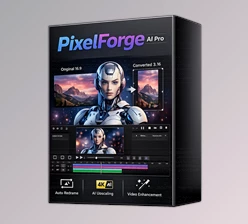
Nero AI Video Upscaler Pro, powered by advanced AI, can upscale your videos to 4K or even 8K with a single click, reconstructing details and colors exactly like the real world. No more worrying about blur or dull colors—everything becomes crisp and vibrant.
Main Features
- Intelligent Upscale: Each frame is enlarged without becoming blurry.
- Revive Old Videos: Old and low-quality videos become clear and lively.
- True-to-Life Colors and Details: Colors and textures look just like reality.
- Super Easy: No complexity—just one click and everything is ready.
Tips for Better Results
Before upscaling your videos to 4K or 8K, here are a few simple tips to get the best results:
Pre-Upscale Tips
- If your video has a lot of noise, clean it quickly before upscaling for a more natural output.
- Are your videos very old? Test a short segment first to see the best achievable resolution and details, then upscale the full video.
Post-Upscale Tips
- After upscaling, tweak colors and contrast to make the footage more eye-catching and professional.
- Combine this tool with your video editing software for an even cooler and more polished final result.
Following these simple steps not only makes your videos clear and sharp, but also significantly enhances their professional feel.
Details and Colors You Can’t Take Your Eyes Off!
Thanks to Nero AI Video Upscaler Pro, your videos will look completely new after enhancement; their before and after will be like night and day. You'll rediscover videos you thought were old, and you'll create new ones that will look incredibly professional.
With just a few clicks, details become sharper, colors more vibrant, and your footage more visually stunning. Your videos take a major step closer to cinematic quality. In short, you have a real assistant who elevates your projects and makes your work easier!
 Nero AI Video Upscaler Pro Enhance Video Resolution Instantly (v1.3.16.0).rar (Size: 484.8 MB - Date: 5/19/2026 11:59:13 AM)
- Nero AI Video Upscaler Pro Enhance Video Resolution Instantly (v1.3.14.0).rar (Size: 645.8 MB - Date: 4/16/2026 12:16:30 PM)
- Nero AI Video Upscaler Pro Enhance Video Resolution Instantly (v1.3.13.0).rar (Size: 468.1 MB - Date: 1/31/2026 12:15:38 PM)
- Nero AI - Video Upscaler Pro v1.3.6.0 (Win).rar (Size: 467.8 MB - Date: 12/28/2025 12:40:31 PM)
Files Password : gfxplugin.com OR 123456