Blender - Drivers:
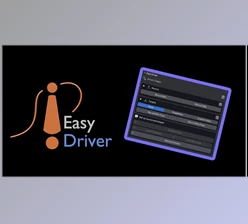
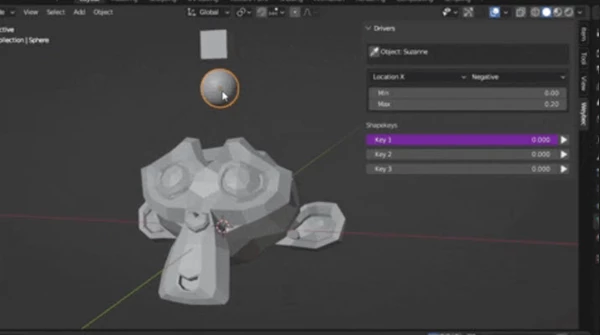
Blender - Drivers: This is a simple Blender add-on for shape key drivers, and with the click of a few buttons, you can make the animation experience much easier. This is a great addition for animators because it makes it so much easier to animate, and during the process, it feels like magic!
Some great features of Blender - Drivers:
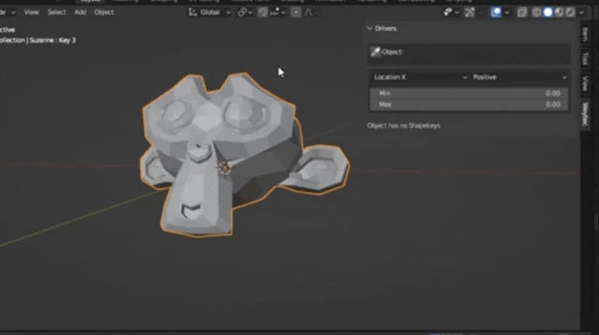
- Check Shapekeys: Select your shapekey object, go to the Drivers Panel, and press the Picker button. You will see all shape keys at once. This is especially useful for armatures, as you don't have to keep selecting it to see which shapekeys you have.
- Add Object or Bones as Drivers: Select your object, press the assign button you need next to the shapekeys to assign as a driver. Note: make sure to select the transformation value to its correct setting, and also set a minimum and maximum value.
"Blender - Drivers" Samples:
Blender - Download Drivers 1.0 from the below link now!

Files Password : gfxplugin.com OR 123456