Extensions - SMEAR:
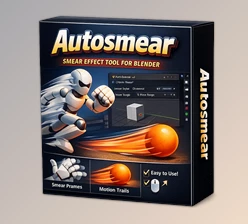
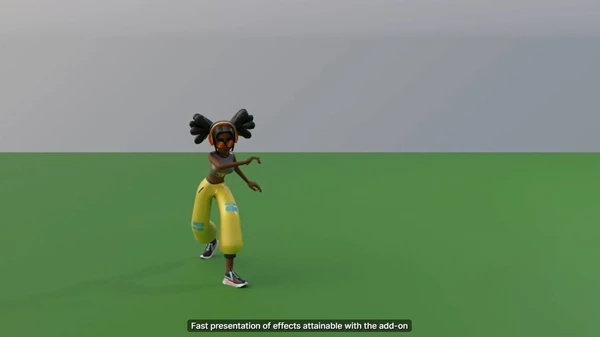
The SMEAR Blender add-on is configured to create and customize smear frames dynamically to add elongated in-betweens, many in-betweens, and motion lines to your selected features that you have already animated. SMEAR is a product of the MoStyle ANR Project and was featured in the Siggraph 2024 Conference Papers by Jean Basset, Pierre Bénard, and Pascal Barla. The purpose of SMEAR is to unify frame art, and basically, if you're a 3D animator who wants to have motion control for a stylistic approach, this is the add-on for you!
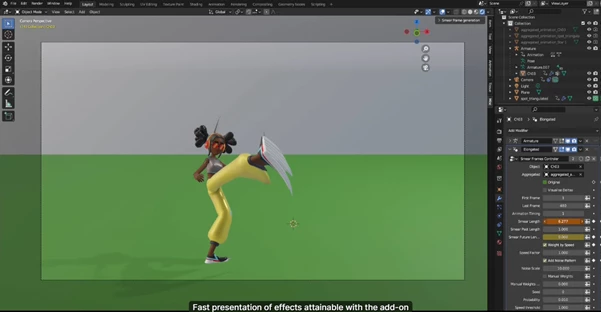
After installation, SMEAR Control Panels can be found in your custom panels like any new add-on. Once you have your object animated, you can access the Smear Frame Generation control panel to pre-process your selection for smear generation with fine-tunable parameters. Default settings typically work well, but if you want to ignore skeletons for characters (meaning it will smear without using extra tools on the body, like limbs) or if you're in camera POV (meaning moving a camera will create a smear instead of the camera being neutral), you should select or unselect those as preferences.
For elongated in-betweens, you can control:
- Smear Length
- Smear Past/Future Length
- Weight by Speed
- Add Noise Pattern
- Manual Weights
For motion lines, you can access:
- Lines Length
- Lines Offset
- Probability and Lines Speed Threshold
- Radius and Radius Slope
- Lines Material
For multiple in-betweens, the following are usable:
- Future/Past Multiples
- Opacity/Displacement Factors
- Overlap
- Multiple Speed Threshold
SMEAR v1.1.8 is an excellent tool for generating super-stylized motions. While many parameters are adjustable for user preference, they all come with default settings that often work without much alteration.
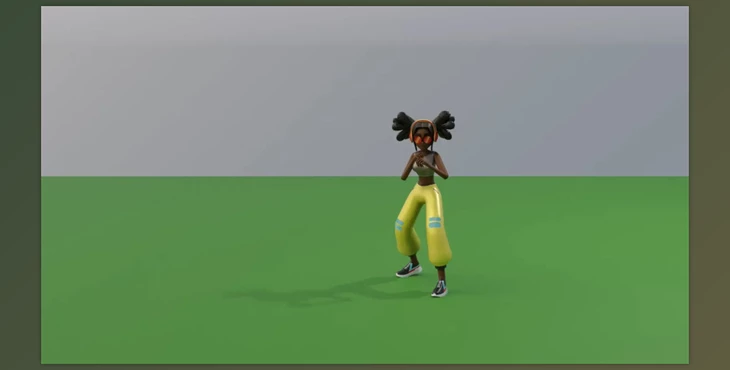
"Extensions - SMEAR" Samples:
Extensions - Download SMEAR 1.1.8 for Blender from the below link now!

Files Password : gfxplugin.com OR 123456