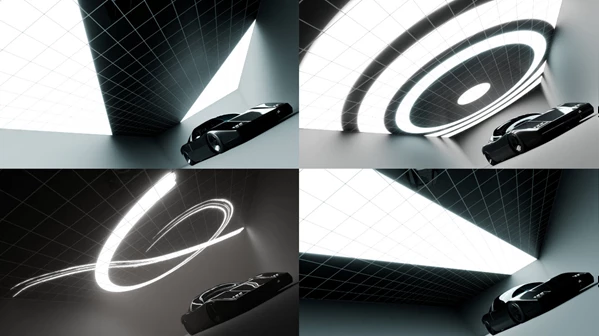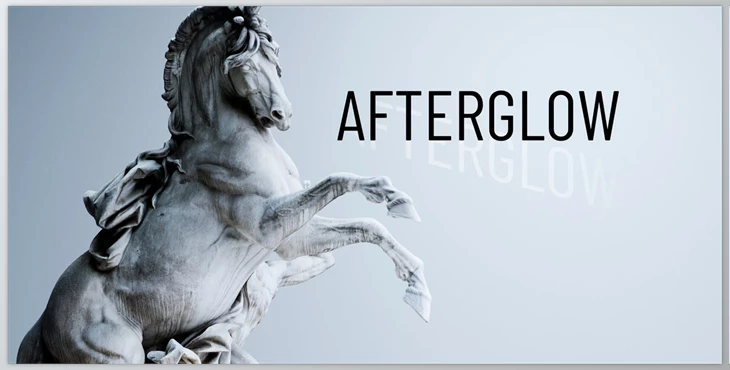
Blender - Afterglow:
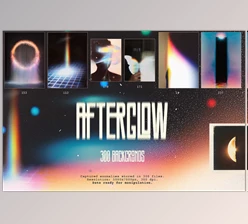
This is an asset type that combines 3D geometries and 2D image planes that assist with lighting and reflections in one's scene. The geometry aspect provides a spherical light range while the image planes give a painterly presentation. Adjustable light-color options are now available via in-shader connections, making them a powerful tool for both 3D artists and those using Blender's Cycles render engine.
These emissive lighting presets, materials, and studio materials are designed to be highly customizable for extensive usage for all 3D artists. Each studio is an entire room with controllable emissions and materials of the light sources impacting studio reflections and bounces. Even mapped gradients and images of lights would require shader nodes for customizable adjustments.
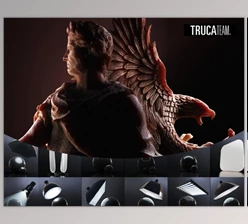
Studio and character cages offer focused lighting options within Afterglow. For example, the studio cages are meant for product visualization with presets that simplify the approach, as well as having emissive lights hidden in the studio, which can be adjusted. Character cages bring colorful life with rainbow palettes of complementary colors to help better showcase character concepts as artistic personal endeavors. These cages are customizable and animatable as well.
To further complement the optional aspects of Afterglow, the material presets are calibrated to suit better the lighting options created within the studio and character cages. Ultimately, Afterglow is a great tool to develop new HDRIs based upon diegetic emissive lighting. Being able to add new lighting in context as needed, based upon real-time productions, is much better than pre-baked HDRIs, which often don't adjust as necessary for all scenes.
"Blender - Afterglow" Samples: