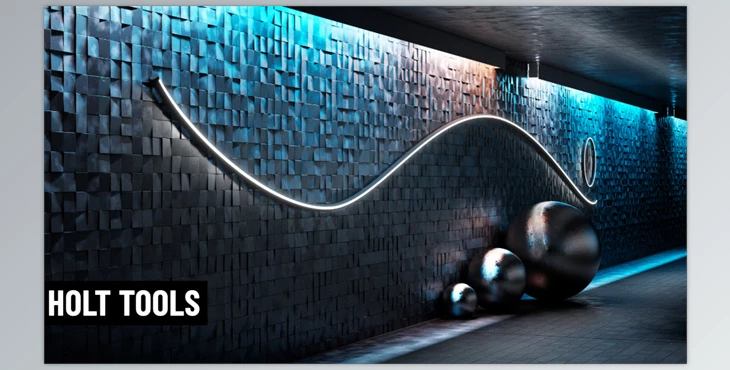
Blender - Holt Tools:
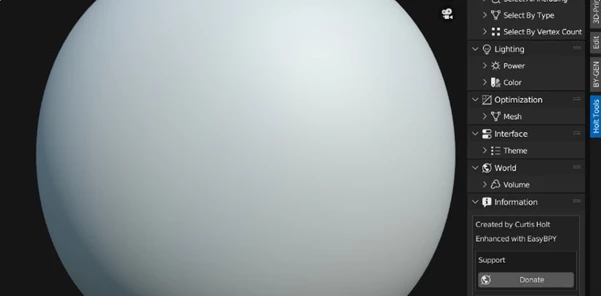
The Blender - Holt Tools adds a new panel to the right side N-menu of the 3D view, which helps support new adjustments in your everyday 3D life. Panels and sub-panels help compartmentalise the following tools:
- Blend file cleaner to help manage unnecessary collections and mesh data;
- select by name/type/vertex information to help streamline selection and editing faster;
- light power control and light colour adjustment, as well as randomise for lights (and selective lights option and all lights option to avoid confusion);
- decimate mesh tool that allows quick decimating within seconds;
- theme changing option accessible in the 3D view as opposed to settings to help maintain a comfortable viewing experience;
- world volume on/off to assess renders quickly without render clouds, etc. It'll render quicker without nodes in the world, but does not change world nodes.
Thus, Holt Tools v6.0 increases workflow capabilities and efficiencies in many diverse areas throughout the Blender platform.
"Blender - Holt Tools" Sample:
Blender - Download Holt Tools 6.0 from the below link now!

Files Password : gfxplugin.com OR 123456