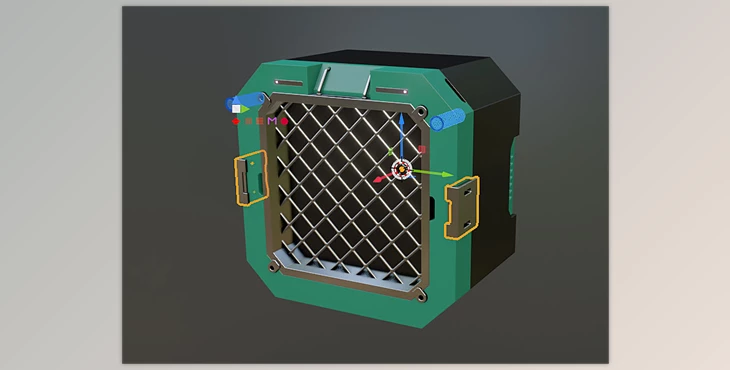
Blender - JMesh Tools:
JMesh Tools is a complete additive pack that enhances the hardsurface process. It adds many tools packed with function and swiftness, for almost every modifier located in JMesh Tools can be accomplished directly in the menu and not the modifier window. For example, within Booleans, one can choose Difference (not selectable at the moment, but also Union, Slice, and Intersect) and apply it to selected objects directly to a desired target (which also appears in the same window, easing targeting).
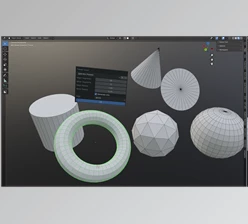
However, the best part of JMesh Tools is the Primitive Mode, accessible through the panel or with Ctrl + Shift + P. One can access Draw primitive mode in object, edit, and sculpt modes to make 2D shapes existing on 3D surfaces. This involves Circle, Rectangle, Polyline, or Curve. One can also draw overdrawn primitives in different modes. For instance, if one draws a circle in a cube and wants it to be a hole, one must draw a circle on the cube, then enter Draw Circle mode to extrude it downwards, creating a hole.
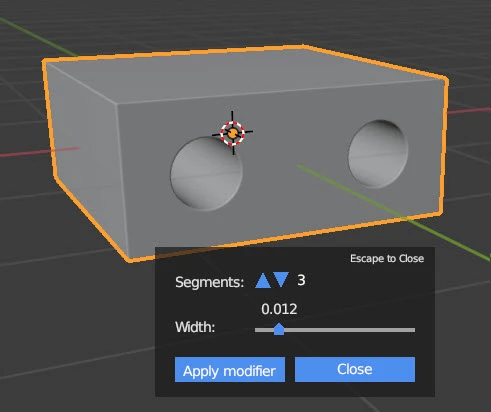
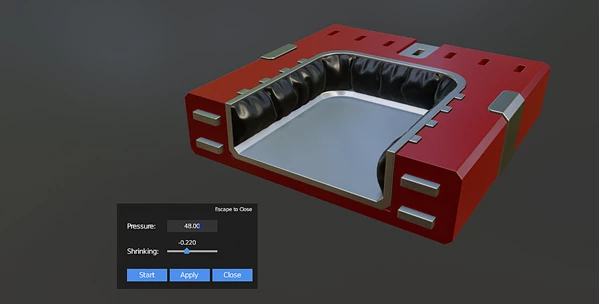
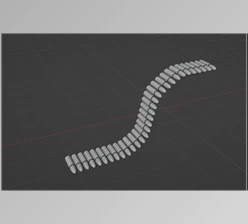
There's an option for beveled edges (one can set the number of segments/width of bevel as well as apply it through the tool), there are array modifiers (Array or Circle Array applies instant popups to determine amount and sensation applied immediately) and cloth simulations (one can apply Clothify with pinned edges and pressure through one button, adjusting pressure and shrinking beforehand before starting the simulation). In addition, the Circular Arrays will appear in Primitive mode, like the Circle Draw options of the Cube Shapes upon circular creation.
"Blender - JMesh Tools" Samples:
Blender - Download JMesh Tools 4.0.0.2 from the below link now!

Files Password : gfxplugin.com OR 123456

![Download [Blender] Archipack PRO 2.6.0 (Blender 3.x)](https://dls3.gfxplugin.ir/Download_Files/20586/SearchSmall/banner.png)
![Download Gumroad – Measurable v1.2 [Blender Addon]](https://dls3.gfxplugin.ir/Download_Files/19759/SearchSmall/banner.png)