Gumroad - Parallax Strands:
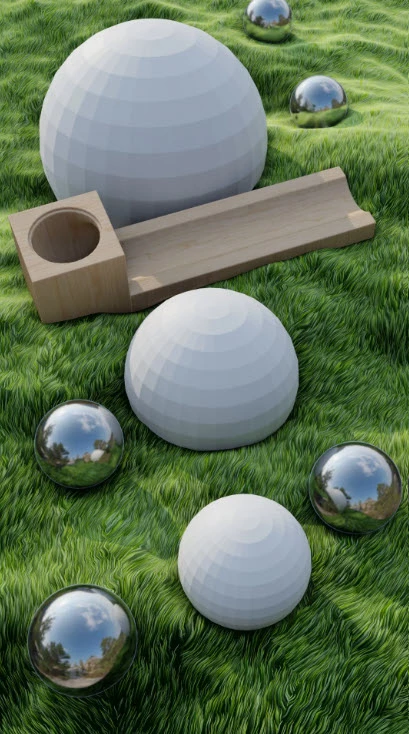
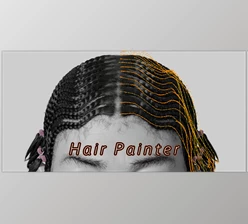
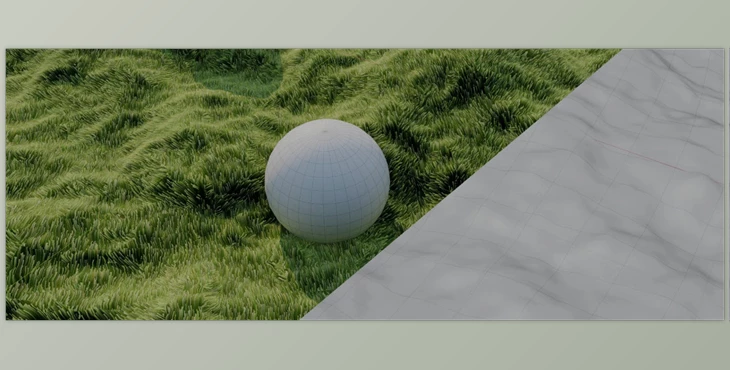
Let's say you're trying to texture your scene with fur, like grass, or you need a body of hair. The Parallax Strands shader renders before practical application in the world of cinema. Previously, you'd have to texture your object (the fast and easy route) or utilize geometry/hair particles (the realistic approach, but taxing on resources and render time). But why? Thanks to parallax occlusion mapping, the need to switch between transparently blended cross sections is avoided, and you can achieve the look of having millions of grass strands or body hairs where a simple plane is all you need.
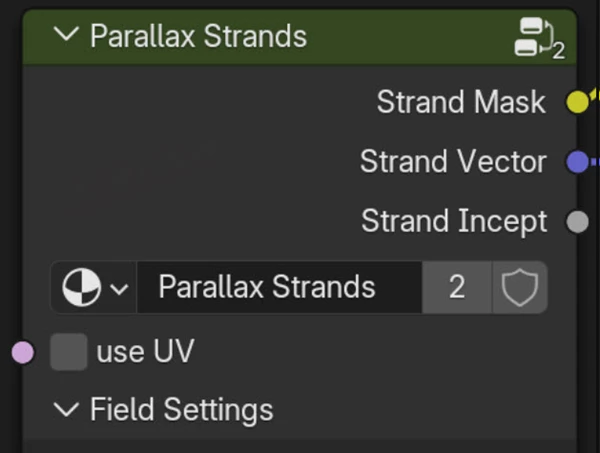
To implement it in your scene, you just append ParallaxStrands.blend, and the shader lives within the materials node for easy access. You can change many shader attributes within the nodes, such as blade thickness, length, direction, and even adding fake Brownian motion for illusory graininess. Essentially, this shader constructs a 3D effect within 3D space using only 2D textures, needing a connection to a texture for the design itself and input vectors as required; randomization is always accepted!
Fields control the overall scale, while blade radial sections adjust how many strands are made or how few (and where they're rendered within the image). There's even a distortion function which incorporates roughness, lacunarity, warp scale, and more, so that you can animate quickly for wind effects without scratching out a million keyframes. Final adjustments are found within the strand options: length, width, rotation down/up, tapering, etc. There are outputs for strand masks and vectors, which are fun extra texturing adjustments, too, with randomization options in color.
"Gumroad - Parallax Strands" Samples: