Gumroad - Pro Zooms For Final Cut Pro:
Expand your creativity in video editing and say goodbye to the complicated keyframing system of Final Cut Pro with Pro Zooms.
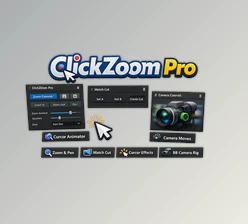
This plugin is comfortable to use and comes with great features such as On Screen Controls for zoom, pan, and speed, which can be easily adjusted by the editor. It also works great with square and vertical footage, making it perfect for today’s TikTok and Instagram Reels content creation.
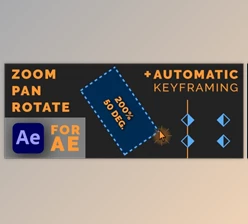
- Pro Zoom: Focus on specific subjects within 0-2 seconds, achieving a quick zoom.
- Pro Pan: Panning to new areas as a complement to zooms is ideal for telling dynamic stories.
- Pro Multi Pan: Simplified multiple animation panning is effortless.
- Pro Burns: Create infinite zoom effects with added features like stop points and rotation.
- Pro Burns Pan: Add directional movement within zooms for added interest.
Additional Enhancements
- Scale Lock: Set limits preventing zooming past 150% or 200% to preserve image quality.
- Onion Skinning: Realign shots effortlessly by seeing the original frame.
- Smart Sharpening: During zooms, video sharpness is enhanced automatically.
- Scene-wide or layer-specific zooms and pans can be title or effect-based.
As of now, trackpad users may be affected by unaddressed bugs with Final Cut Pro 10.8. It’s best to wait until 10.8.1 for full functionality. This plugin is only compatible with Final Cut Pro 10.4 and above.
Gumroad - Download Pro Zooms For Final Cut Pro (Mac) from the below link now!