Blender - One Click Dust: Instant Realism:
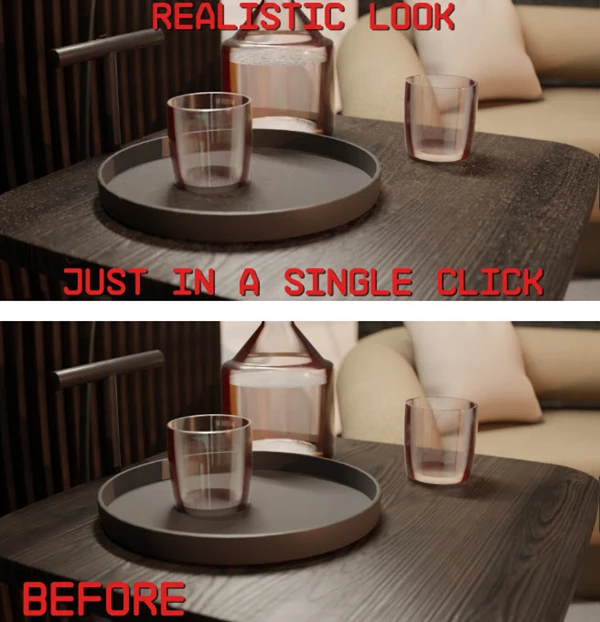
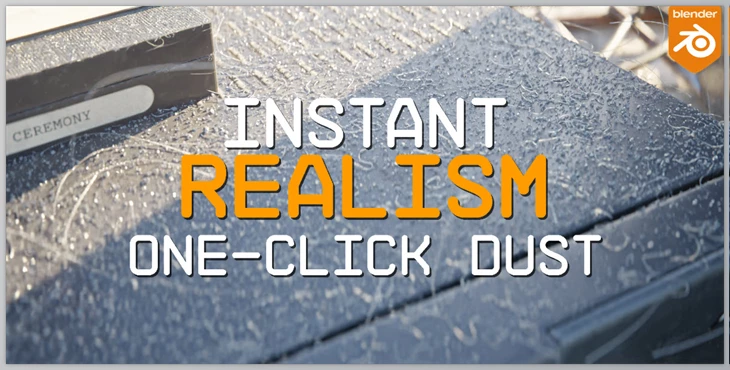
The One Click Dust add-on for Blender 4.0-plus drops an instant coat of grime exactly where you want it. Tap a button, and a smooth, procedural dust layer hugs the surface of any model you pick. Specks then float through the air, borrowing that old cinematic trick of sunlight in a hush. Renders swapped in seconds jump from polished to lived-in without breaking your rhythm.
Some great features of Blender - One Click Dust: Instant Realism:
- One-Click Application: Highlight an object, hit the button, and bam-realistic dust appears as if it has always belonged there.
- Dynamic Dust Clouds: Swarms of airborne particles fill the background, adding invisible motion and a hint of atmosphere.
- Collider-Friendly Behavior: Floating flecks bounce off walls and furniture, behaving as though they weigh something.
- User-Driven Tuning: Sliders let you bulk up the grit, shrink the particles, or scatter them differently until they look just right.
- Immediate Impact: Whether it's an apartment walkthrough, a close-up of armour, or an entire fantasy landscape, the effect pulls viewers in and keeps them there.
Boosting the visual detail in Blender is satisfying, but the viewport can't grind to a halt. Trim the particle counts, toggle off the dust effect for casual passes, and save the dramatic settings for the final render. That single-clip plug-in stays vital whenever an artist wants a procedural motion to pulse through a scene.
"Blender - One Click Dust: Instant Realism" Samples: