Blender - Geometry Nodes Dimensions System:
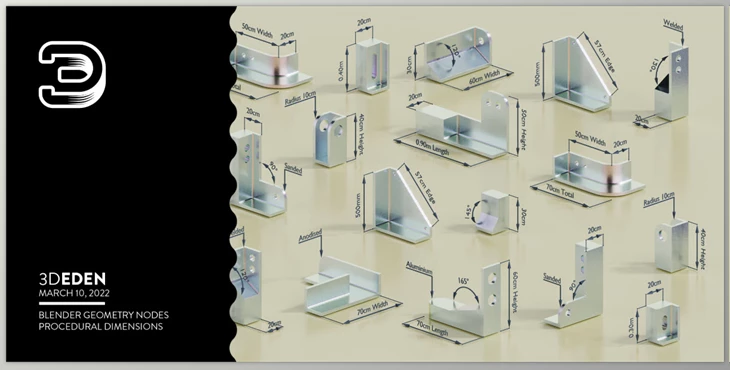
The Blender - Geometry Nodes Dimensions System allows you to measure 3D models and export technical data together with the model file in one operational step.
It facilitates rendering and uploading models to Sketchfab. Incorporating the geometry nodes group into a loose edge allows parameter controls for measuring angles and distances. The system is able to use a variety of units, such as meters, centimeters, millimeters, inches, and feet, as well as degrees and radians, which makes it useful for different projects. Also, the use of annotation arrows gives users the ability to document their models further, allowing for greater detail in documentation. Animating the measurement through hook modifiers, shape keys, or bones allows for measurements to update in real time, making the model much more flexible and easier to work with dynamically.
With the aid of this system, users can measure different dimensions such as surface area and radius and specify their preferred unit. In the user guide, the steps are simplified into three, described as appending the geometry that comes with pre-attached nodes, entering edit mode and snapping the cursor to the intended model, and setting the parameters that meet the style wish. By placing dimensions into different collections, users are able to render them separately, which improves workflow and project presentation.
"Blender - Geometry Nodes Dimensions System" Samples:
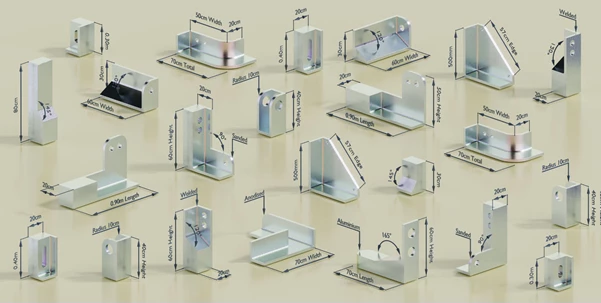
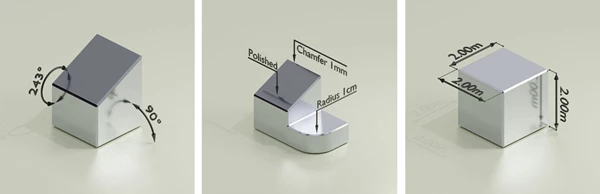
Blender - Download Geometry Nodes Dimensions System 4.4 from the below link now!

Files Password : gfxplugin.com OR 123456
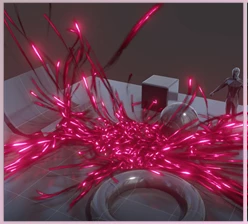

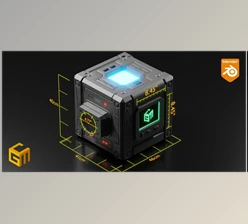
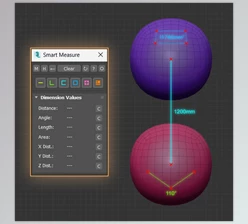
![Gumroad - Download Hobbit door generator - geometry nodes [Blender]](https://dls5.gfxplugin.ir/Download_Files/32666/SearchSmall/banner.jpg)