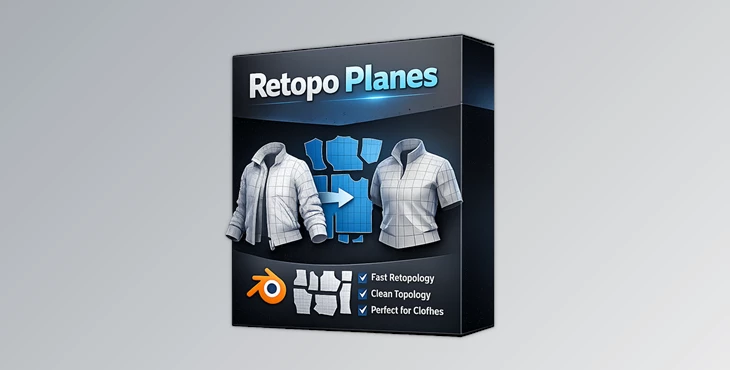
Blender - Retopo Planes:
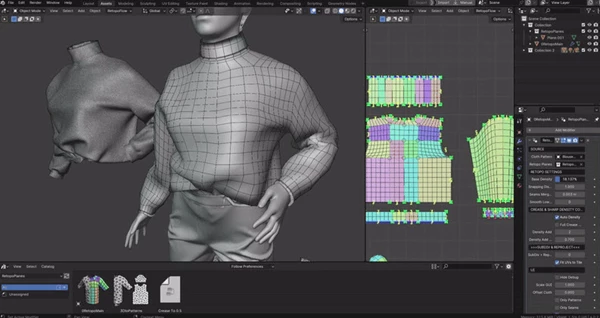
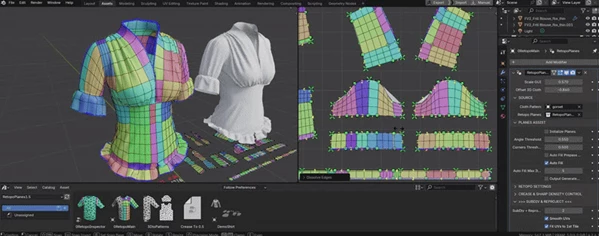
Offering an advanced solution for artists looking for efficient retopology workflows, SUPERHIVE - Retopo Planes for Blender is specially designed for them. As an example, the new tool comes with the Initialize Planes function, allowing users to begin with retopology processes immediately, and the Auto Fill feature that creates cuts throughout connected patterns automatically.
Some great features of Blender - Retopo Planes:
- Auto Fill: Redundant work is done away with since the creation of cuts throughout connected patterns is now automated.
- Adaptive Density: Optimally detailed connected shapes can be plied and manually altered in order to achieve a specific density.
- Precision Snapping: Accuracy with aligning elements has been made simpler owing to the built-in snaps ensuring precision.
- Edge Control: Additional Edge crease control, Edge sharp and deform sub-controls enhance control of the edges of the model details.
- Detail Preservation: Achieving high-quality results requires intricate details, subdivisions and UV maintenance.
- UV Optimization: Efficiently organizes UVs in the first tile for orderly and effective texturing.
- Performance Efficiency: Ensures speed and efficiency even when dealing with high polycount garments.
These attributes make SUPERHIVE - Retopo Planes for Blender particularly useful for artists dealing with complex retopology workflows, as they refine shapes and textures in sculpting and texturing.
"Blender - Retopo Planes" Samples: