Creator Academy - Speed Ramp Pro:
SpeedRamp Pro fixes the speed ramp automation problems with ease-in, ease-out, and multiple preset transitions for DaVinci Resolve. Installation is easy; just double-click the .drfx file.
Make sure you have the DaVinci Resolve Studio to use SpeedRamp Pro. To achieve the best results, create a compound clip, apply the effect, select an easing curve or preset, and, if needed, enable proxy mode. Add motion blur to the clips and cache the effect to enjoy smooth playback.
"Creator Academy - Speed Ramp Pro" Samples:
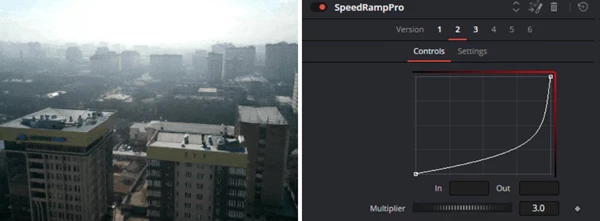
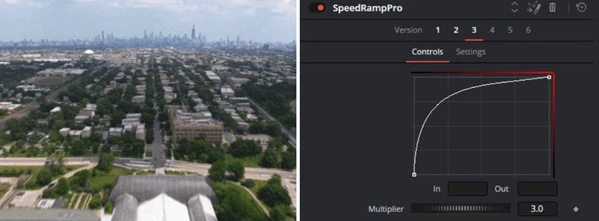
Creator Academy - Download Speed Ramp Pro for Davinci Resolve from the below link now!

Files Password : gfxplugin.com OR 123456