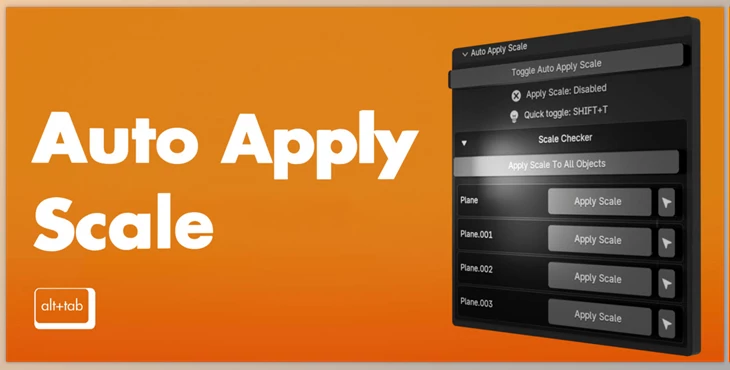
Blender - Auto Apply Scale:
Auto Apply Scale is a Blender addon that aims to provide an efficient workflow by applying scale to objects automatically.
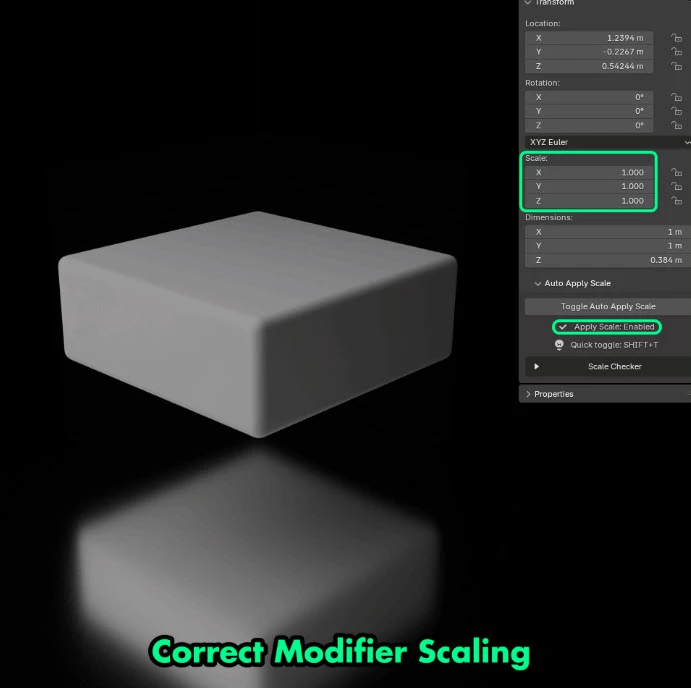
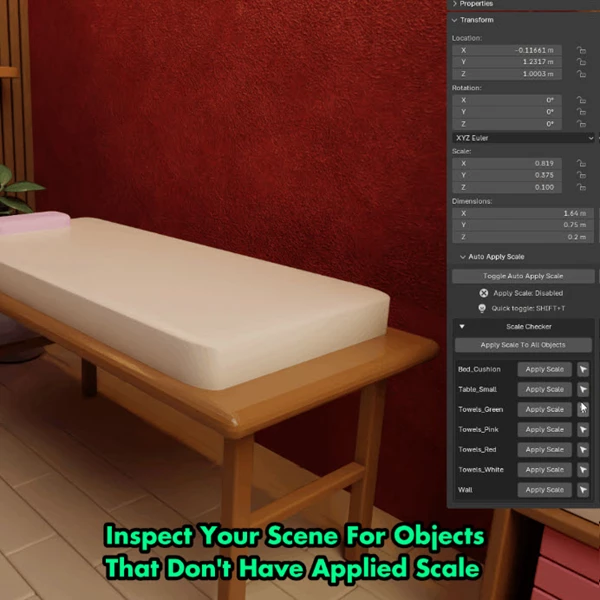
This prevents all common issues that come with unapplied scales. It guarantees proper modelling, texture application, and animation by eliminating the problems arising from broken modifiers, bad physics, and even UV mapping. With an integrated user interface placed in Blender's "Item" panel, this tool comes with a real-time check for unapplied scales on objects and offers a one-click solution to resolve these issues. It is perfect for artists, sculptors, game designers, and animators since Auto Apply Scale does away with manual scale application, which results in time-saving and more straightforward troubleshooting.
Some great features of Blender - Auto Apply Scale:
- Auto Apply Scale Toggle: Ensures scale is applied automatically with every change.
- Error Prevention: Avoids problems with modifiers, physics, and even rendering.
- Scale Checker: Unsuitable scales on objects are listed in a dropdown for easier access.
- One-Click Fixes: Scales can be applied to selected or all objects with a single click.
- Minimal Ui Integration: Does not interfere with the Item panel of Blender, eliminating clutter in the workspace.
- Ideal for Various Users: Benefits riggers, animators, modelers, texture artists, and even game developers since it increases productivity.
"Blender - Auto Apply Scale" Samples:
Blender - Download Auto Apply Scale 3.0.0 from the below link now!
 Blender - Auto Apply Scale v3.0.0.rar (Size: 4.1 KB - Date: 11/27/2025 2:33:12 PM)
- Blender - Auto Apply Scale v2.0.rar (Size: 5.0 KB - Date: 9/2/2025 12:01:21 PM)
- Blender - Auto Apply Scale v1.5.0.rar (Size: 3.1 KB - Date: 7/8/2025 2:20:09 PM)
- Blender - Auto Apply Scale v1.4.0.rar (Size: 7.9 KB - Date: 6/16/2025 1:01:17 PM)
- Blender - Auto Apply Scale v1.3.rar (Size: 3.2 KB - Date: 6/3/2025 12:23:24 PM)
- Blender Market - Auto Apply Scale.rar (Size: 6.0 KB - Date: 2/25/2025 3:40:24 PM)
Files Password : gfxplugin.com OR 123456