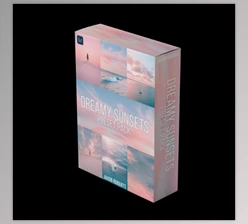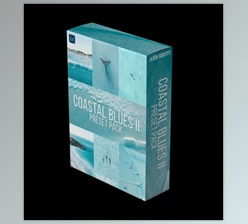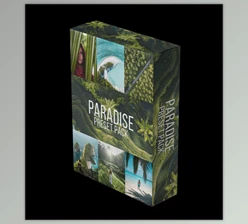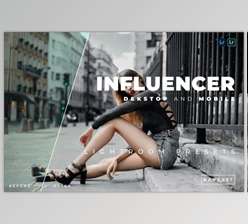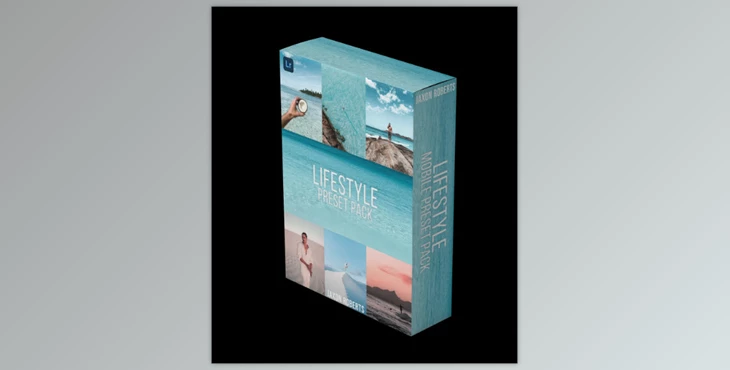
Jaxon Roberts - Lifestyle - Preset pack:
Included in the Preset Pack:
- 26 Unique Presets – Crafted for desktop and mobile applications on Adobe Lightroom.
- Step-by-step video guidance – Download and use the presets.
- Instructions – Simple Guide to Getting Settings Worked Earlier.
Also Great for:
- Mobile and casual photographers.
- Drone Users and Professional Photographers.
How To Install:
For Desktop:
- Unzip the folder.
- Open Lightroom -> Go to the 'Develop' Tab.
- Add presets → Select all presets → Import.
On Mobile:
- To extract the folder, use any free unzipping app.
- Find the folder named "Mobile".
- In Lightroom, open each.DNG file.
- Press the 3 dots in the top right → Create Preset → Name it.
This is a digital download. For your convenience, video tutorials are included to help you set it up!
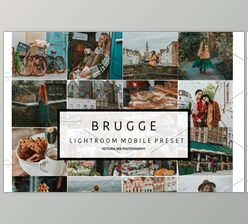
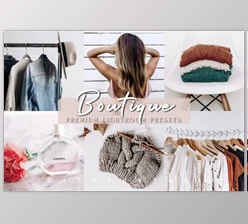
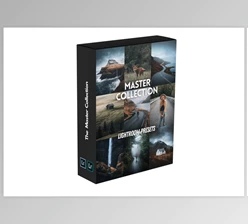
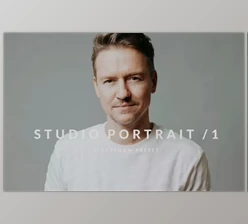
"Jaxon Roberts - Lifestyle - Preset pack" Samples:
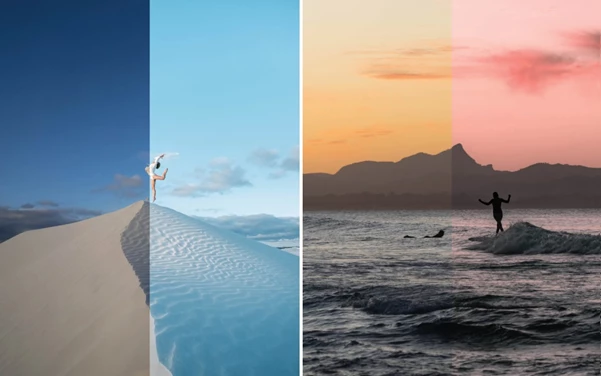
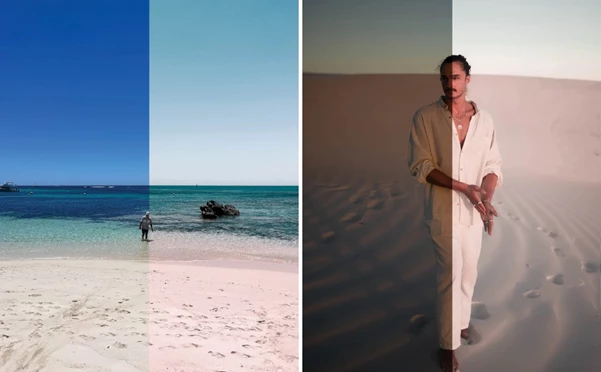
Download Jaxon Roberts - Lifestyle - Preset pack from the below link now!

Files Password : gfxplugin.com OR 123456