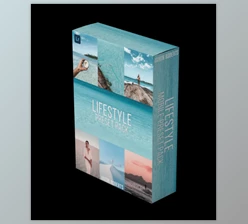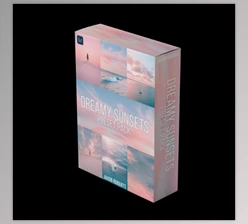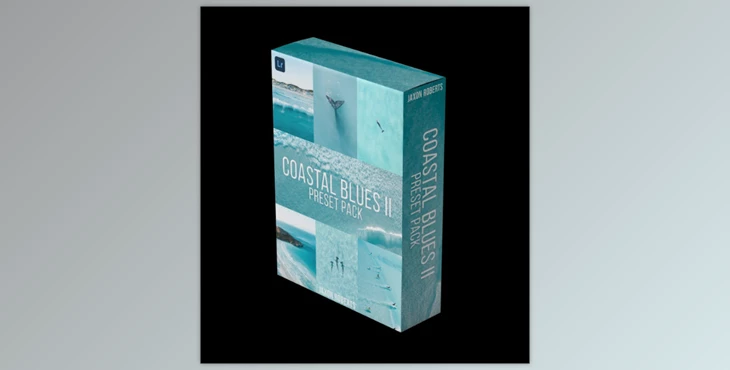
Jaxon Roberts - Coastal Blues II - Preset pack:
What’s Included:
16 Unique Lightroom Presets may be the only professional presets that allow users to reach a whole new level of photography. Compatible with both Desktop and Mobile versions of Lightroom.
It is designed to create soft, inspiring, dreamy, aesthetic coastal vibes.
Tutorials
- Instructions on how to install and use the presets are thoroughly covered through video-type tutorials.
User Manual
- Easy steps for installation are applicable for Desktop and Mobile devices.
Most Suitable For:
- Beach / Ocean Photography
- Postcard Style Casual Beach Snapshots
- Commercial Grade
- Aerial Photography
Installation Steps:
For Desktop:
- Unzip the folder containing the presets and use it in any desired location.
- Now, Open Lightroom and go to the Develop Tab.
- Click on the preset button and click on Add Presets and besore anything. Select all of them and click on import at the bottom.
For Mobile:
- Go to the folder name written “Mobile” in your downloaded files.
- Open each.DNG in Lightroom one by one.
- After application of the preset, click on the 3 dots you’ll find in the top right corner.
- Then click on the option named Create Preset and name it as you wish.
"Jaxon Roberts - Coastal Blues II - Preset pack" Samples:
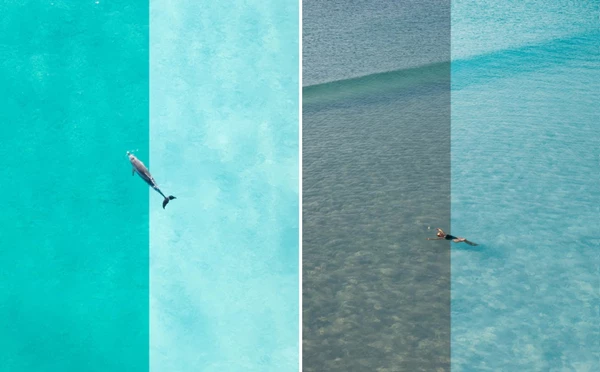
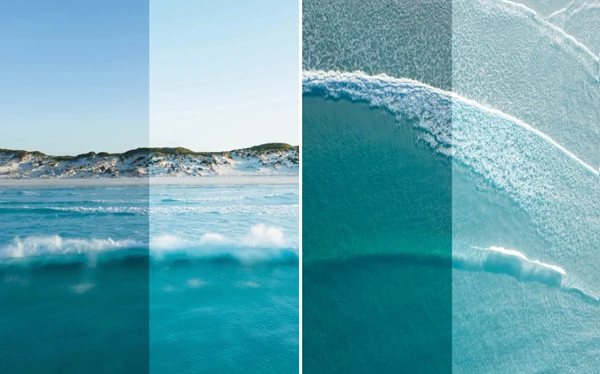
Download Jaxon Roberts - Coastal Blues II - Preset pack from the below link now!

Files Password : gfxplugin.com OR 123456