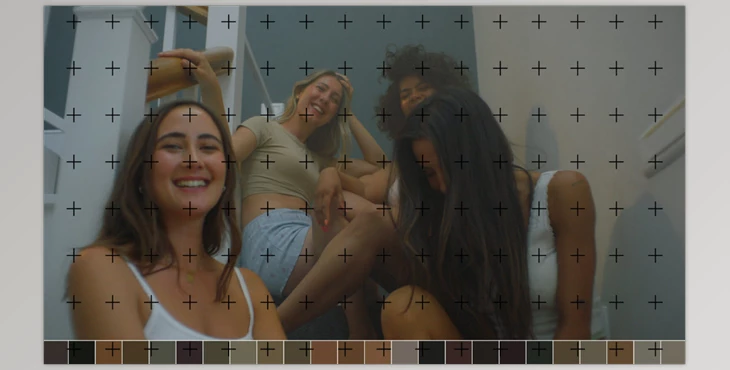
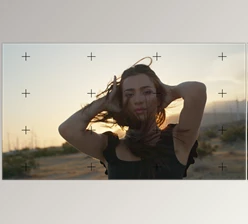
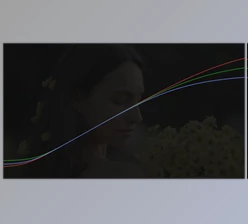
Mononodes Color Palette v1.0 for Davinci Resolve: The Color Palette DCTL Tool allows filmmakers, DoPs, and colorists to extract colors from any film still, ensuring visual consistency and enhancing storytelling through mood continuity and aesthetic harmony.
It works optimally in 16:9 and 2:1 timelines with a resolution of 1920x1080, while higher resolutions like 3840x2160 may require minor adjustments. To install, access the “Project Settings” in DaVinci Resolve, open the LUT folder under “Color Management,” and add the DCTL files. Restart the software to apply the changes.
Download Mononodes Color Palette v1.0 for Davinci Resolve from the below link now!