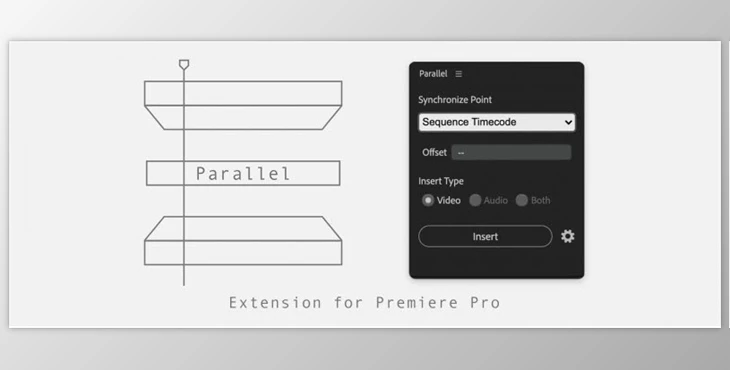
Aescripts Parallel allows users to synchronize and insert clips from the Project Panel into a sequence using five different sync methods. It prioritizes the target track and automatically shifts clips to the track above if the target is occupied. The methods include: synchronizing clips by their sequence timecode, aligning clips by their selected timecode in the sequence, stacking clips based on their In Point or Out Point, and aligning clips by their timecode.
Download Aescripts Parallel v1.1.1 (Win, Mac) from the below link now!