Blender Market - Mesh Brush 2:
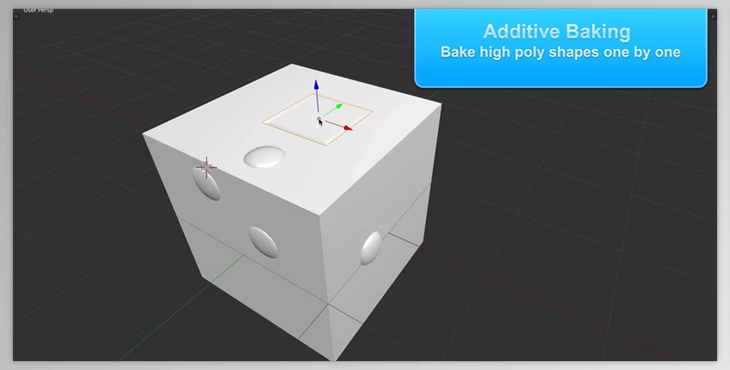
Mesh Brush is a Blender add-on designed to quickly create ID and normal maps, and enhance low poly meshes with high poly details through additive baking. Here's a summarized workflow:
- Setup: Model and unwrap the low poly mesh. Use
W -> Set Canvas to define texture dimensions and initialize the material setup. - Baking Details: Position high poly details (e.g., bolts) on the low poly surface and press
E to bake. Enable snapping for better alignment. Bake additional details as needed. - Finishing: Press
W -> Release the Canvas when done. - Normal Transfer: Duplicate the low poly mesh, add details to the duplicate in edit mode without excessively stretching UVs, and bake an object space normal map. Convert to a tangent space normal map if necessary.
- Edge Smoothing: Apply the subdivision modifier and control edge smoothness on the duplicate, then bake the object space map.
The add-on utilizes Blender's internal rendering engine for baking and includes features to fix UV stretching due to Blender's default operations.
Download Blender Market - Mesh Brush 2 from the below link now!