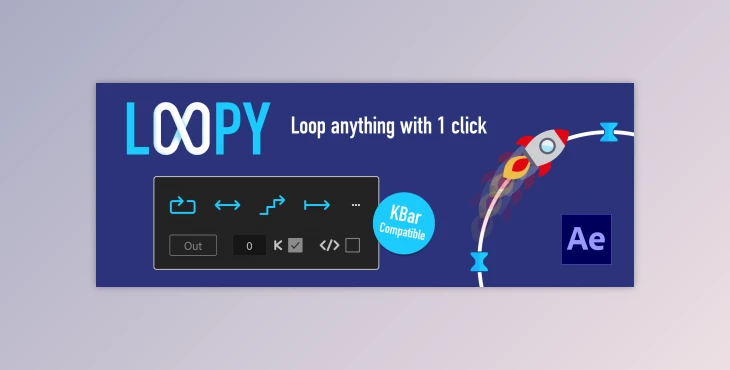
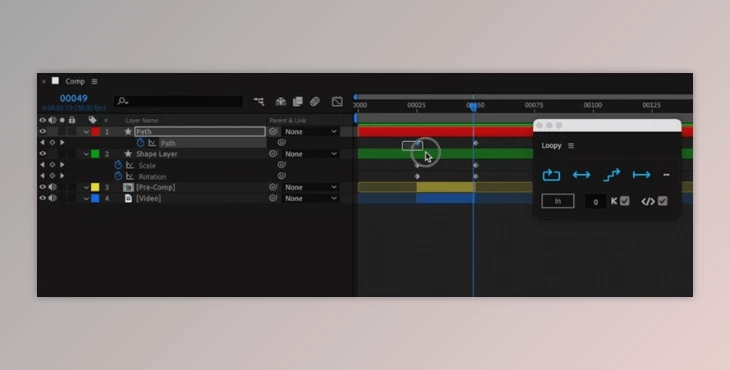
Aescripts Loopy simplifies looping audio-visual footage by offering various loop modes ('Cycle', 'Ping Pong', 'Offset', 'Continue') without needing to manually adjust keyframes.
How can we create, delete, and move keyframes for our loop in plugins to design the project?
You can design your project using "Aescripts Loopy".
Gfx plugin details of Aescripts Loopy
The product is in the After Effects Plugins category from AeScripts, for more information about this post you can click on the home page link in the sidebar.
To search for similar products to Aescripts Loopy, click here. Does this product work on Windows and Mac Os? We mostly include the operating system in the title. if it is not written, it will work on Windows, and you can contact us for the Mac version.
"Aescripts Loopy" Samples:

You can easily apply loops to multiple properties or layers with a single click, regardless of their type.
Features include options for changing loop direction, setting keyframe modifiers, and retaining existing expressions. Additionally, Loopy integrates with KBar, allowing you to access and apply looping functions directly from a custom toolbar.