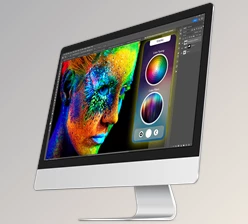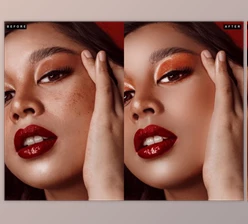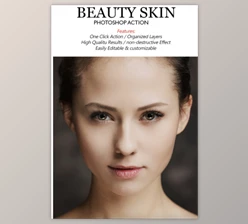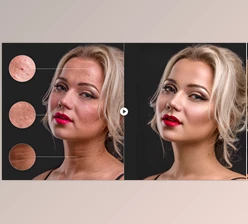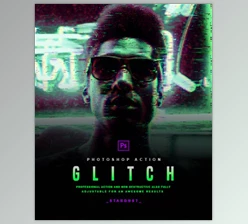
Beautify v2 – Premium Retouch Panel for Photoshop: Beautify is a specialized program crafted exclusively for Adobe Photoshop, tailored to meet the needs of photographers at every skill level, from beginners to professionals. Developed by industry experts, Beautify empowers you to effortlessly enhance your portraits with just a few clicks. Featuring cutting-edge technology, it streamlines your workflow, saves time, and elevates productivity. Whether you're a novice embarking on your creative journey or a seasoned pro, Beautify fulfills your vision and maximizes efficiency, potentially reducing your workload by up to 90 percent.
How to retouch and edit your images professionally?
You can use "Beautify v2 – Premium Retouch Panel for Photoshop" to edit.
Where can I download the product?
After subscription, You can download it for free from here.
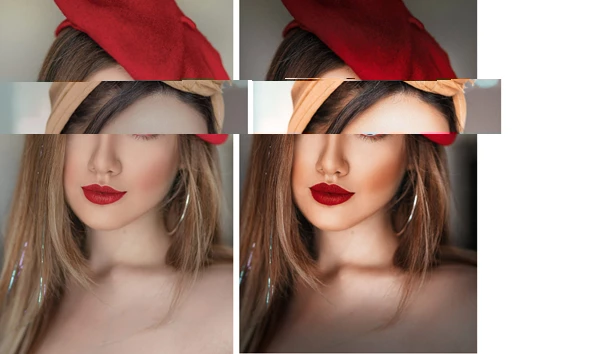
Some great features of Beautify v2 – Premium Retouch Panel for Photoshop:
Speed up your WORKFLOW By up to 90 percent
- Optimized for screens that are up to 5k.
- Video course with full course fee included.
- Contemporary and stylish design
- Pro features
created for Adobe Photoshop.
The Beautify Panel has undergone thorough testing with officially authorized versions of Photoshop, spanning from Adobe Photoshop CC2014 (v15) to CC2021 on both Mac OS and Windows platforms, across a range of computer configurations. However, it's important to note that the Beautify Panel is not compatible with Adobe Photoshop CC for M1 Apple Processors.
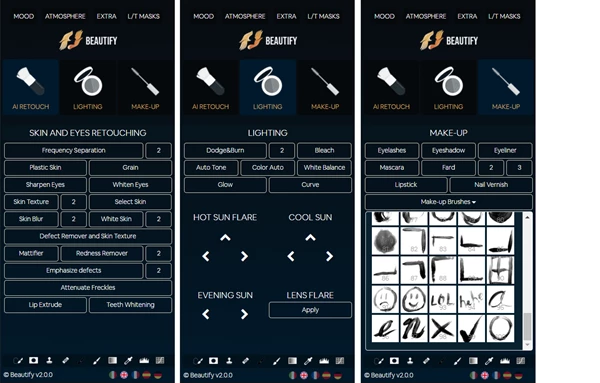
AI Retouch
Leverage the capabilities of cutting-edge algorithms to seamlessly remove skin imperfections and rejuvenate your skin's texture.
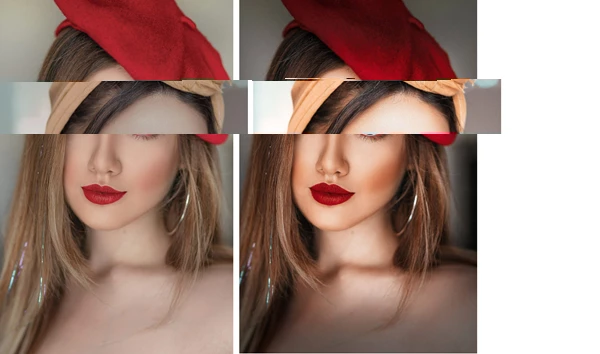
Lighting
It is now possible to control the light on your subject with new features that are intuitive and extremely efficient and with a natural rendering.
Makeup
A collection of tools to create realistic makeup in only one or two clicks. You can even correct tiny imperfections in your makeup, or give room for your imagination.

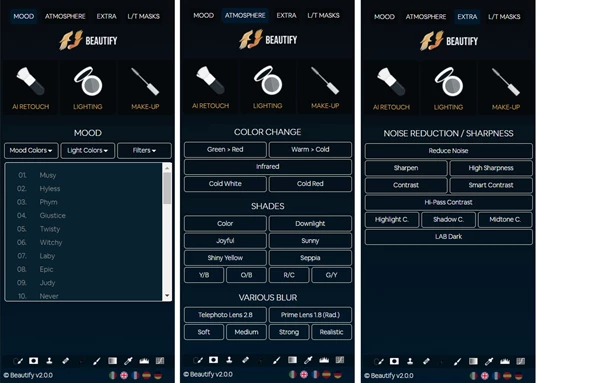
The Mood End Extras
Revitalize your photos even in less-than-ideal lighting conditions with the cutting-edge features of the "atmosphere" section. Explore the exciting "mood" effects to infuse your images with personality. Craft precise tonal or luminance masks to enhance your creative vision. Then, expertly fine-tune sharpness and contrast to achieve professional-grade results.
Principal Interface
Within these three segments lies a comprehensive toolkit for crafting expert-level portrait postproduction. Featuring diverse frequency separation techniques, advanced dodge and burn removal, blemish elimination, along with comprehensive lighting control and digital makeup, the scope of creative possibilities knows no bounds. You can personalize the interface by selecting your preferred language, ensuring that the toolbar provides unfailing access to all necessary tools for seamless progression. The notion of "impossible" becomes but a distant, unreliable memory.
MOOD ATMOSPHERE, EXTRA
Craft a distinct and personalized touch to your artwork with these three sections. Choose from a plethora of moods to imbue your images with stunning hues, while experimenting with various tonings to either distort or accentuate the existing scene, enhancing its mood further. Replicate the blur effects of diverse lenses, and then put the finishing touches on your photograph with refined techniques to enhance clarity and sharpness.
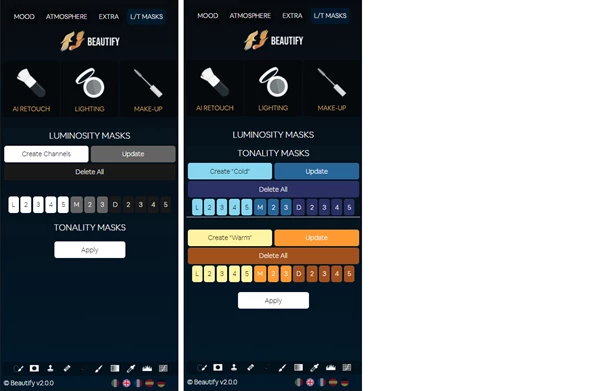
BRIGHTNESS and HUE MASK
With the editor, precision reigns as you tailor adjustments to match the scene's intensity. Seamlessly blend them with cool or warm tones, granting you the power to decide whether modifications should be confined to the lights, extend to midtones, or encompass shadows across 13 distinct brightness ranges. A handy preview function facilitates swift selection of the optimal mask, ensuring exact results in minimal time.
What is Beautify v2 – Premium Retouch Panel for Photoshop?
Introducing Beautify v2: a sophisticated retouching panel meticulously crafted for Adobe Photoshop. This premium tool is a go-to for photographers and graphic designers seeking to elevate their portraits and photos. With an array of features including skin smoothing, blemish removal, teeth whitening, and eye enhancement, Beautify v2 streamlines the retouching process, delivering impeccable results with ease. Say goodbye to tedious adjustments and hello to professional-grade enhancements at your fingertips.
Download Beautify v2 – Premium Retouch Panel for Photoshop from the below link now!

Files Password : gfxplugin.com OR 123456