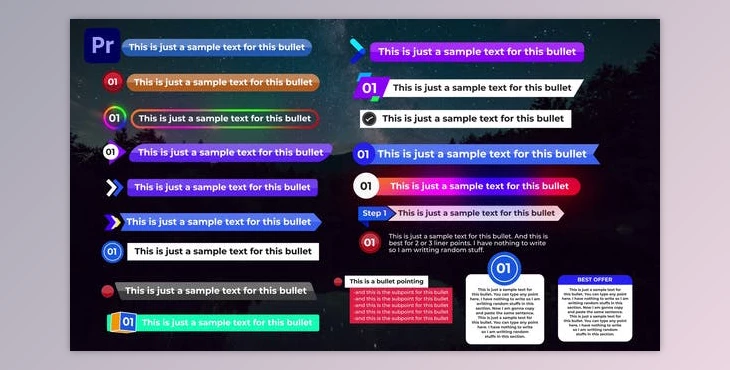
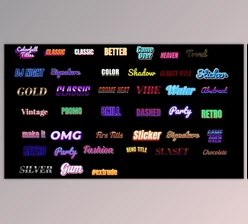
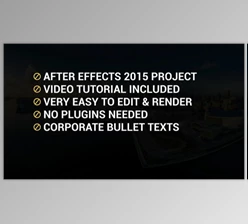
Advance Bullet Pointing (Videohive 33729934): Simply drag and drop was all it took to create Bullets. Drag it onto your timeline and you are good to go. You can edit the text and bullets within one Mogrt document. The template can be duplicated as many times you want and made different. This video tutorial will show you how to use the template.
SOFTWARE SUPPORT – Adobe Premiere Pro CC 2020 or higher
Some great features of Advance Bullet Pointing:
- RESOLUTION: 1920x1080 (30FPS).
- PLACEHOLDER - 20 Mogrt files
- PLUG-INS: No plug-ins are required
- TUTORIAL: A video tutorial with simple to follow instructions
Not Included
- Music is not included
- Images not included
Download Advance Bullet Pointing (Videohive 33729934) from the below link now!