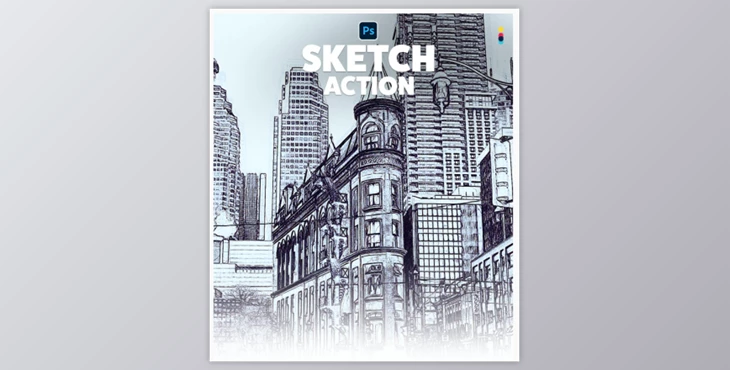
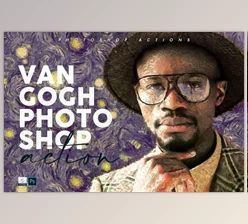
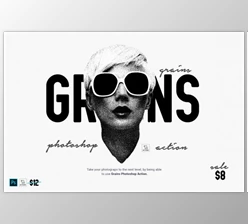
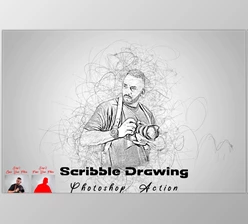
Sketch Effect Action By InfoLabMENA (ATN): Sketch Effect Photoshop Action transforms your photos into stunning style in just a matter of seconds. It can be used with ANY type of image (except B&W) and works on Photoshop CS5 or higher (English versions).
Some great features of Sketch Effect Action By InfoLabMENA:
- Organized layer structure.
- It is very easy to use with minimal Photoshop skills.
- Best image sizes 3000 pixels USE THIS ACTION ONLY ON PHOTOSHOP.
- You should ensure that Photoshop is being used in English.
HOW TO INSTALL IT
In Photoshop, click on the 'Window’ menu and choose 'Actions. On the right-hand side, a window will now appear.
To reveal the Actions window click the icon in the upper right-hand corner.
The drop-down menu. Select 'Load actions...' from this menu. Choose the action that interests you.
The download was included.
Now, the action panel will display it.
HOW TO USE THE ACTION
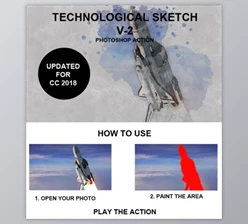
- To work with a photo, open it
- Keep the photo layer locked. Make sure that your photo is set to RGB color mode. Go to the Image> menu and select 'Mode'. Make sure 'RGB is selected.
- Enjoy the action
Download Sketch Effect Action By InfoLabMENA (ATN) from the below link now!