Downloadable files
You can download Scribble Doodle Pack: 130+ Hand-Drawn Animated Elements for free from the bottom of this page.
Add a Hand-Drawn Touch to Your Videos
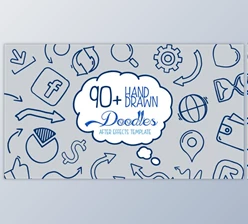
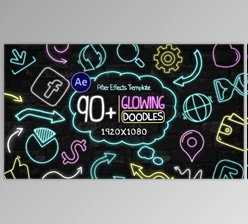
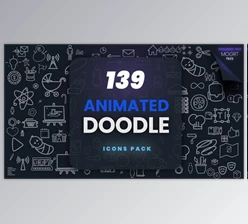
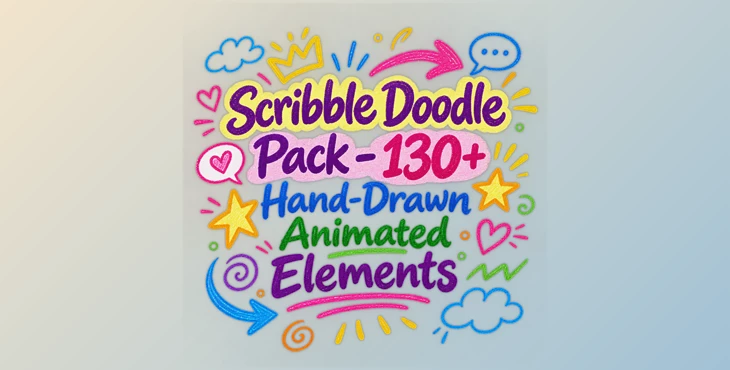
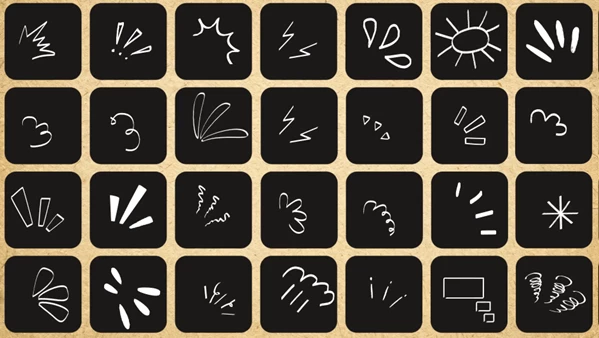
Scribble Doodle Pack is a collection of animated graphic elements for Adobe After Effects. It includes arrows, speech bubbles, shapes, numbers, symbols, and different types of doodles. Each element is drawn by hand and has a natural chalk-like texture.
The pack helps editors highlight important details, draw attention to specific parts of a video, and add a playful touch to their content. The animations have slightly moving lines that give them a natural, hand-drawn appearance.
What's Included in the Pack?
The collection contains 131 animated elements across eight categories.
Element | Quantity |
|---|---|
Arrows | 51 |
Doodles | 32 |
Speech Bubbles | 14 |
Numbers | 10 |
Shapes | 10 |
Lines | 7 |
Symbols | 4 |
Letters | 3 |
Total | 131 |
The doodle collection includes bursts, flashes, clouds, swirls, and rays. Each category offers different ways to decorate footage or communicate visual information.
Key Features
Natural Hand-Drawn Animation
Each element uses a draw-on animation that makes the lines appear as if someone is drawing them by hand. The lines also have a slight boiling effect, giving the graphics a constantly moving, imperfect appearance.
Customizable Colors
Every animated element comes with its own color control. Editors can change the original colors to match their footage, brand colors, or overall video style.
Simple Drag-and-Drop Workflow
Using the animations does not require drawing skills. Simply choose an element and place it over your footage in After Effects.
Every element has its own folder within the project, so finding a specific arrow, shape, or doodle is straightforward.
A video tutorial is also included to help users get started.
Where Can You Use These Animations?
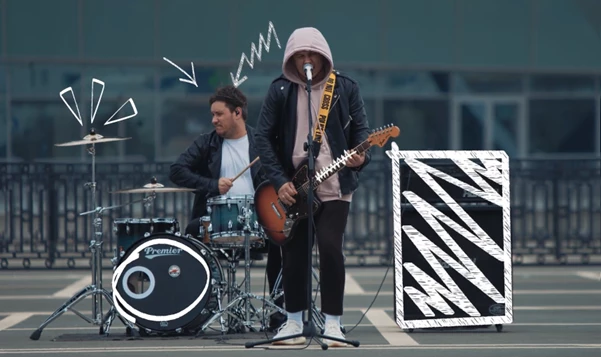
The hand-drawn style works well in both educational and creative video projects.
YouTube videos and vlogs: Point toward objects, highlight details, or decorate scenes with animated doodles.
Instagram, TikTok, and Reels: Add playful graphics to short-form video content.
Explainer videos and tutorials: Use arrows, numbers, and shapes to guide viewers through instructions.
Presentations: Highlight important information and visual details.
Promotional videos and advertisements: Draw attention to products, messages, or specific areas of the screen.

Files Password : gfxplugin.com OR 123456