Downloadable Files
You can download QR Drop for free from the bottom of this page.
Add Branded QR Codes Directly to Your Videos
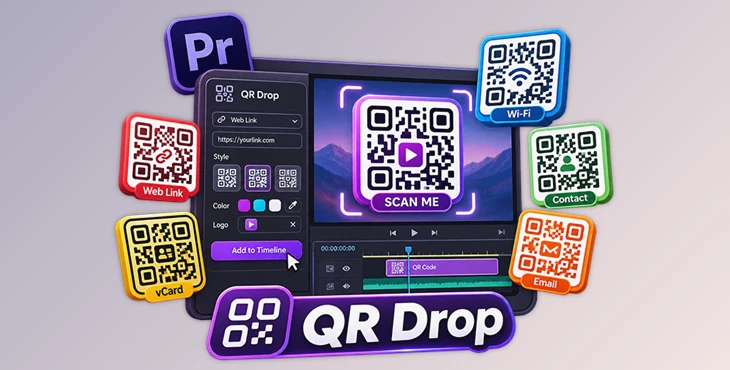
QR Drop is a UXP panel for Adobe Premiere that generates custom QR codes and places them directly on the timeline. Editors can add website links, contact details, Wi-Fi information, and other content to their videos without using an external QR code generator.
The panel sits next to your timeline and follows the Premiere interface theme. Everything from entering information to changing the appearance of the code takes place inside the editing workspace.
Unlike QR codes that depend on an external redirect service, QR Drop stores the information inside the code itself. The generated QR codes do not have an expiration date.
From Content to Timeline in Three Steps
The process of generating and adding a QR code is divided into three simple steps:
Type It: Enter the information you want the QR code to contain, such as a website address or contact details.
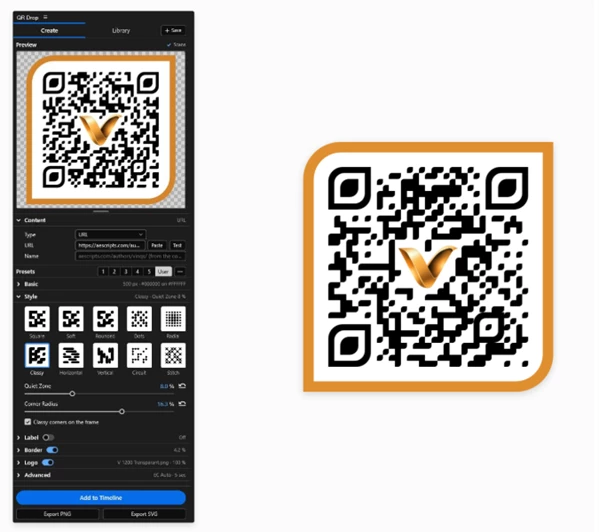
Style It: Choose a graphic style or preset and customize the colors, logo, border, and label.
Drop It: Click Add to Timeline to place the QR code at the current playhead position, above your existing clips.
The generated PNG is automatically stored in a dedicated QR Codes bin inside the Premiere project. There is no need to download the image from a website or import it separately.
Supported QR Code Content Types
QR Drop supports seven types of content, making it suitable for different kinds of video projects.
Content Type | Description |
|---|---|
Web Link | Opens a website and includes Paste and Test options. |
Plain Text | Stores written information inside the code. |
Wi-Fi | Holds network login details and supports WPA, WPA2, WPA3, WEP, open and hidden networks. |
Contains an email address, subject, and message. | |
Phone Number | Stores a telephone number. |
SMS | Contains information for a text message. |
Contact Card | Stores contact information in vCard format. |
Customize the Appearance of Your QR Codes
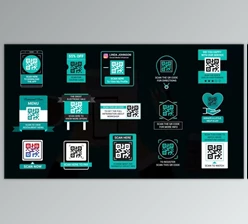
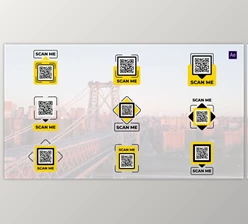
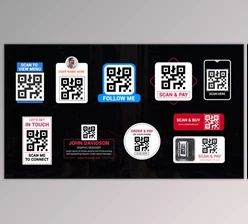
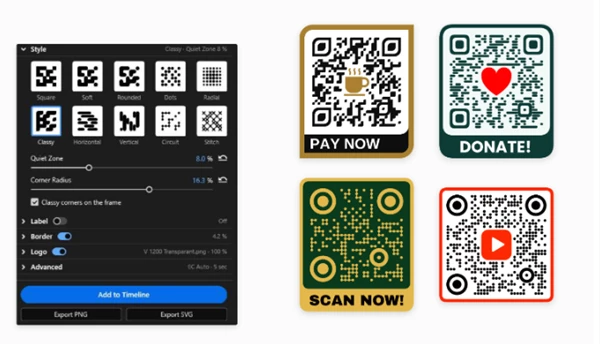
A standard black-and-white QR code may not match the visual style of every video. QR Drop includes 10 graphic styles, ranging from the traditional Square design to the more playful Stitch style.
Each style comes with several customization options:
Custom Colors: Select colors using HEX values, the eyedropper, or saved favorite colors.
Text Labels: Add short messages such as "SCAN ME" or "PAY NOW" using one of 16 available fonts.
Logo Placement: Place a PNG logo in the center of the QR code, with the surrounding free space shaped to fit the logo.
Borders: Add borders and customize the rounded corners.
Transparent Background: Generate a code without a solid background to place over video footage or graphics.
Image Size: Choose a resolution from 250 to 2160 pixels or match the size to your sequence.
These settings are particularly helpful when working with brand colors and logos that need to remain consistent across different videos.
Save Custom Styles and Previous QR Codes
QR Drop includes five built-in style presets that provide a starting point for customization. Once you have designed a QR code that matches a brand or project, you can save its appearance as a custom preset.
Preset files can also be shared with other team members.
The panel has a searchable library that holds up to 200 QR codes. Previously generated codes can be placed on the timeline again without entering their information from scratch. There is also an option to reuse only the visual style of an existing code while working with different content.
Export QR Codes for Print and Digital Designs
QR codes generated inside Premiere are not limited to video projects. QR Drop supports two export formats:
PNG: A raster image with optional background transparency.
SVG: A true vector file that can be scaled without losing image quality.
This means an editor can use the same branded QR code in a video, thumbnail, printed poster, or website design.
Where QR Drop Fits into Video Projects
QR Drop is suitable for product promotions, corporate videos, event presentations, educational content, and social media advertisements.
A product video might include a QR code that opens a product page, while a business presentation could display a contact card. Event videos can provide Wi-Fi login details or direct viewers to a website containing additional information.
For editors who frequently work with branded content, the saved presets and QR code library help maintain a consistent appearance across multiple projects.

Files Password : gfxplugin.com OR 123456