Downloadable Files
You can download Adobe Animate for free from the bottom of this page.
Bring Characters and Interactive Designs to Life
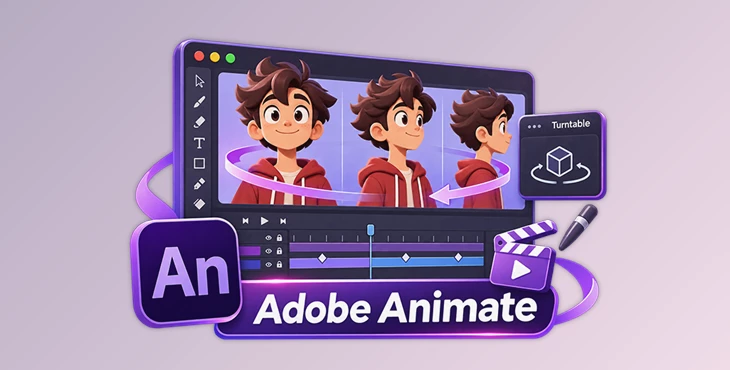
Adobe Animate is an animation software designed for creating cartoons, games, web banners, and interactive digital content. It combines drawing, animation, and coding tools in a single environment.
Artists can draw characters, animate their movements, and build interactive scenes. The software is suitable for both traditional frame-by-frame animation and projects that respond to user actions.
It also supports multiple publishing formats, making it possible to deliver animations across desktop computers, mobile devices, and TV screens.
Character Design and Animation
Adobe Animate includes drawing tools for designing characters with different expressions and movements. Adobe Fresco live brushes blend and bloom like real paint, giving artists more freedom when drawing their characters.
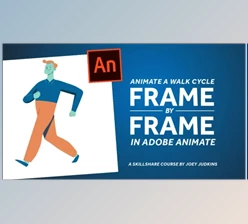
Frame-by-frame animation lets you control individual movements by working on separate frames. You can animate facial expressions, blinking, talking, and walking.
Two additional tools help with character animation and shape deformation.
Envelope Deformer
The Envelope Deformer changes the shape of vector and bitmap graphics. By moving Bezier handles, you can bend and reshape the edges of an object.
Flexi Bone
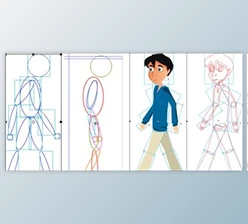
Flexi Bone helps you control the bones of animated characters. It lets you bend and warp bones to place characters in different poses.

Interactive Games and Web Content
Adobe Animate provides tools for designing interactive content for web and mobile platforms.
Game developers can build visual assets, prepare game environments, design start screens, and integrate audio directly into their projects.
Interactive animations can respond to different user actions, including:
Mouse movements
Mouse clicks
Touch interactions
These features are particularly useful for interactive banner ads and web-based content. Coding is available directly inside the software, but certain actions can be added without writing code.
Animate also supports sharing animations as augmented reality experiences.
Export and Publishing Options
Adobe Animate supports several publishing platforms and output formats.
Platform or Format | Purpose |
|---|---|
HTML5 Canvas | Browser-based animations and interactive content |
WebGL | Web graphics and animations |
Flash / Adobe AIR | Content for Flash and AIR environments |
SVG | Vector-based output through custom platforms |
Video | Video-based animation projects |
Animated GIF | Short animated content |
The quick publishing feature lets users share their compositions with a single click. It includes sharing options for YouTube and Twitter, along with video and animated GIF outputs.
What Can You Make with Adobe Animate?
The software covers several types of animation and interactive design projects:
Animated cartoons and TV shows
Interactive web and mobile games
Animated banner advertisements
Digital avatars and animated doodles
Interactive educational content
Animated infographics
Augmented reality experiences
Getting Started with Animation
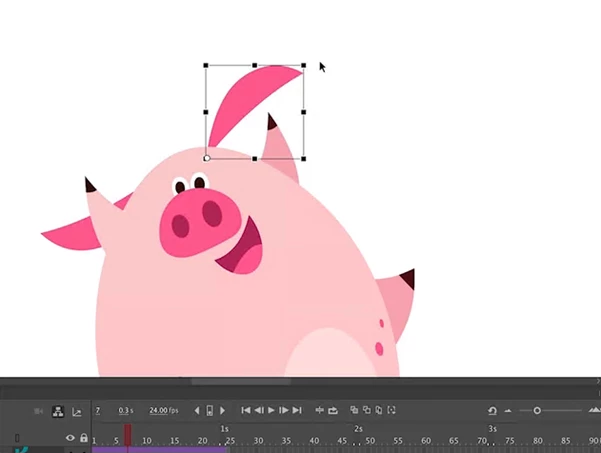
Adobe Animate includes a built-in tutorial for beginners. It guides users through the basic steps of making their first animation.
Beginners can learn the basic animation process directly inside the software before moving on to more detailed character movements or interactive projects.

Files Password : gfxplugin.com OR 123456