Downloadable Files
You can download BAO Mask Gradient for free from the bottom of this page.
Create Custom Gradients Using Masks in After Effects
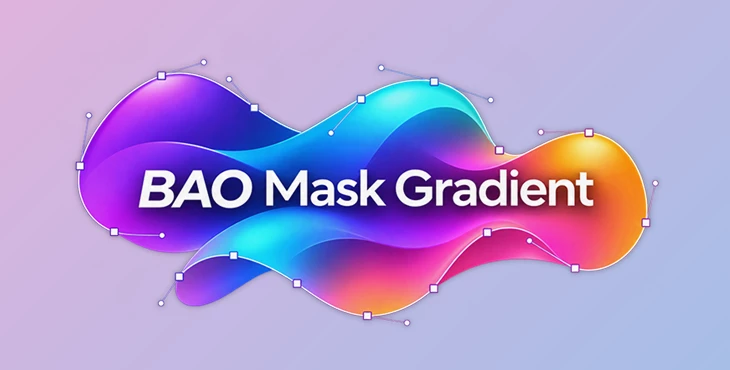
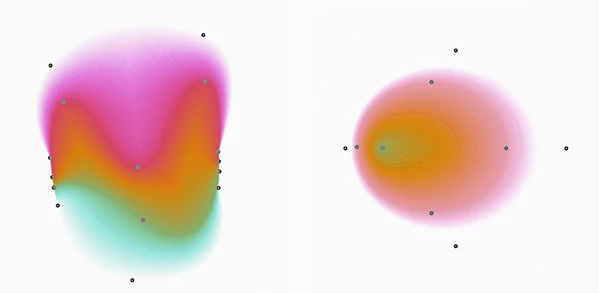
This After Effects plugin creates color gradients using masks. You can give each mask its own color and opacity, and the plugin blends the colors between them.
BAO Mask Gradient works with open and closed masks. You can use several masks in one gradient, so you are not limited to a simple blend between two colors. It also has controls for precision, dither, and opacity.
Create Color Gradients Between Multiple Masks
A normal gradient usually follows a straight or circular path. BAO Mask Gradient takes a different approach. It uses the masks you draw in After Effects to control where the colors appear and how they blend.
Each mask has its own color and opacity settings. Once you set these values, the plugin creates the gradient between the masks.
You can work with up to 50 masks. This gives you room to make gradients with several colors and more detailed shapes.
The plugin also supports two types of masks:
Open masks: Paths that do not form a closed shape.
Closed masks: Paths that connect back to their starting point.
Both types can be used to build a gradient. You can choose the mask shapes based on the result you want.
Gradient Settings and Controls
BAO Mask Gradient includes a few settings for adjusting the final image.
Setting | What it does |
|---|---|
Color | Sets a separate color for each mask. |
Mask Opacity | Controls the opacity assigned to each mask. |
Precision | Adjusts the precision of the generated gradient. |
Dither | Controls dithering in the gradient. |
Overall Opacity | Changes the opacity of the whole gradient. |
Composite Mode | Controls how the gradient blends with the original layer. |
These controls let you change the gradient without having to create a new set of masks.
The Composite Mode setting is useful when you want the gradient to interact with the original layer rather than appear on its own.
Create Pseudo Depth Maps
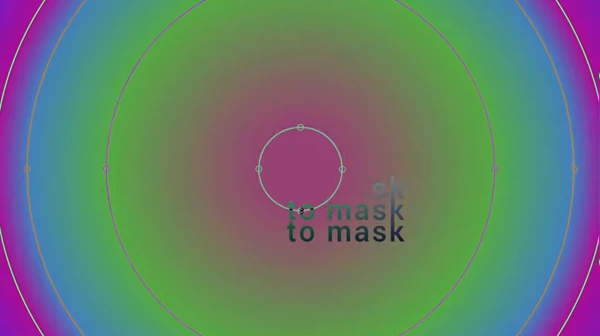
Another use for BAO Mask Gradient is creating pseudo depth maps.
A pseudo depth map uses different shades to represent depth in an image. With this plugin, you can create gradients between masks to build these changes in tone.
You can assign different colors to your masks and let the plugin generate the transitions between them. The result can be used to create a depth-like image based on the mask arrangement.
This is one of the more interesting uses of the plugin because the gradient follows your masks rather than a standard linear or radial direction.
Working With BAO Mask Gradient in After Effects
The basic process is simple:
Create the masks you want to use in After Effects.
Choose a color and opacity for each mask.
Use BAO Mask Gradient to generate the gradient between them.
Adjust the precision, dither, and overall opacity if needed.
Set the Composite Mode to control how the gradient blends with the original layer.
The main advantage of BAO Mask Gradient is the control you get from using masks as the basis for your gradients. It is a practical option for creating multi-color gradients, working with custom mask shapes, and building pseudo depth maps inside After Effects.

Files Password : gfxplugin.com OR 123456