Downloadable Files
You can download Morph Studio for free from the bottom of this page.
Morph Studio by Aescripts
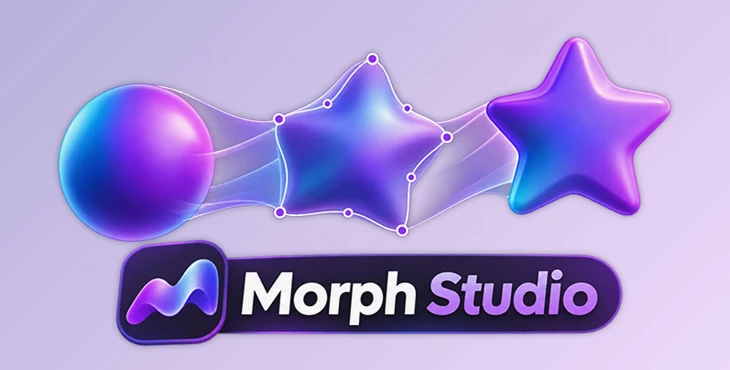
This After Effects tool helps you create smooth transitions between shapes by controlling how their points move from one position to another. You can guide the movement with pins, preview the result, and generate the animation when you are happy with it.
Morph Studio handles the calculations behind shape morphing while giving you control over the final animation. It also supports morphing between multiple shapes, animating text, and adding bounce effects to shape paths.
Create Shape Morphs with More Control
Morph Studio is a customizable morphing engine for Adobe After Effects. It changes one shape into another while letting you decide how different parts of the shapes should move.
One of its main features is point pairing. You can place pins and connect points between two shapes to guide the transition. This is helpful when you want specific parts of a shape to move in a certain direction.
The View Connections feature shows how the vertices of your shapes are connected. You can check these connections and adjust them if the movement does not look right.
You can also preview the transition before generating the final morph. This gives you a chance to improve the movement without immediately creating the animation.

Morph Between Multiple Shapes and Words
Morph Studio is not limited to transitions between two shapes. It also supports morph sequences, which let you create animations that move through several shapes.
You can build a sequence where one shape changes into another and then continues to the next. This is useful for animations that need several connected transformations.
Another feature is word morphing. Morph Studio can transform one word into another, giving text a different style of animation.
For typography projects, you can also generate separate individual shape layers. This means you can continue working on each generated layer independently rather than keeping everything together.
These options make Morph Studio suitable for both shape-based motion graphics and animated typography.
Animate Transforms, Colors, and Strokes
Morph Studio can animate more than the shape path itself. It also supports transitions between the original transform values and visual styles of your assets.
| Feature | What it does |
|---|---|
| Animate Transform | Animates between the original transform values of your shapes |
| Fill Color | Automatically transitions between fill colors |
| Stroke Color | Animates stroke colors during the morph |
| Stroke Width | Changes stroke thickness between shapes |
The Animate Transform option uses the assets as you originally placed them and animates their transform values along with the morph.
This helps when your shapes have different positions or other transform settings that need to change during the transition.
The automatic color and stroke animation also keeps the visual changes connected to the shape transformation.
Add Bounce to Shape Paths
Morph Studio includes a Shape Path Bounce feature that adds bouncing movement directly to the shape path.
You can control the bounce using simple settings without creating additional keyframes or editing expressions.
Unlike a basic movement effect applied to an entire layer, this feature adds bounce to the shape transformation itself. It gives you another way to change how the morph moves and settles.

Files Password : gfxplugin.com OR 123456