Downloadable Files
You can download reParent for free from the bottom of this page.
Animation Transfer and Control Tools
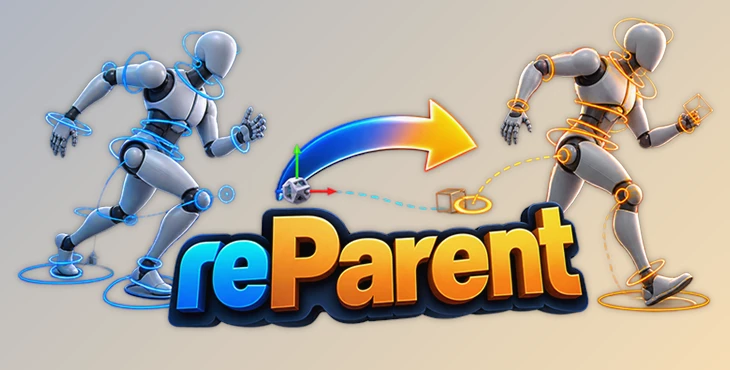
This tool for Autodesk Maya helps animators transfer animation from controls to locators, adjust existing movements, and work with character rigs without losing their animation.
One of its main purposes is to make animation polishing easier. It provides tools for changing rotation order, adjusting control orientation, creating IK systems, and managing relationships between controls. It also supports multiple selected controls, so animators can work with several parts of a rig together.
Transfer Animation and Adjust Character Movement
reParent lets you transfer animation from a control to a locator. This gives animators another way to work with existing movement when they need to polish or adjust a character's animation.
The tool also supports converting a walk cycle that stays in one place into a cycle that moves forward. This is helpful when an animator has created a repeating walking animation but needs the character to travel through the scene.
Another important feature is the ability to change the rotation order of animated controls while preserving their animation. Animators can adjust how a control handles rotation without having to recreate its existing movement.
Rigging and Control Features
Besides transferring animation, reParent includes several tools for working with FK controls, IK systems, and control relationships in Maya.
Its main features include:
FK Orientation Fix: Correct the orientation of controls in an FK system.
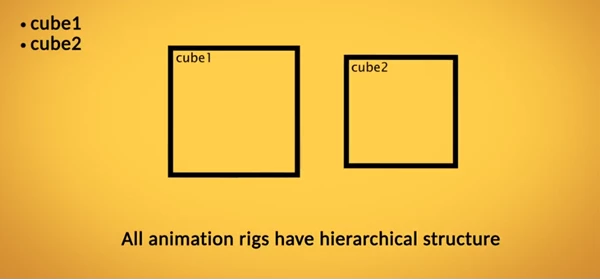
Control Reparenting: Reparent selected controls relative to the last selected control.
IK System Creation: Create an IK system for FK controls or joints, including stretchable IK and soft IK.
Global Control Creation: Create a Global control for selected controls.
Aim Locator Creation: Generate Aim locators for selected controls.
Base Key Preservation: Save the base keys of controls.
Multiple Control Support: Perform supported operations on several selected controls.
Collision Mode: An additional mode included in the tool.
These features cover different parts of the animation process. Control reparenting helps manage relationships between rig elements, while IK creation provides another way to work with FK controls and joints.
The Global and Aim locator tools add further control options. The ability to save base control keys is also relevant when working with existing animation.
Working With Multiple Controls
reParent is not limited to operations on a single control. It supports multiple selected controls, which is helpful when a rig contains several elements that need adjustment.
For reparenting operations, the tool uses the last selected control as the reference. Selected controls can then be reparented relative to that control.
This selection-based approach gives animators a way to manage control relationships directly within their existing rigs.
Installation and Maya Compatibility
reParent uses a MEL file for installation. To install the tool, drag and drop the MEL file into the Maya viewport.
The listed supported Maya releases are:
Software | Supported versions |
|---|---|
Autodesk Maya | 2016, 2017, 2018, 2019, 2020 |
Autodesk Maya | 2022, 2023, 2024 |
Maya 2021 and releases newer than 2024 are not included in the provided compatibility list, so their support is not confirmed.
Where reParent Fits Into Animation Work
reParent is designed for animators who need to modify existing character animation or adjust rig controls during production.
It is particularly relevant when converting stationary walk cycles into forward movement, correcting FK orientation, changing rotation order, or creating IK controls from an existing FK setup.
Its main focus is on giving animators more ways to work with existing animation and control systems in Maya, especially during the polishing stage.

Files Password : gfxplugin.com OR 123456