Downloadable Files
You can download Carousel for free from the bottom of this page.
Modern Carousel Animation Template for Premiere Pro
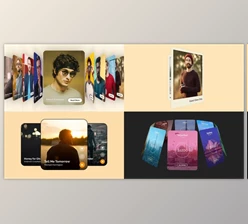
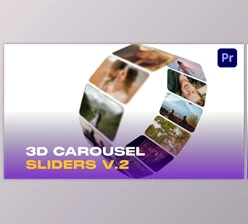
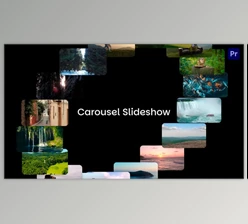
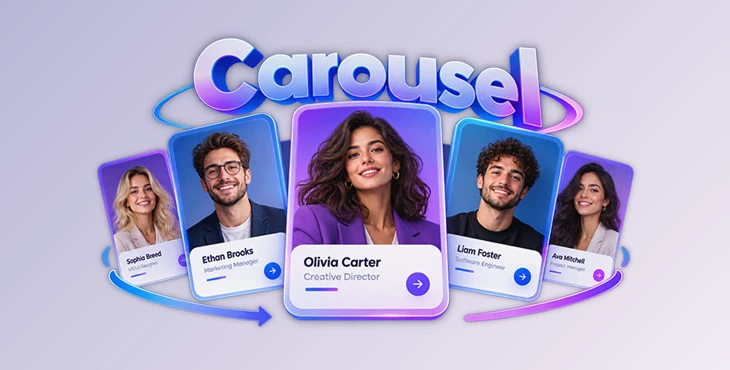
Carousel is a modern animation template for Adobe Premiere Pro that helps you present people, profiles, and visual content through smooth carousel transitions. It combines stylish profile cards with a clean design, making it a good choice for team introductions, employee showcases, portfolios, and corporate presentations.
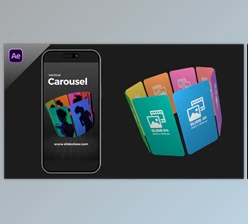
The template includes both horizontal and vertical layouts. You can replace the text, images, videos, and colors to match your project without building the animations from scratch.
Create Animated Profile Cards with Carousel
Carousel focuses on presenting information through animated cards. Each card can display media and text, while smooth transitions connect the different profiles.
This format works particularly well when several people or items need to appear in one video. For example, a company can introduce its employees through a series of profile cards rather than showing each person on a separate static slide.
The contemporary design also suits portfolio presentations and social media content where both visual style and clear information matter.
You can change the text, colors, and media to give the animation a different look while keeping the original carousel structure.
Customize Text, Colors, and Media
One of the main advantages of Carousel is its collection of editable placeholders. The template includes:
68 Text Placeholders: Add names, job titles, descriptions, and other written information.
34 Media Placeholders: Insert images or videos into the carousel cards.
Editable Colors: Adjust the colors to match your brand or project style.
These placeholders provide room for creating presentations with multiple profiles or visual elements.
The editing process is straightforward. Replace the placeholder content with your own text and media, then adjust the colors as needed.
A video tutorial is included to explain how to work with the template. Free fonts are also provided.
Horizontal and Vertical Video Formats
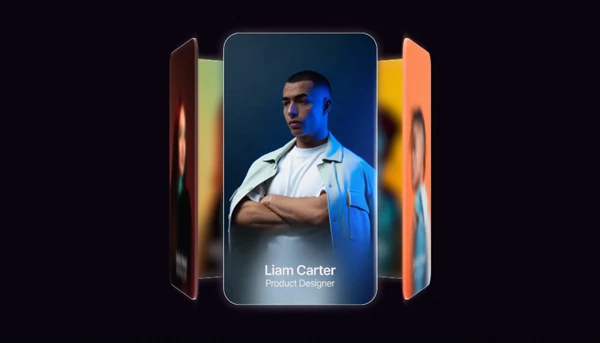
Carousel supports two video formats, allowing you to prepare animations for different types of content.
| Format | Resolution | Suitable Projects |
|---|---|---|
| Horizontal | 3840 × 2160 (4K) | Corporate videos, presentations, and portfolio showcases |
| Vertical | 1080 × 1920 | Social media videos and vertical profile presentations |
The horizontal format provides a 4K layout for widescreen projects, while the vertical format is designed for portrait-oriented content.
Having both options is helpful when the same style of carousel animation is needed for different video formats.
Premiere Pro Compatibility and Requirements
Carousel is designed for Adobe Premiere Pro 2026.3.0 and above.
The template does not require any additional plugins, so you can work with it directly in a compatible version of Premiere Pro.
All expressions are universalized, which means they are designed to work with Premiere Pro installations in different languages.
Keep in mind that the stated compatibility begins with Premiere Pro 2026.3.0. Support for older versions is not specified.

Files Password : gfxplugin.com OR 123456