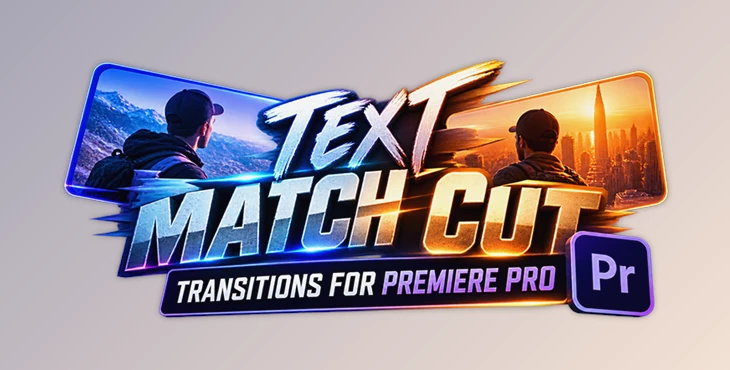
Downloadable Files
You can download Text Match Cut Transitions for Premiere Pro for free from the bottom of this page.
Text Match Cut Transitions for Premiere Pro
Text Match Cut Transitions for Premiere Pro is a collection of ready-to-use transition elements for Adobe Premiere Pro. The package helps editors add text-based match cut transitions to their videos without building every effect from scratch.
The transitions use a simple drag-and-drop method and can be customized to suit different projects. They work with both photos and videos, making the package suitable for different types of editing.
Create Text Match Cut Transitions with Drag and Drop
The main purpose of this package is to simplify the process of adding text match cut transitions in Premiere Pro.
Rather than creating each transition manually, you can use the included elements directly in your project. The drag-and-drop workflow keeps the process straightforward, even when working with several transitions in one video.
The package also supports full customization, so editors are not limited to using the elements exactly as provided. They can adjust the transitions to better match the style of their projects.
These ready-made elements are particularly helpful for editors who want to add text transitions while keeping their editing process simple.
Key Features
The package includes several features designed for a flexible Premiere Pro workflow:
Ready-to-use elements: Includes prepared transition elements that can be added to editing projects.
Drag-and-drop workflow: Add transitions without creating each effect manually.
Full customization: Customize the included elements to suit your video.
Photo and video support: Use the transitions with either type of media.
No additional plugins: The package works without installing third-party plugins.
Video tutorial: A detailed tutorial is included to explain how to use the elements.
Resolution and Frame Rate Compatibility
One important feature of Text Match Cut Transitions for Premiere Pro is its support for different project settings.
The transitions work with any FPS and resolution, so editors can use them in projects with different frame rates and output sizes.
The package is compatible with Adobe Premiere Pro CC 2025 and above. Earlier versions are not listed as supported.
Because no additional plugins are required, the transitions can be used directly within a compatible Premiere Pro environment.
Where Can You Use These Transitions?
Text Match Cut Transitions for Premiere Pro is designed for video projects that need text-based transitions between visual elements.
It can be used in edits containing video clips, photographs, or a combination of both. Its customizable elements also give editors flexibility when working with different visual styles.
The package is a practical option for projects that need ready-made text transitions without a complicated setup.

Files Password : gfxplugin.com OR 123456