Downloadable Files
You can download QUICKFILM v1 - LUT Pack for free at the bottom of this page.
Give Your Videos a Film-Like Look with QUICKFILM v1 - LUT Pack
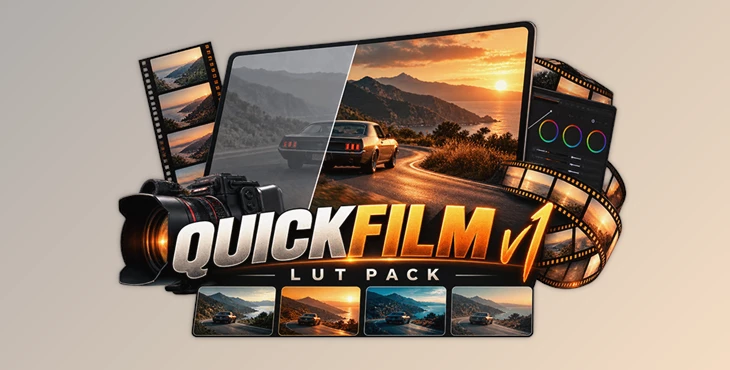
QUICKFILM v1 - LUT Pack by Jaydee Alberto is a collection of four LUTs designed to give digital footage a cinematic, film-inspired appearance. The looks combine rich contrast and soft highlights with a modern color style, offering a quick starting point for color grading without requiring a complicated editing process.
The pack supports camera LOG profiles and can be used in popular video editing and color grading software, including DaVinci Resolve, Adobe Premiere Pro, and Final Cut Pro.
Four Film-Inspired Looks
QUICKFILM v1 includes four distinct looks that bring the visual character of film into digital video projects. Rather than aiming for a purely vintage appearance, the pack blends traditional film aesthetics with a more contemporary finish.
The main characteristics include:
Rich Contrast: Adds depth and definition to footage through a stronger contrast profile.
Soft, Filmic Highlights: Gives brighter areas a softer appearance inspired by traditional film.
Four Color Looks: Provides four different starting points for achieving a film-like visual style.
Customizable Results: Allows adjustments to contrast, exposure, and saturation to better suit individual shots.
These looks are intended to provide an initial color treatment rather than a completely fixed result. Since footage can vary in brightness, color, and lighting conditions, the final appearance can be refined after applying a LUT.

How to Use QUICKFILM v1 LUTs
The workflow is straightforward and consists of three steps:
Apply the LUT: Drag and drop your chosen QUICKFILM LUT onto your footage, or apply it through your editing software's LUT controls.
Adjust the Image: Fine-tune contrast, exposure, and saturation based on the characteristics of your footage.
Finish Your Grade: Once the image has the desired appearance, continue with your video editing or color grading workflow.
The ability to adjust the image after applying the LUT is an important part of the process. A look that works well on one shot may require different exposure or saturation settings on another.
Compatible Software and Camera Profiles
QUICKFILM v1 - LUT Pack is designed for use with camera LOG profiles and supports several commonly used editing applications.
| Software | Compatibility |
|---|---|
| DaVinci Resolve Studio | Supported |
| DaVinci Resolve Free | Supported |
| Adobe Premiere Pro | Supported |
| Final Cut Pro | Supported |
| Other LUT-compatible software | Additional compatibility indicated |
The pack is described as available for all camera LOG profiles, although the source does not specify individual camera models or LOG formats.

Where Can QUICKFILM v1 Be Used?
The four looks are suitable for different types of video content, including films, commercials, and vlogs.
For narrative films, the LUTs offer a film-inspired color treatment with rich contrast and softer highlights. In commercial projects, they provide a starting point for creating a polished visual style while leaving room for adjustments to match the footage.
For vlogs and everyday video content, the simple application process makes it possible to introduce a cinematic appearance without building the entire look from scratch.
QUICKFILM v1 is particularly suited to editors and colorists who want a small collection of film-inspired looks that can be applied quickly and then customized for each project.

Files Password : gfxplugin.com OR 123456