Downloadable Files
You can download Prism Light Overlays for free at the bottom of this page.
Add Colorful Light Flares to Your Photos with Prism Light Overlays
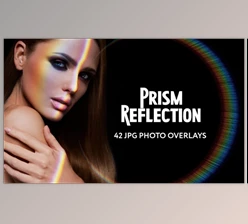
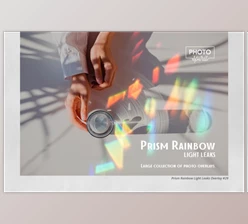
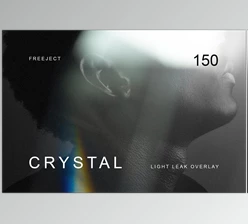
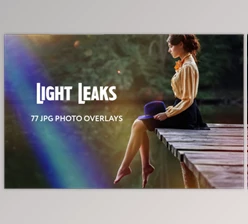
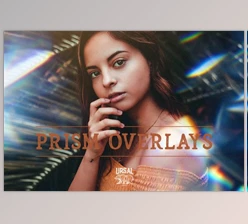
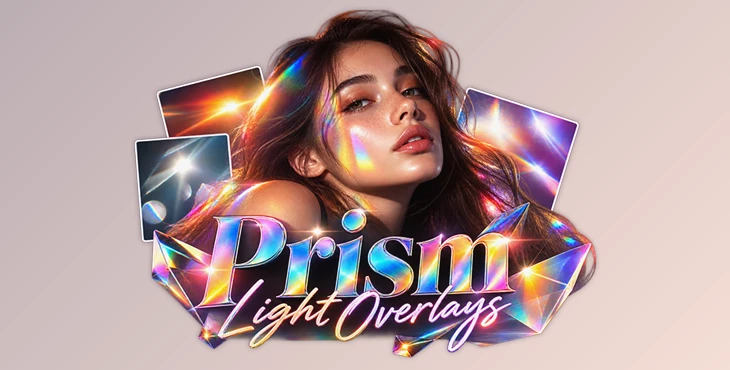
Prism Light Overlays by Team Skylum is a collection of 10 JPEG overlays designed to add shimmering lights, colorful flares, and atmospheric lighting effects to photographs. The pack gives photographers a way to introduce decorative light into an image, change its mood, or draw more attention to the main subject.
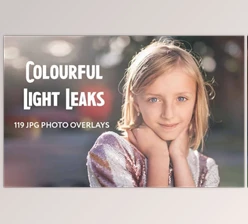
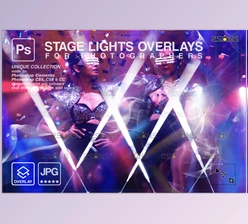
The overlays come in different colors and work well with many types of photography. You can use them in Photoshop or Luminar to add creative effects to your photos. Luminar also has tools like Layers and Portrait Background Removal, which give you more ways to use these overlays.
Create Atmospheric Lighting with Prism Effects
The main purpose of Prism Light Overlays is to introduce light effects that change how a photograph feels without requiring those effects to be captured during the original shoot.
Each overlay contains shimmering light or flare elements that can be incorporated into an existing photograph. Depending on the image and the overlay selected, these effects can add a colorful glow, create a more atmospheric appearance, or emphasize certain areas of the composition.
The collection is not limited to a particular type of photography. Portraits, creative compositions, and photographs from other genres can all be edited with these lighting elements.
One of the interesting aspects of the pack is its range of colors. Rather than applying the same lighting appearance to every photograph, users can choose an overlay that better suits the existing colors and atmosphere of their image.

What's Included in Prism Light Overlays?
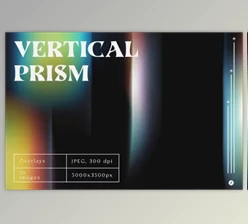
The collection contains 10 light overlays in JPEG format, each featuring shimmering lights and flares in various colors.
The pack focuses specifically on decorative lighting effects rather than general color correction or complete photographic presets.
Its main characteristics include:
10 JPEG Overlays: A collection of ready-made light effects that can be added to photographs.
Shimmering Light Effects: Lighting elements designed to create a more atmospheric appearance.
Colorful Flares: Different flare colors for changing the visual mood of an image.
Flexible Photography Styles: Effects that can be used with photographs from different genres.
Subject Emphasis: Lighting effects that can help draw attention to the main subject.
Because the overlays are supplied as JPEG images, they can be incorporated into photo-editing workflows that support working with image layers.
Using Prism Light Overlays in Luminar
Skylum recommends using these overlays with Luminar's Layers feature and/or its Portrait Background Removal tool.
Working with Layers
Luminar's Layers feature provides a way to combine a photograph with an overlay. This lets the lighting elements become part of the overall composition while keeping the original image as the foundation.
The selected overlay can be used to introduce additional light into a scene, giving the photograph a different atmosphere from the original.
Portrait Background Removal
The Portrait Background Removal tool offers another approach when working with photographs of people.
By separating the portrait subject from the background, users can incorporate lighting effects into the composition while maintaining a clearer distinction between the person and the surrounding visual elements.
This approach is particularly relevant when the goal is to make a portrait subject stand out through colorful lighting.
Where Can These Light Overlays Be Used?
Prism Light Overlays is intended for photographers and photo editors who want to introduce creative lighting into their images.
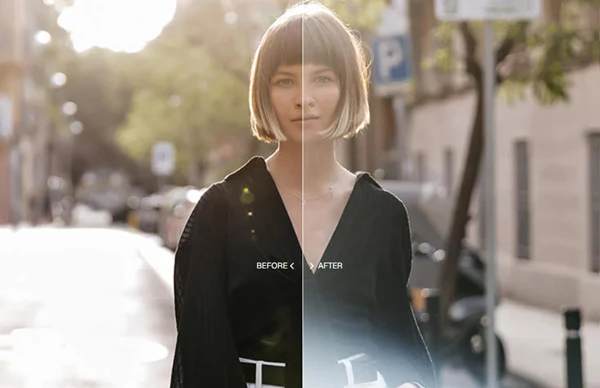
In portrait photography, colorful flares can contribute to the atmosphere around a subject or help direct the viewer's attention toward the person in the photograph.
For creative photo editing, the overlays can introduce shimmering highlights and colorful light elements that change the visual character of an existing image.
They can also be used when a photograph needs a more atmospheric appearance but the original lighting does not provide the desired effect.
The collection is particularly focused on adding visible lighting elements rather than replacing the photograph's overall colors or performing detailed retouching.
Created by Team Skylum, Prism Light Overlays offers a collection of light effects for photographers using Photoshop or Luminar. You can use these overlays to try different lighting styles and give your photos a fresh look.

Files Password : gfxplugin.com OR 123456