Downloadable Files
You can download AI Old Photo Restorer for free at the bottom of this page.
Bring Old Family Photos Back to Life with AI Old Photo Restorer
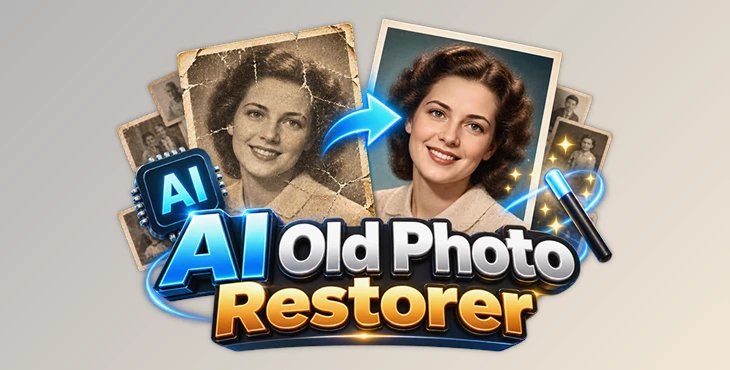
This tool uses artificial intelligence to restore old family photos by reducing blur, fixing faded colors, removing scratches, and sharpening faces. It runs entirely on your PC, so your photos stay on your computer throughout the restoration process.
Restore Old Photos with AI
Old photographs can lose their clarity over time. Faces may become blurry, details can fade, and scratches or grain can affect the overall image quality. AI Old Photo Restorer by smartus is designed to address these common problems without requiring advanced photo editing skills.
The software uses AI to improve the appearance of old photographs, helping bring back facial details and making damaged or faded images clearer. It works with digital photos and scanned prints, making it suitable for restoring family pictures that have been stored for years.
One of its main advantages is its offline workflow. The restoration process runs entirely on your own computer, so you do not need to upload personal photographs to an online service.
Key Restoration Features
AI-Powered Face Sharpening
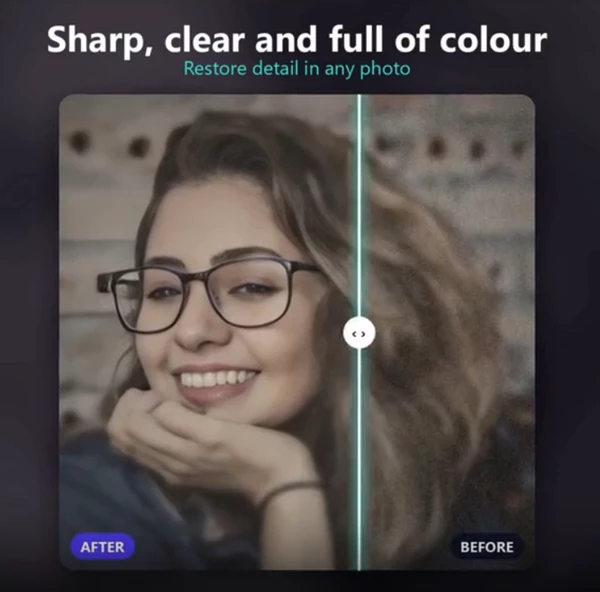
Faces are often the most important part of an old family photograph, but they can also be among the hardest details to see clearly. AI Old Photo Restorer focuses on sharpening faces to improve their visibility and definition.
This feature is particularly relevant when restoring portraits or family photographs where facial details have become unclear over time.
Fix Blur, Fading, and Scratches
The software combines several restoration functions in one process:
Blur reduction: Improves the clarity of blurry photographs.
Fade correction: Helps recover the appearance of faded images.
Scratch removal: Addresses scratches on old photographs.
Grain reduction: Reduces visible grain in the image.
Face sharpening: Enhances the clarity of people's faces.
These functions help address several common signs of aging in photographs without requiring users to apply separate manual editing steps.
How to Restore a Photo
AI Old Photo Restorer uses a simple three-step workflow, from opening the original image to saving the restored result.
Open your photo: Select a JPG, PNG, or scanned copy of an old printed photograph from your PC.
Press Restore: Let the AI process the image, reduce blur and grain, address fading and scratches, and sharpen faces.
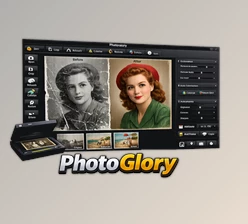
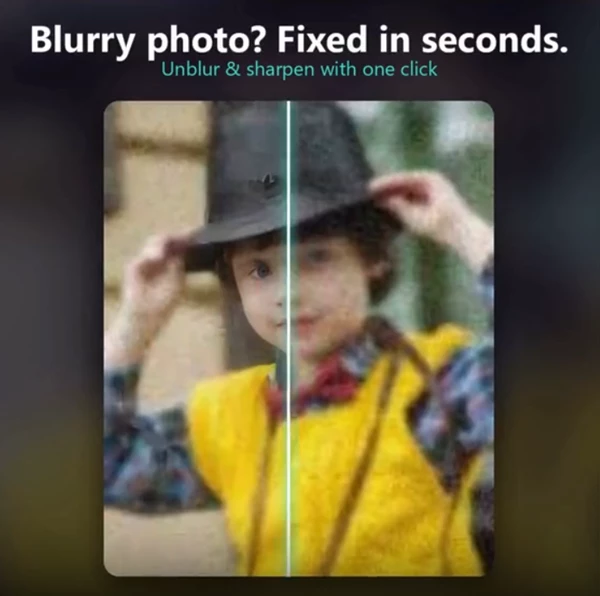
Compare and save: Use the before-and-after slider to compare the original with the restored result, then save a new copy next to the original file.
The software is designed for straightforward use, so you do not need professional editing experience to follow this process.
Supported Image Formats and Offline Privacy
AI Old Photo Restorer supports JPG and PNG images, including scanned copies of printed photographs. This makes it suitable for working with both existing digital pictures and photographs that have been digitized for preservation.
Another defining feature is its fully offline operation. The AI runs on your PC, and your photos remain on your computer instead of being sent to an online restoration service. This is especially relevant when working with personal family archives and photographs containing private memories.
When Is AI Old Photo Restorer Useful?
AI Old Photo Restorer by smartus is designed for people who want to improve old photos without using complicated editing tools. It can be useful for:
Restoring faded family photos.
Making blurry photos clearer.
Reducing scratches and grain in old pictures.
Improving facial details in scanned photos.
Creating clearer digital copies of old family pictures.
The tool combines automatic photo restoration, face sharpening, and offline processing to help preserve old photos.
AI Old Photo Restorer by smartus uses AI to improve the look and clarity of old photographs. It supports JPG and PNG files and offers a simple restoration process. Since it works directly on your PC, you can restore old family photos without uploading them online.

Files Password : gfxplugin.com OR 123456