Downloadable Files
You can download ergoSKETCH - Procreate Brushset for free from the bottom of this page.
From Rough Sketches to Clean Lines with 20 Procreate Brushes
Finding the right brushes for digital drawing can take a lot of trial and error. Some brushes work well for quick sketches but feel too soft for clean lines. Others are great for details but don't give you the natural feel you want when shading.
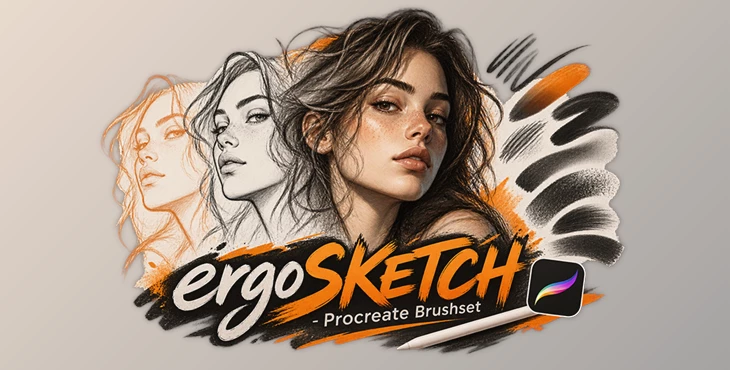
ergoSKETCH - Procreate Brushset is a collection of 20 brushes created by ergojosh for Procreate. Developed and refined over more than eight years, the pack brings together brushes for sketching, linework, shading, and blending. The goal is to give artists a practical set of drawing tools without filling their brush library with unnecessary options.
20 Brushes for Different Drawing Stages
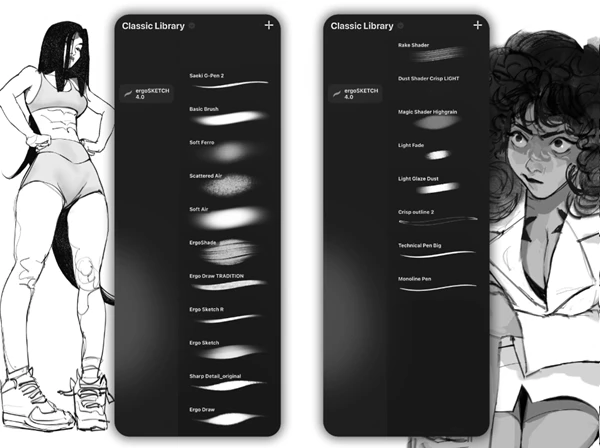
The brushset contains 20 brushes organized into five groups. Each group focuses on a different part of the drawing process, although you're free to combine the brushes however you like.
Here's what you can expect from the main brush categories:
Loose & Light Sketch Brushes: Designed for rough sketches, early ideas, and lighter drawing strokes.
Crisp & Dark Linework Brushes: Suitable for creating stronger outlines, defined shapes, and clean details.
Shading Brushes: Help add shadows, depth, and tonal variation to drawings.
Blending & Softening Brushes: Used to soften transitions and blend different areas of an illustration.
This selection covers several important stages of digital drawing. You can begin with loose lines, develop the details, and work on shading without constantly switching between unrelated brush collections.
A Refined Collection Built Around Everyday Drawing
One interesting thing about ergoSKETCH is how the creator has developed the collection over time.
Rather than simply adding more brushes, ergojosh has focused on refining the existing selection. Some brushes have been redesigned, others have been improved, and a few have remained unchanged because they already work well.
The result is a smaller, more focused collection that the creator continues to use for personal drawings.
The brushes are also organized to make them easier to find. However, the categories are not strict rules. A sketch brush might fit your linework style, or a shading brush might produce an interesting texture elsewhere in your drawing.
Procreate Compatibility and Learning Resources
The brushes are updated to work with current versions of Procreate.
The creator also provides how-to videos on YouTube, which can help you understand how the brushes behave and how they fit into different drawing techniques.
With more than 15,000 artists having used the collection, ergoSKETCH has become an established part of many digital drawing workflows.
Is ergoSKETCH Right for Your Drawing Style?
ergoSKETCH - Procreate Brushset is worth considering if you prefer a compact collection that covers several drawing tasks rather than a large library of specialized brushes.
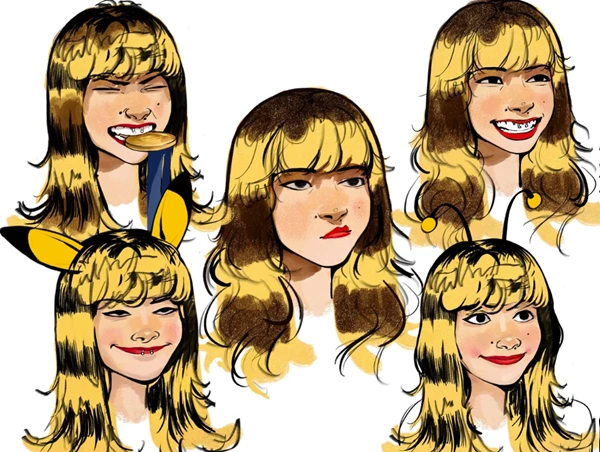
Its main strength is the balance between loose sketching, defined linework, shading, and soft blending. The brushes are designed to work together, but there's still room to develop your own approach.
For Procreate artists who want a focused set of tools for everyday illustration and sketching, ergoSKETCH offers a practical starting point.

Files Password : gfxplugin.com OR 123456