Downloadable Files
You can download BroDynamics for free at the bottom of this page.
Add Natural Overlap and Spring Motion to Maya Animations
Adding realistic secondary motion to an animation can take a lot of keyframing. A character's tail needs to follow the body, ears should react to movement, and objects often need a natural bounce or overshoot.
BroDynamics is a simulation tool for Autodesk Maya that handles these movements using physics-based animation. It helps animators create spring motion, overlaps, drag, procedural noise, and object-throwing effects without manually animating every detail.
The tool works with different types of rigs and offers several simulation modes for both simple and complex animation tasks.
Simulation Modes in BroDynamics
BroDynamics includes five main simulation modes, each designed for a different type of movement.
Single Object Springs: Adds spring-like movement, overshoot, and follow-through to individual objects.
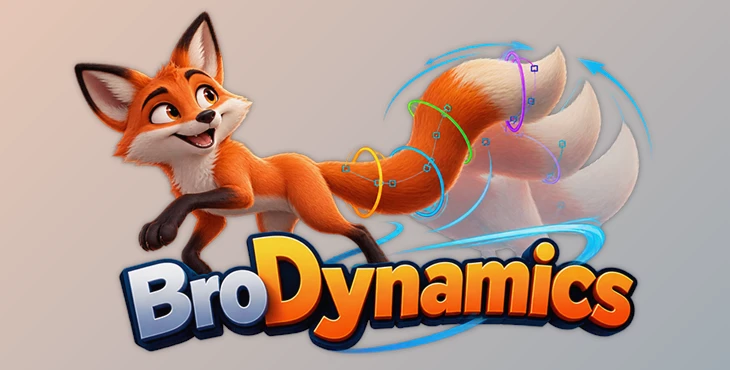
FK-Chain Simulation: Creates overlapping motion across connected controls, making it suitable for tails, ears, antennas, and similar character parts.
Thrower: Simulates objects being thrown or dropped, including rigid-body movement and precise collisions.
Attribute Spring: Applies spring motion to animation attribute curves rather than only object transforms.
Procedural Noise: Generates noise-based movement for animations that need additional variation.
These modes cover different animation needs, from subtle secondary motion to objects interacting through collisions.
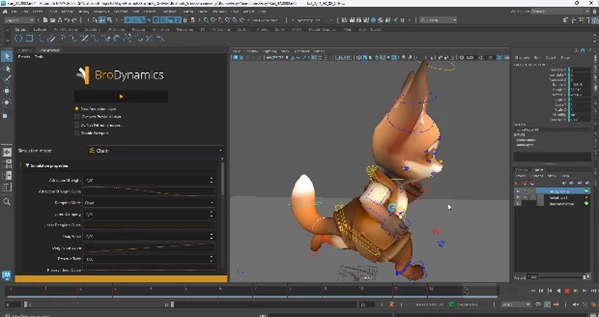
Multiple Physics Engines for Different Tasks
One of the main differences between BroDynamics and simpler spring animation tools is its support for multiple physics backends.
The available options include:
Custom Physics Engine developed specifically for BroDynamics
Maya nHair
Maya nParticle
SpringMagic-like algorithm
Bullet
Having several simulation systems gives animators more flexibility when working with different types of movement.
How the Simulation Workflow Works
BroDynamics keeps the basic workflow straightforward. You don't need to build a complicated simulation setup before getting started.
Select Objects → Choose Simulation Mode → Adjust Parameters → Simulate
Once the simulation is complete, you can change the parameters and run it again if the motion doesn't look right.
For instance, you can create a few key poses for a character's tail and use FK-Chain simulation to generate the overlapping movement between its controls.
The tool also supports seamless animation loops in almost every simulation mode, which is helpful when working on repeating movements.
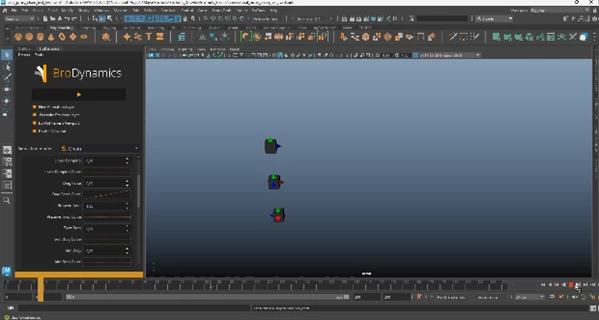
Rig Compatibility and Animation Controls
BroDynamics works with any Maya rig that uses transform controls. It supports:
IK and FK controls
Joints
Geometry
Other transform-based objects
This means you can apply simulations to different rig structures without needing a special rig built specifically for the tool.
It also supports spring motion on attribute curves, extending its use beyond standard object movement.
Production Features and Animation Layers
BroDynamics includes several features designed for animation production, particularly when multiple characters, objects, or animators are involved.
Animation Layer Support
Simulations can be baked onto existing or new animation layers. You can also re-simulate the last layer, keeping simulated movement separate from other animation work.
Batch Simulation
Batch simulation lets you process multiple objects in one operation rather than running each simulation separately.
Reusable Simulation Settings
Simulation data can be stored inside a rig scene, allowing animators to reuse the same settings on a character.
You can also save and load settings through configuration files, making it easier to share simulation setups across a team.
Centralized Installation
BroDynamics supports centralized network installation for larger production environments.
Where BroDynamics Fits into Maya Animation
BroDynamics is especially useful for animations that need extra movement or realistic reactions to motion.
Some practical uses include:
Character Animation: Adding natural movement to tails, ears, antennas, and other flexible body parts.
Object Animation: Creating bouncing, dragging, and spring-like motion.
Throwing and Dropping Objects: Simulating rigid-body movement with collisions.
Looping Animation: Generating repeating secondary motion for animation cycles.
Procedural Movement: Adding noise or spring effects to animation curves.
BroDynamics is a practical addition to Maya for animators who want physics-based movement while keeping control over their existing rigs and keyframe animation.

Files Password : gfxplugin.com OR 123456