Downloadable Files
You can download HydroFX for free from the bottom of this page.
Create Realistic Water Effects with GPU-Powered Fluid Simulation
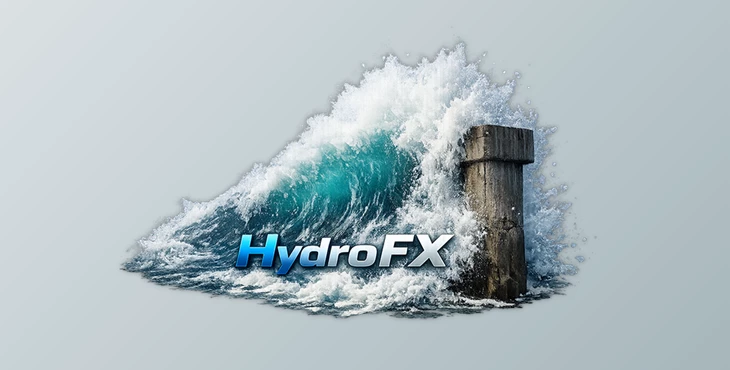
HydroFX is a standalone fluid simulation tool from Storm VFX that lets you create realistic water effects using a GPU-accelerated FLIP solver. It handles everything from flowing water and splashes to more detailed simulations involving foam, bubbles, and spray.
The software is built on Storm (The Simulation Tool), but takes a simpler approach with a node-free interface. It runs on Windows with Nvidia GPUs and supports importing 3D geometry, interacting with simulations in real time, and exporting results for further work.
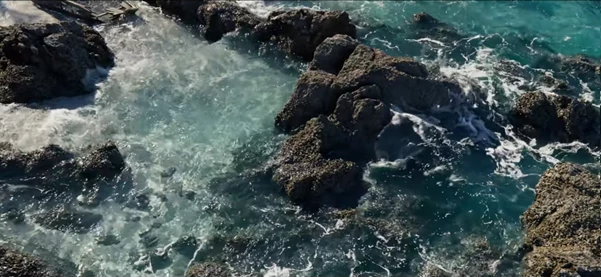
Simulating Water with HydroFX's FLIP Solver
HydroFX uses a FLIP fluid solver designed to simulate how water moves and reacts to its surroundings. You can create water flowing around objects, crashing into surfaces, or interacting with animated geometry.
One of its more interesting features is the ability to use imported 3D objects in different ways. An object can act as a water source, a collision surface, or a force that changes how the liquid moves.
The solver also includes a few features worth knowing about:
GPU acceleration: Uses Nvidia GPUs to process fluid simulations faster than traditional CPU-based solvers.
Adaptive domain: Adjusts the simulation area to help reduce memory usage.
Direct surface output: Generates water surfaces that can be used for initial renders.
Resolution control: Lets you increase simulation detail while keeping the general movement of the water consistent.
Interactive simulation: Allows you to interact with the water while the simulation is running.
These controls give you room to work on both simple water movements and more demanding scenes with multiple objects and collisions.
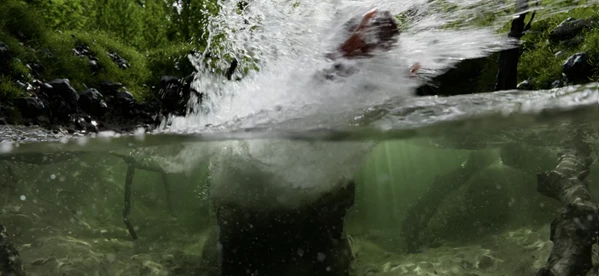
Adding Foam, Bubbles, and Spray
Water simulations often need more than the main liquid surface to look convincing. A wave hitting a pier, for instance, can produce spray above the water, foam along the surface, and bubbles beneath it.
HydroFX handles these details through its whitewater simulation system.
You can generate millions of foam, bubble, and spray particles alongside the main water simulation. There's also a dedicated Whitewater System object for running these effects as a separate pass.
This gives you two ways to work: simulate the water and whitewater together, or handle the secondary particles separately when you need more control over that part of the scene.
Importing Geometry and Exporting Simulations
HydroFX doesn't require you to build every object inside the application. You can bring in geometry created elsewhere and use it directly in your water simulations.
It supports OBJ and Alembic for importing geometry. These objects can then be assigned as emitters, colliders, or forces.
Once your simulation is ready, you have several export options:
| Format | Purpose |
|---|---|
| Alembic | Exporting simulation caches |
| VDB | Exporting simulation data |
| USD | Exporting particle caches |
| Playblast | Creating quick simulation previews |
The export options are helpful when HydroFX is only one part of your 3D workflow. You can prepare a scene in another application, simulate the water in HydroFX, and export the results for the next stage of production.
A Simpler Way to Work with Fluid Simulations
HydroFX shares its interface design with Storm, so anyone familiar with Storm should recognize the layout and controls.
The main difference is that HydroFX removes the node-based workflow and focuses specifically on fluid simulation.
You still get the controls needed to work with animated scenes, including keyframes, expressions, forces, and a fast viewport.
You can also interact with a simulation while it's running, rather than waiting until the entire calculation finishes before checking how the water behaves.

Files Password : gfxplugin.com OR 123456